5 Best Online Gradebook Software For Teachers In 2026
If you’re still tracking grades in a spreadsheet that crashes every other Tuesday, it might be time for an upgrade. Online gradebook software for teachers has come a long way, and the best options in 2026 make grading faster, reporting cleaner, and your evenings a little more your own. The right tool can genuinely cut hours off your weekly workload, and that’s not an exaggeration.
Here at The Cautiously Optimistic Teacher, we’re all about helping educators work smarter with practical tools and strategies that actually hold up in a real classroom. We’ve spent time testing and comparing gradebook platforms so you don’t have to sort through dozens of options on your own. Whether you need something free and simple or a full-featured system with attendance tracking and parent portals, this list has you covered.
Below, you’ll find five of the best online gradebook tools available right now, broken down by features, pricing, and ease of use. Each pick was evaluated with individual teachers in mind, not just district-level buyers. By the end, you’ll have a clear sense of which platform fits your needs without the guesswork.
1. ThinkWave
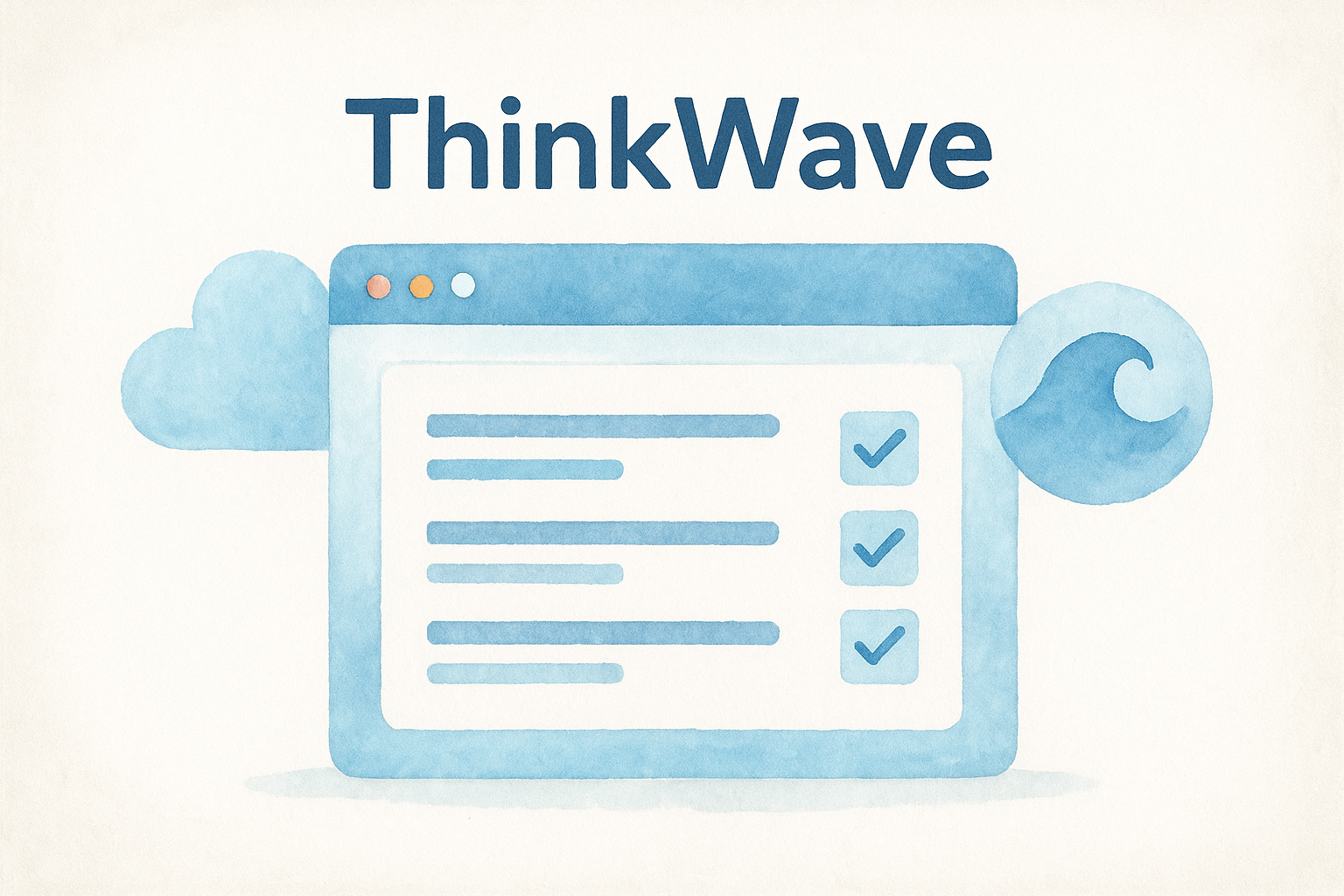
ThinkWave is one of the most widely used pieces of online gradebook software for teachers who operate independently from a school-wide platform. It runs entirely in your browser, so there’s no software to download, and your grade data stays accessible from any device you log into. It’s a practical first pick if you want a focused gradebook without a steep learning curve.
What ThinkWave does best in a classroom gradebook
Your grading stays organized in ThinkWave without overwhelming you with settings. You can manage multiple classes and student rosters from a single dashboard, which makes it useful if you teach several sections or subjects. The interface is clean enough that most teachers feel comfortable with it within a day.
Key strengths at a glance:
- Supports multiple classes under one account
- Runs on any browser without downloads
- Simple, low-friction interface for day-to-day grading
How grading, categories, and reports work
Setting up weighted grading categories like homework, quizzes, and tests is straightforward, and you attach individual assignments to each category as you go. The system calculates final grades automatically based on your weights, so the math happens without any extra effort on your part. Progress reports and grade summaries are printable and broken down by student or by assignment.
Generating a printable progress report in ThinkWave takes just a few clicks, which is a real time-saver at the end of a marking period.
Parent and student access options
Parents and students each get their own login portals, so they can check grades at any time without contacting you directly. Parents see assignment scores, missing work, and the current grade breakdown all in one view. That level of visibility tends to reduce the volume of grade-related emails you get each week.
Best fit for these teacher setups
This tool fits best if you’re an independent or private school teacher without a district-assigned platform. It also suits tutors and small learning centers that need a simple, reliable grade-tracking system without paying for features they won’t use.
Pricing and plan limits to know
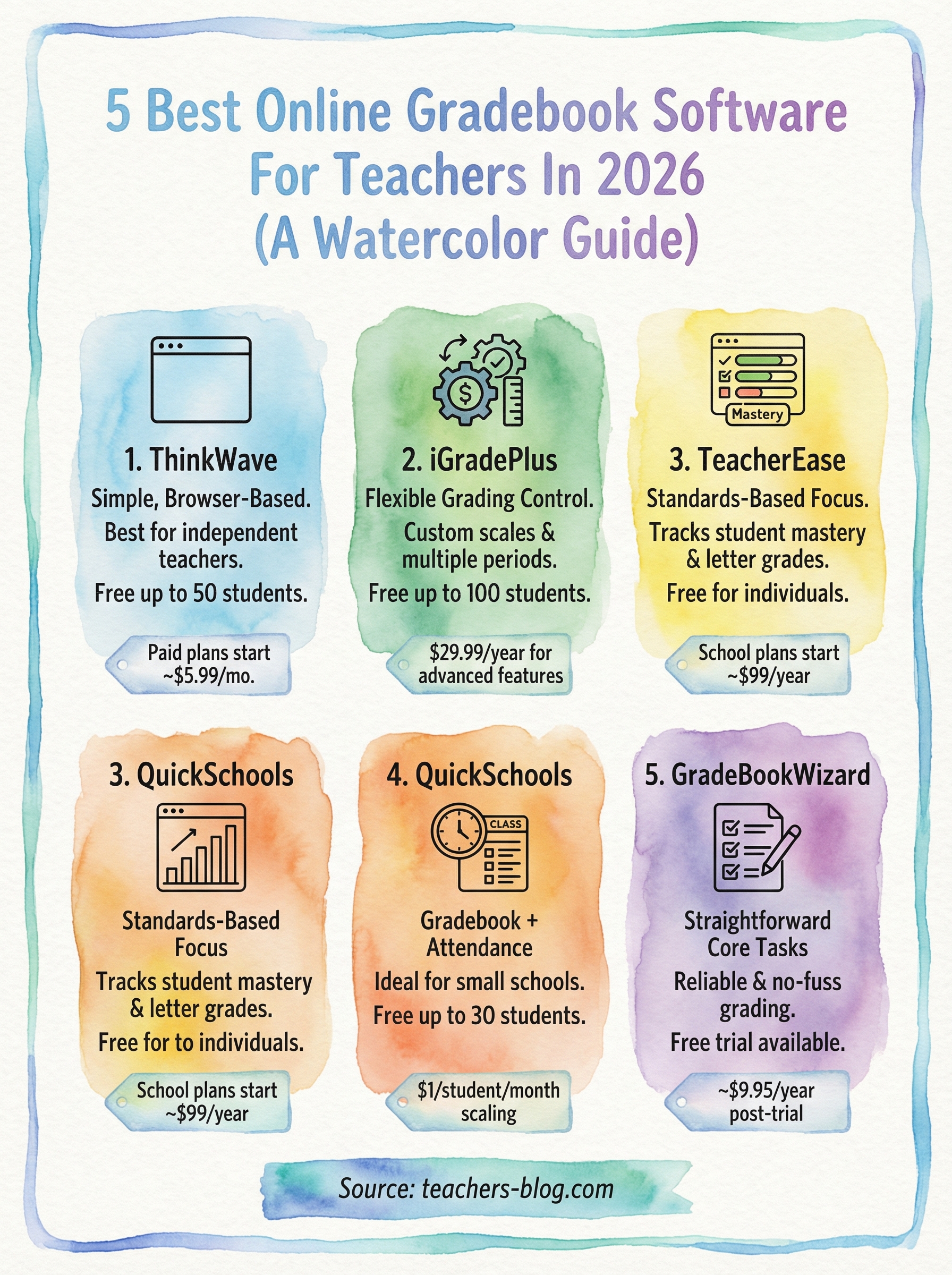
The free plan covers up to 50 students, which works well for many individual teachers. Paid plans start around $5.99 per month and remove the student cap entirely. The free version does include ads, so factor that into your decision before committing.
2. iGradePlus
iGradePlus gives teachers flexible grading control in a clean web-based setup. It functions well as standalone online gradebook software for teachers who want more customization than basic tools allow.
What iGradePlus does best in a classroom gradebook
The platform lets you define custom grading scales, choosing between letter grades, percentages, or standards-based scoring to match your classroom exactly. You can also manage multiple classes and grading periods all from one account without juggling separate logins.
- Custom letter, percentage, or standards-based scales
- Multiple classes and sections under one login
- Flexible grading period management
How grading, categories, and reports work
You build your gradebook with weighted assignment categories and let the system auto-calculate final grades as scores come in throughout the term. Progress reports generate quickly and support multiple export formats at the end of any marking period.
iGradePlus lets you export grade summaries in several formats, which cuts down your end-of-term reporting time noticeably.
Parent and student access options
Parents and students each get separate login portals with real-time grade visibility. Students can track their running averages and individual scores without coming to you every time they want an update.
Best fit for these teacher setups
This tool works best for teachers running non-standard grading systems or managing several subjects with different grade structures inside one account.
Pricing and plan limits to know
The free plan covers up to 100 students, which handles most individual classrooms without an issue. Paid plans run around $29.99 per year and unlock more advanced reporting and analytics features.
3. TeacherEase
TeacherEase is a web-based platform built around standards-based grading, which sets it apart from most basic gradebook options. It fits well in both traditional and competency-based classrooms, so it’s worth a close look if you track student mastery alongside letter grades.

What TeacherEase does best in a classroom gradebook
TeacherEase handles standards alignment better than most tools at this price point. You can map individual assignments directly to specific learning standards, which builds a detailed record of student mastery over time rather than just a cumulative average.
- Standards-aligned assignment mapping
- Multi-class management from a single account
- Supports both traditional and mastery-based scoring
How grading, categories, and reports work
You configure weighted grading categories and the system automatically calculates final grades as you enter scores throughout the term. Reports combine standards progress and overall grade data into formats you can print or share at the end of any marking period.
TeacherEase reports break down mastery by standard and student, which makes parent conferences noticeably more focused.
Parent and student access options
Parents and students each get dedicated login portals with real-time visibility into grades, assignment scores, and standards progress. That transparency reduces the routine grade check emails that tend to pile up mid-term.
Best fit for these teacher setups
This online gradebook software for teachers suits those working in standards-focused or competency-based schools where tracking mastery carries as much weight as the final grade.
Pricing and plan limits to know
TeacherEase offers a free plan for individual teachers covering core gradebook features. School-level subscriptions with advanced reporting tools start around $99 per year.
4. QuickSchools
QuickSchools is a web-based school management platform with a strong online gradebook software for teachers built right in. It handles more than just grades, making it a practical choice if you want attendance, scheduling, and grade tracking all under one login.
What QuickSchools does best in a classroom gradebook
QuickSchools stands out by combining a full gradebook with built-in attendance tracking inside a single dashboard. You can manage class rosters and daily attendance alongside your grades without toggling between separate tools. The interface stays clean and approachable even with that expanded feature set.
- Gradebook integrated with attendance tools
- Multi-class and multi-subject support
- Straightforward dashboard layout
How grading, categories, and reports work
You configure weighted assignment categories and the platform automatically calculates running averages as scores come in. End-of-term reports pull grade and attendance data together, so you spend less time gathering information from different places before reporting deadlines.
QuickSchools combines grade and attendance data in a single report, which cuts real time off your end-of-term workload.
Parent and student access options
Parents and students each get dedicated portal access with live grade updates throughout the term. Students can check their individual scores and current standing without needing to contact you for a progress update.
Best fit for these teacher setups
QuickSchools fits best at small private schools or microschools that need lightweight administrative tools alongside a dependable gradebook.
Pricing and plan limits to know
QuickSchools offers a free plan covering up to 30 students. Paid plans start around $1 per student per month and scale based on your total enrollment.
5. GradeBookWizard
GradeBookWizard is a straightforward piece of online gradebook software for teachers who want reliable grade tracking without a complicated setup. It runs entirely in your browser and focuses on the core tasks most teachers actually need: entering grades, monitoring student progress, and generating reports without friction.
What GradeBookWizard does best in a classroom gradebook
GradeBookWizard keeps the grading process simple and repeatable. You can manage multiple classes and grading periods from one account, and the consistent layout means you spend less time navigating and more time actually recording grades.
- Multiple classes and grading periods under one login
- No software installation required
- Clean interface with minimal setup time
How grading, categories, and reports work
You build weighted assignment categories and the platform calculates student averages automatically as scores come in throughout the term. Printable progress reports generate quickly and deliver a clean summary by student or by assignment at the close of any marking period.
GradeBookWizard keeps report generation fast, which matters most when you’re working against a tight reporting deadline.
Parent and student access options
Parents and students get read-only portal access to live grade data throughout the term. That visibility gives families a clear view of current scores and overall standing without requiring you to send individual progress updates manually.
Best fit for these teacher setups
This tool works best for individual classroom teachers who need a dependable gradebook focused on core grading tasks without paying for administrative features they’ll never use.
Pricing and plan limits to know
GradeBookWizard offers a free trial period for new users to test the platform before committing. Paid plans run around $9.95 per year, which makes it one of the most affordable standalone options on this list for teachers who just need the basics done well.
Next Steps
You now have five solid options for online gradebook software for teachers across different budgets and classroom setups. If you want something free with generous student limits, iGradePlus is the easiest starting point. If attendance tracking matters as much as grades, QuickSchools fits better. If standards-based grading is your priority, TeacherEase handles it better than most tools at its price.
Start by picking the one that matches your current classroom size and grading style, then run a free trial before committing to any paid plan. Most of these platforms let you test core features without entering a credit card, so there’s no real risk in trying a couple before deciding.
Getting your gradebook under control is one piece of a bigger puzzle. If you want more practical tools and strategies that hold up in a real classroom, explore everything we have waiting for you at The Cautiously Optimistic Teacher.