ClassDojo Classroom Management: Setup, Points, And Routines
ClassDojo is one of those tools that either runs like clockwork or turns into a chaotic point-free-for-all, and the difference comes down to how you set it up. If you’ve been searching for a solid approach to ClassDojo classroom management, you’re probably past the "download and hope" phase and ready for something that actually sticks. Good. That’s exactly where this guide picks up.
Here at The Cautiously Optimistic Teacher, we focus on giving educators practical strategies and tools that make classrooms work better, not just shinier. ClassDojo fits right into that mission when it’s used with intention. A well-structured point system paired with clear routines can genuinely shift student behavior and save you from repeating yourself forty times before lunch. But a poorly planned one? That just adds one more thing to manage.
This article walks you through setting up ClassDojo from scratch, building a point system students actually care about, and creating daily routines that keep everything consistent. Whether you’re brand new to the app or resetting after a rough start, you’ll leave with a clear, repeatable framework you can put into action tomorrow. No fluff, no guesswork, just the steps that matter.
What ClassDojo does and when to use it
ClassDojo is a behavior tracking and communication platform built for K-12 classrooms. At its core, it lets you award or remove points for specific behaviors, monitor trends over time, and share progress directly with families through the app. Used well, ClassDojo classroom management becomes less about policing behavior and more about building a consistent, visible system that students can actually buy into.
The core features at a glance
The app breaks down into a few key areas: student points, classroom reports, and a messaging tool for families. You can customize which behaviors earn or lose points, display a live class view on your projector, and send updates to parents without ever picking up the phone. These features work together, but you don’t need to use all of them at once to see results.
Start with points and the class display. Once those routines feel solid, layer in the family communication tools.
When ClassDojo fits your classroom
ClassDojo works best when you need a visual, real-time feedback system that keeps students aware of their behavior without turning every correction into a confrontation. It’s particularly effective in elementary and middle school settings where external motivation still plays a strong role. If your class already runs on trust and intrinsic motivation alone, you may find it adds more overhead than value.
Your setup also matters. The tool fits less well in classrooms where a visible screen or projector isn’t available, or where parent communication runs through a separate district platform that staff are required to use. Knowing these limitations upfront helps you decide how much of ClassDojo to actually lean on, rather than committing fully to a system that won’t land in your specific context.
Step 1. Set up your class and invite families
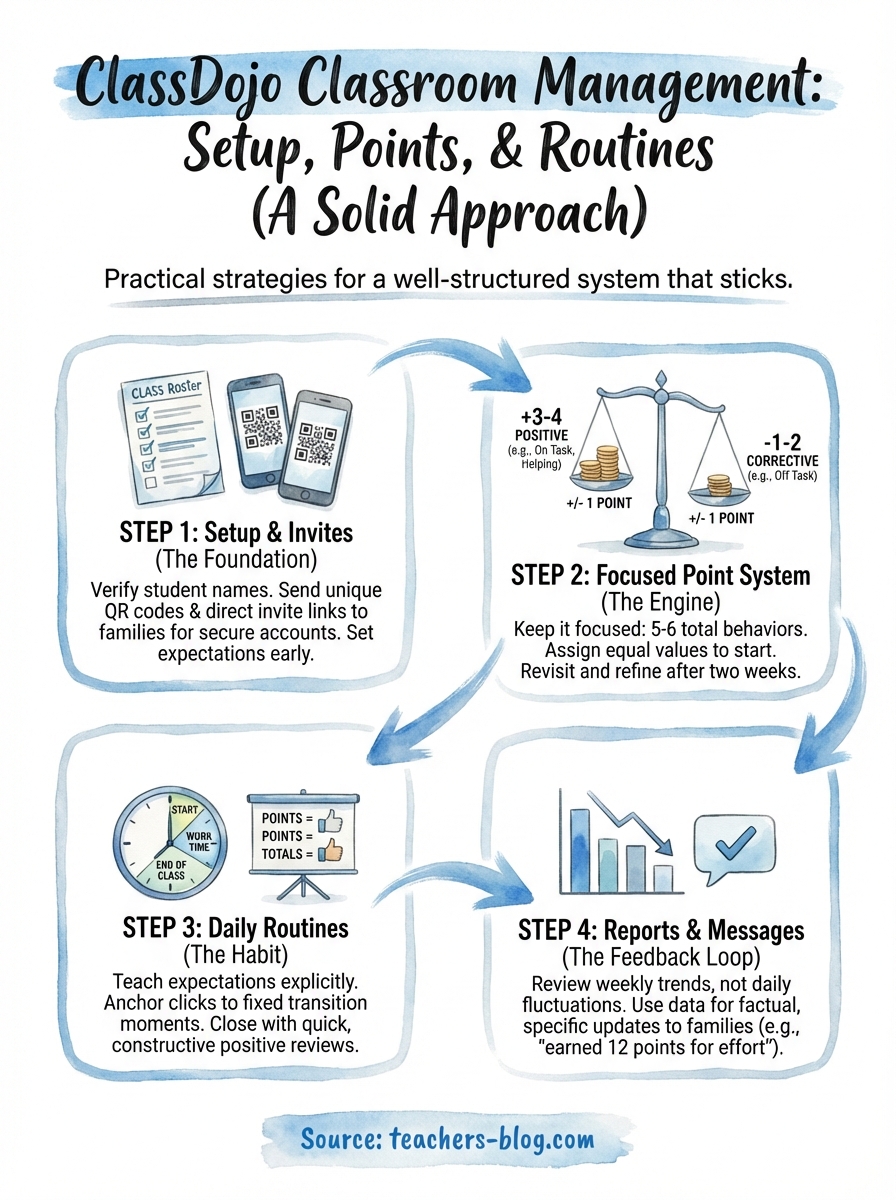
Getting your class profile right from day one is the foundation of solid ClassDojo classroom management. Log into ClassDojo, click "Create a new class," and fill in your class name and grade level. Add students manually, or import a list if your school uses a supported student information system. Double-check each name before moving on, since families connect to student accounts by name.
Spend five minutes verifying names before sending family invites; a mismatch forces you to merge or delete accounts later.
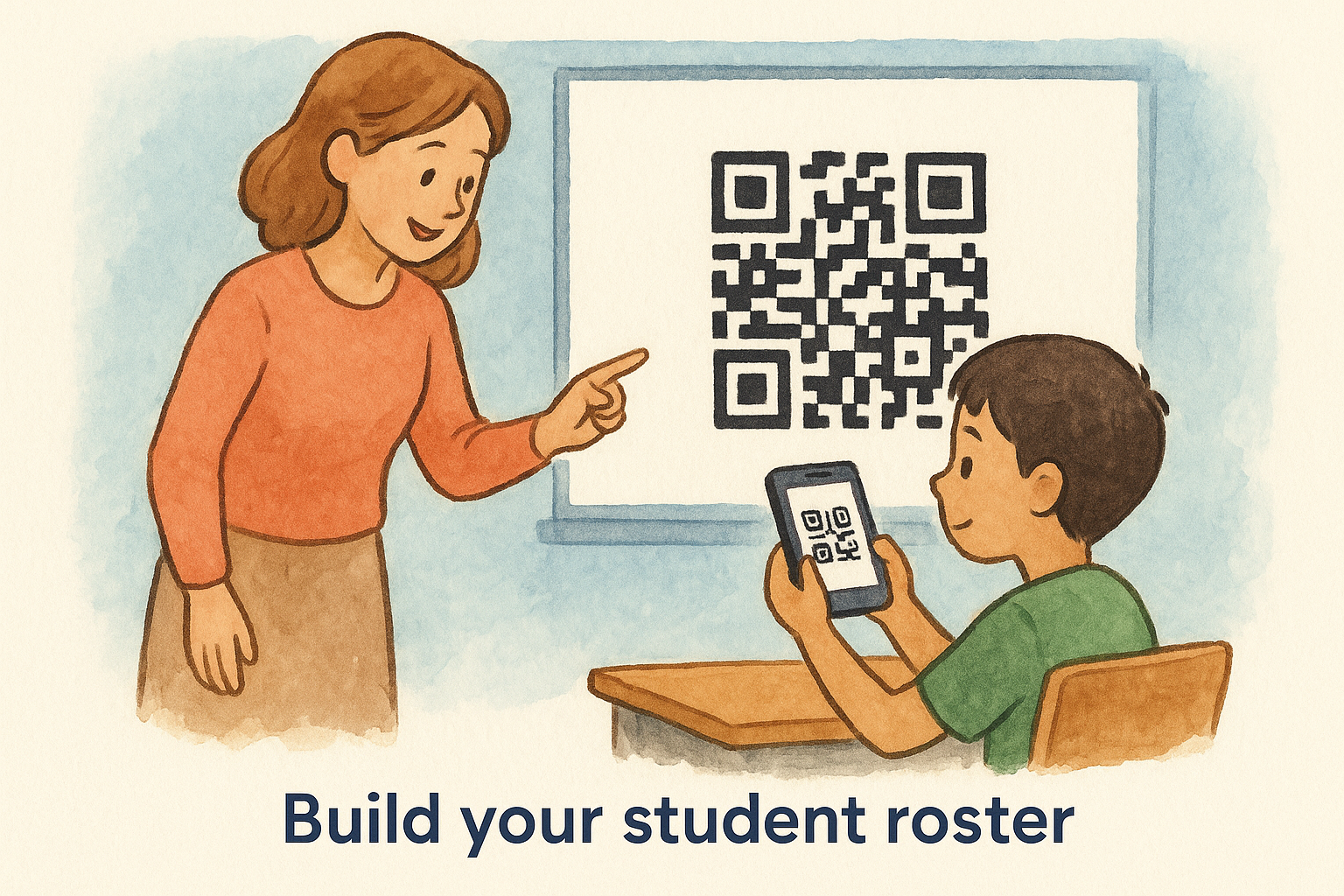
Build your student roster
Once your class exists, ClassDojo generates a unique QR code for each student that you can print and send home. Avoid uploading student photos yourself; let families handle that through their own accounts to stay aligned with student privacy best practices.
Send family invitations that actually land
ClassDojo delivers a direct invite link via text or email once you share the parent code. Walk families through the app at back-to-school night or include the code in your welcome letter home. Adding a short explanation of how you plan to use the point system helps set expectations before the first notification hits their phone.
Step 2. Build a point system that works
A bloated behavior list is one of the fastest ways to lose control of ClassDojo classroom management. When you have twenty behaviors in your menu, you slow yourself down during instruction and confuse students about what actually matters. Keep your list to five or six behaviors that reflect your top priorities, both positive and corrective.
Choose behaviors that match your goals
Pick three to four positive behaviors and one or two corrective ones. Name them in student-friendly language so students understand exactly what earns or loses a point without needing a reminder every time. A focused list might look like this:
- On task (+1)
- Helping others (+1)
- Showing effort (+1)
- Off task (-1)
- Disrespectful (-1)
A short list gets used consistently; a long one gets ignored after week two.
Set point values intentionally
Assign equal point values to start, one point per behavior in both directions. This keeps the system fair and readable at a glance. If you want to highlight a priority behavior, bump it to two points rather than adding a new category. Changing values is straightforward inside the app under your class settings.
Revisit your list after the first two weeks and drop anything you haven’t used. A tighter list means faster clicks during class, which means you’ll actually use the system instead of skipping it mid-lesson.
Step 3. Teach routines and run it daily
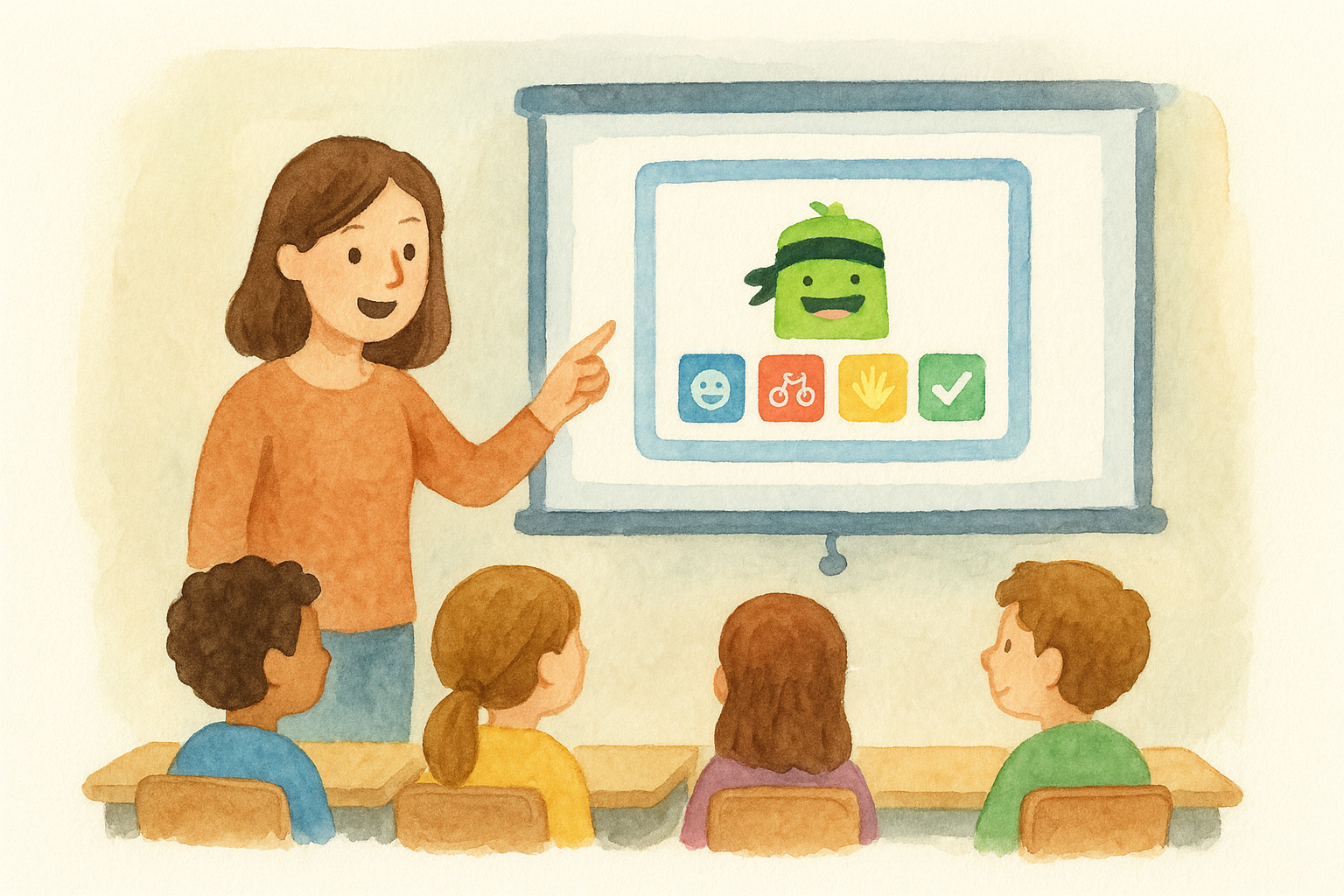
ClassDojo only works if students understand the system before you start using it. Spend the first week explicitly teaching what each behavior looks like, not just naming it. Show students how the class display works by pulling it up on your projector and walking through a live example, so they know exactly what changes when a point gets awarded or removed.
Students who understand the system buy into it; students who don’t will just feel policed.
Build a daily rhythm
Consistency is what makes ClassDojo classroom management stick long-term. Pick two or three fixed moments each day to actively use the app, and anchor those clicks to specific transitions so you’re not deciding when to use it mid-lesson. A simple daily structure might look like this:
- Start of class: award points during the first five minutes for on-task arrivals
- Work time: give quick points during independent or group tasks
- End of class: display totals and acknowledge standout behavior
Close each class with a quick review
Take sixty seconds at the end of class to pull up the totals and acknowledge positive behavior out loud. Skip public callouts for low scorers entirely; keeping the close constructive protects your classroom culture and reinforces that the system is both consistent and fair.
Step 4. Use reports and messages without drama
ClassDojo generates weekly behavior reports automatically, and you can pull detailed data anytime from the Reports tab. Inside ClassDojo classroom management, these reports show point totals by student, by behavior, and across timeframes, giving you concrete data before a parent meeting or a student check-in.
Let the data do the talking when a conversation gets emotional; a report pulls focus back to patterns, not personalities.
Read reports before you communicate
Check your class trends weekly, not daily. Daily fluctuations are noise; weekly patterns reveal which students need a closer look. If a student’s positive point rate drops two weeks in a row, that’s a signal worth acting on before it escalates. Focus your attention on these three data points each week:
- Top positive behavior across the class
- Students with zero positive points for the week
- Any student showing a downward trend over two or more weeks
Keep messages short and specific
Use the messaging tool to send quick, factual updates rather than lengthy narratives. A message like "Marcus earned 12 positive points this week, mostly for effort during independent work" lands better than a vague note. Specific, behavior-based language builds trust with families and keeps every conversation grounded in what actually happened in class.
Bring it all together
Solid ClassDojo classroom management comes down to four things working in sequence: a clean setup, a focused point system, daily routines you actually follow, and data you review before problems grow. None of these steps require extra prep time once they’re running. The system handles the tracking so you can stay focused on teaching.
Start small. Launch with your roster and five behaviors before you touch the reporting tools or family messaging. Once those pieces feel automatic, add the next layer. Trying to use every feature in week one is how most teachers burn out on the app before it has a chance to work.
If you want more practical strategies for building classroom systems that hold up past the first month, The Cautiously Optimistic Teacher has you covered. Browse the blog for tools and approaches that fit the way you actually teach.