
AI Tools for Special Education: 6 Picks for IEPs & Inclusion
Special education teachers wear more hats than just about anyone else in a school building. Between writing IEPs, differentiating lessons across multiple grade levels, tracking accommodations, and documenting progress, the paperwork alone can eat hours that should go toward actually teaching kids. That’s exactly where AI tools for special education come in, not to replace your expertise, but to handle the repetitive tasks so you can focus on what matters.
Here at The Cautiously Optimistic Teacher, we’ve been building and testing AI-powered tools for educators since before every edtech company slapped "AI" on their homepage. We know what works, what’s gimmicky, and what actually saves you time. So we put together this list with a specific lens: practical value for SPED teachers who need help with IEP writing, inclusive lesson design, and daily classroom support.
Below, you’ll find six AI tools worth your attention, each selected because it solves a real problem in special education, not because it has the flashiest marketing. We’ll cover what each tool does, who it’s best for, and how it fits into your workflow without adding yet another thing to manage.
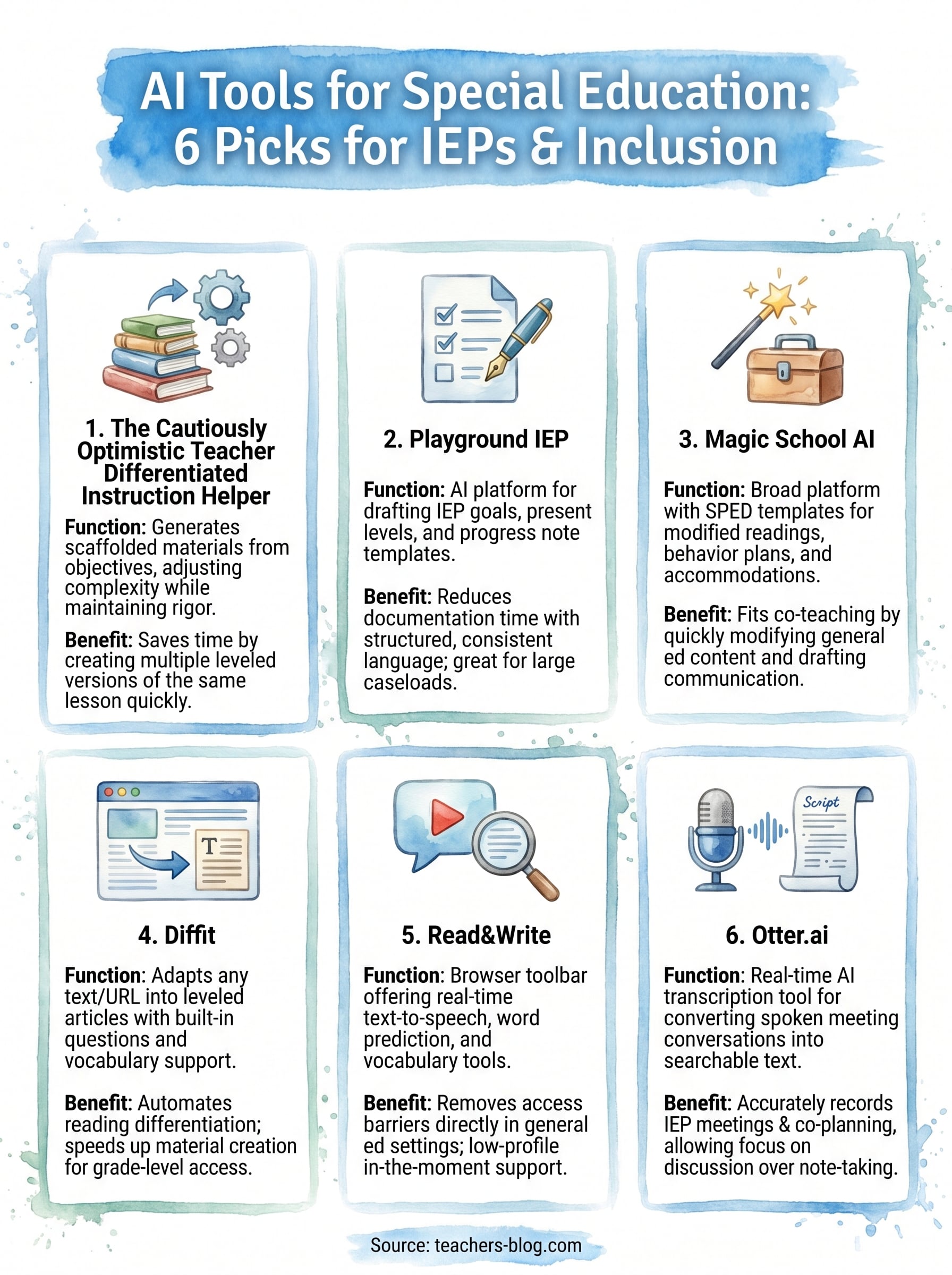
1. The Cautiously Optimistic Teacher Differentiated Instructor
Our Differentiated Instructor is built specifically for teachers who need to modify content quickly without starting from scratch every time. You describe your lesson objective, your students’ needs, and their current level, and the tool generates scaffolded materials that match your original goal without stripping out the rigor.
What it helps you do in special education
This tool targets one of the most time-consuming tasks in special education: creating multiple versions of the same lesson for students who work at different levels. Instead of spending an evening rewriting a reading passage four times, you input the core content and get scaffolded versions you can hand students the next morning. Among ai tools for special education, this one is built with the reality of a packed teaching schedule in mind.
Best-fit use cases for IEPs and inclusion
The Differentiated Instructor works best when you need to modify grade-level content for students with IEP accommodations or learning disabilities while keeping them in the general curriculum. It also fits co-teaching settings well, since both the general ed and special ed teacher can pull from the same modified materials without duplicating effort.
Inclusion works best when all students engage with the same core content at an appropriate level of complexity, not when students receive completely separate tasks.
How to use it without lowering rigor
Give the tool specific learning objectives tied to grade-level standards rather than simplified versions of them. When you input the original content alongside the student’s reading level or accommodation type, the output adjusts complexity while preserving the core concept. Always review every output before handing it to a student to confirm the academic standard is fully intact.
Privacy and data handling to confirm
Avoid entering personally identifiable student information into any AI tool, including this one. Keep descriptions general, such as "reads at a 4th-grade level" or "needs visual supports," rather than referencing student names or IEP specifics.
Pricing and access
The Differentiated Instructor is available free through The Cautiously Optimistic Teacher’s educational AI assistants page. Review the generated material before using it with students, and follow your school or board’s privacy and AI-use requirements.
2. Playground IEP
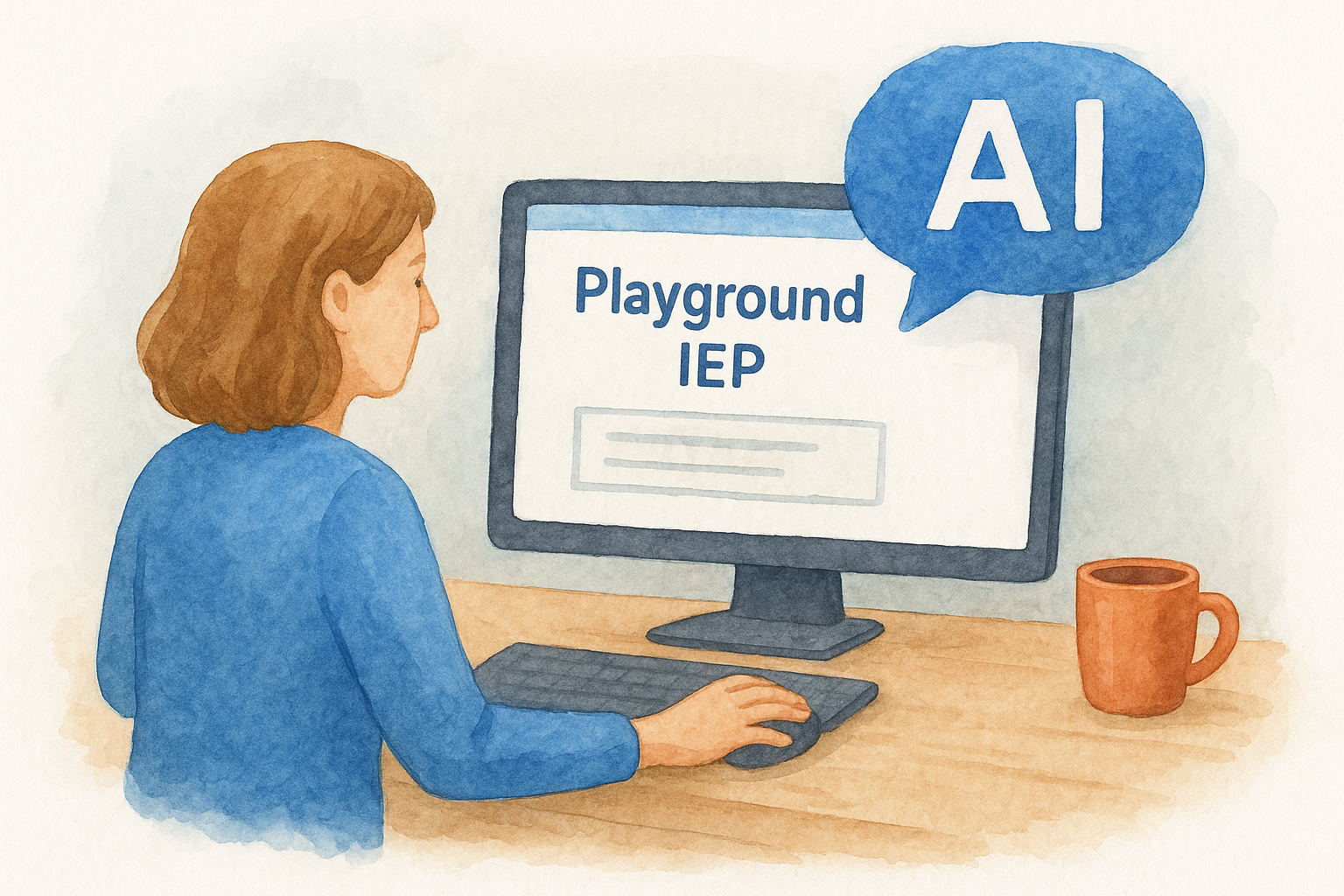
Playground IEP is an AI-powered IEP writing platform built specifically for special education teachers. It uses prompts you fill in to generate draft goal language, present levels, and progress note templates, which cuts down the time you spend on documentation before each IEP meeting.
What it helps you do in special education
Playground IEP builds out structured IEP components based on the student information you provide, including disability category, grade level, and current performance data. Among ai tools for special education, it stands out because it focuses on documentation rather than general lesson planning.
You get starting drafts for goals, benchmarks, and accommodation language all in one place, which reduces the time you spend switching between templates.
Best-fit use cases for IEPs and inclusion
This tool fits best when you’re managing a large caseload and need consistent, structured language across multiple IEPs quickly. It also works well in co-teaching settings where communicating accommodation language to general education colleagues is a regular task.
Draft IEP language is a starting point only. Always cross-check AI-generated goals against your student’s actual evaluation data before the team meeting.
How to use it without lowering rigor
Enter specific baseline data when prompted rather than vague descriptions. The more precise your input, the more aligned the output will be to your student’s actual needs and grade-level standards.
Privacy and data handling to confirm
Confirm whether Playground IEP holds a FERPA-compliant data agreement before your district approves it. Never enter student names or ID numbers without verified compliance documentation in place.
Pricing and access
Playground IEP offers a free tier with basic goal-drafting features. Paid plans unlock additional goal bank options and team collaboration tools.
3. Magic School AI
Magic School AI is a broad AI-powered platform built for classroom teachers, with special education-specific templates that cover many of the tasks you handle repeatedly, including modified readings, behavior plan language, and accommodation suggestions.
What it helps you do in special education
The tool gives you access to a large template library tailored to SPED workflows. You can generate accommodation suggestions by disability category, draft leveled reading materials, and create behavior support language without starting from scratch each time.
Best-fit use cases for IEPs and inclusion
This tool fits best in co-teaching and inclusion settings where you regularly need modified versions of general education content. It also handles parent communication drafts, which saves time when explaining accommodations in plain language.
Use every output as a first draft. Your professional knowledge of the student’s actual needs has to drive the final version.
How to use it without lowering rigor
Pick templates that connect to grade-level standards and revise the output against your student’s specific IEP goals. Never submit AI-generated content to a team or family without reviewing and editing it first.
Privacy and data handling to confirm
Among ai tools for special education, Magic School AI requires district approval before classroom use. Verify that your district has a signed data privacy agreement with the platform before entering any student information.
Pricing and access
Magic School AI offers a free individual plan covering most templates. Team and district plans are available with expanded features and administrative controls.
4. Diffit
Diffit takes any URL, topic, or text passage and generates a leveled reading article with comprehension questions, vocabulary support, and discussion prompts built in. For special education teachers, this means you can pull a grade-level article and get a modified version at a lower Lexile in about 30 seconds flat.
What it helps you do in special education
This tool targets reading differentiation directly. Among ai tools for special education, it stands out because it handles text adaptation automatically rather than requiring you to rewrite passages by hand. You get vocabulary support, comprehension questions at multiple levels, and supplemental activities without extra steps.
Best-fit use cases for IEPs and inclusion
Diffit works well when students with reading disabilities need to access grade-level content without a fully separate curriculum. It also fits co-teaching classrooms where both teachers need leveled materials ready quickly for the same lesson.
Diffit speeds up material creation, but you still need to verify that the adapted text preserves the concept your IEP goal targets.
How to use it without lowering rigor
Input the original grade-level source rather than a pre-simplified version. Then select the target reading level and confirm the output still addresses your core learning objective before distributing it to students.
Privacy and data handling to confirm
Diffit does not require you to input student names or personal data to generate materials. Still, confirm your district’s acceptable use policy covers AI-generated instructional content before using it in your classroom.
Pricing and access
Diffit offers a free basic tier that covers most differentiation tasks. A paid Pro plan unlocks higher usage limits and additional export options for teams.
5. Read&Write
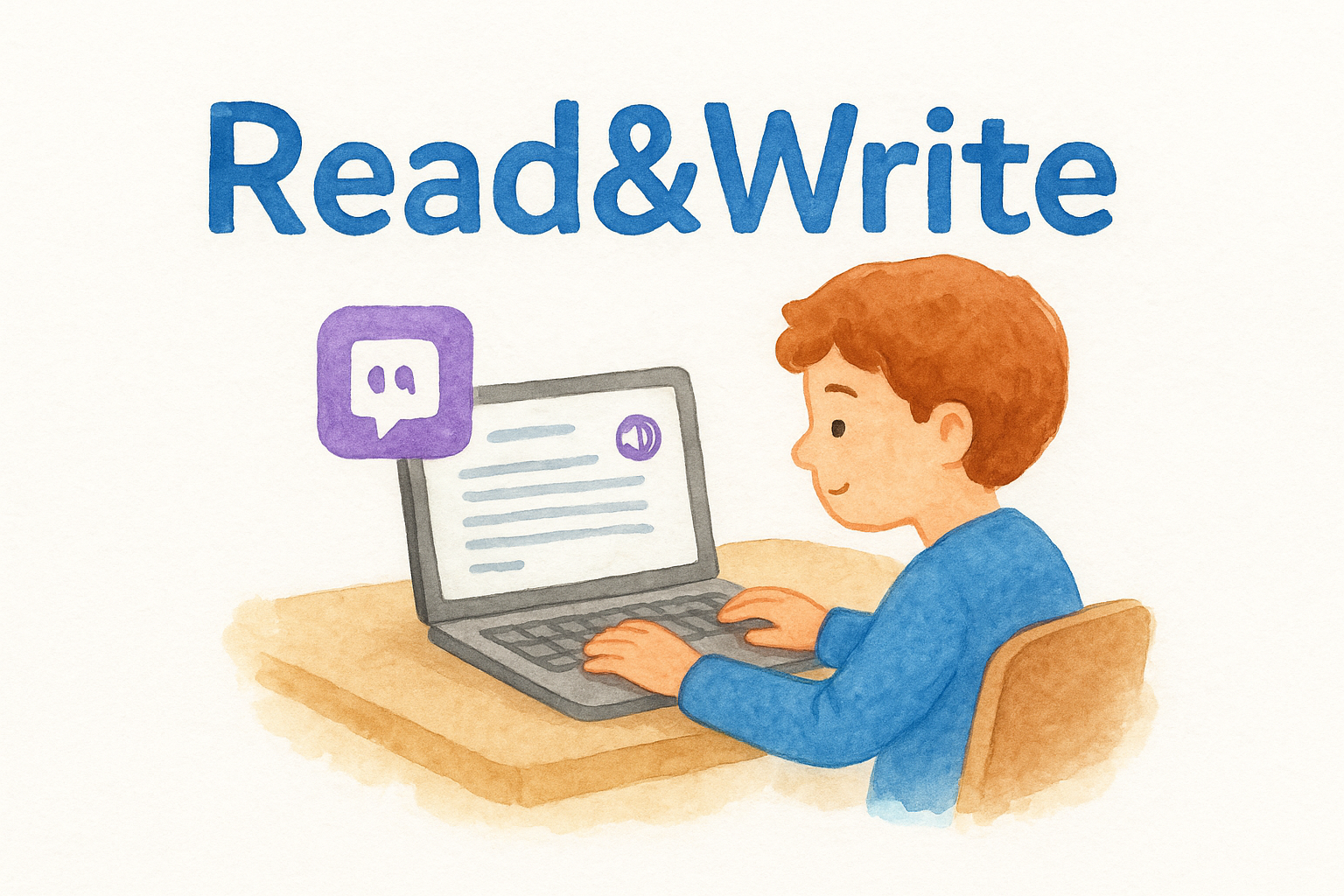
Read&Write by Texthelp is a literacy support toolbar that sits directly in your browser and gives students real-time reading and writing assistance. It works across Google Docs, PDFs, and most web content, making it one of the most practical assistive technology options for students with dyslexia, language processing disorders, or reading-based IEP accommodations.
What it helps you do in special education
Read&Write puts text-to-speech, word prediction, and vocabulary tools directly in front of students as they work, rather than requiring a separate app or workflow. Among ai tools for special education, it stands out because it focuses on removing access barriers in the moment, so students get support without ever leaving the general education classroom.
Best-fit use cases for IEPs and inclusion
This tool fits best when a student’s IEP includes text-to-speech or extended time accommodations and you need a low-profile way to deliver that support during whole-class instruction. It also works well for students who are learning English alongside a disability.
Read&Write keeps students in the same digital environment as their peers, which supports inclusion without drawing attention to the accommodation.
How to use it without lowering rigor
Pair Read&Write with grade-level texts and assignments rather than pre-simplified versions. The tool removes the reading barrier, not the thinking requirement, so students still engage with complex content at full cognitive demand.
Privacy and data handling to confirm
Texthelp publishes a student data privacy policy and holds agreements under COPPA and FERPA. Confirm your district has reviewed the terms with Texthelp directly before deploying it across student accounts.
Pricing and access
Read&Write offers a free version for teachers that includes most core features. Student licenses are available through school and district pricing negotiated directly with Texthelp.
6. Otter.ai
Otter.ai is an AI-powered transcription tool that converts spoken conversation into searchable, shareable text in real time. For special education teachers, that means IEP meetings, parent conferences, and team conversations can be captured automatically so you spend less time taking notes and more time participating in the actual discussion.
What it helps you do in special education
Otter.ai records and transcribes meetings as they happen, giving you an accurate written record you can reference when writing documentation afterward. Among ai tools for special education, it fills a gap that most platforms ignore: the meeting itself rather than the paperwork that follows.
Best-fit use cases for IEPs and inclusion
This tool fits best when you’re running IEP meetings with multiple participants and tracking who said what matters for compliance purposes. It also works well for recording co-planning conversations with general education colleagues so both teachers stay aligned on accommodation details.
Always inform all meeting participants that you are recording before you start Otter.ai in any school setting.
How to use it without lowering rigor
Use the transcript as a reference document, not a replacement for your professional judgment when writing post-meeting notes. Review every output for accuracy because Otter.ai can misread specialized education terminology when speakers talk quickly or use acronyms.
Privacy and data handling to confirm
Confirm your district’s data privacy policy permits recording IEP meetings through a third-party app before you use it in any official capacity. Never share the transcription file with anyone outside the IEP team without explicit authorization.
Pricing and access
Otter.ai offers a free plan covering basic transcription for shorter meetings. Paid plans unlock longer recording limits and advanced search features for teams managing multiple files.
Next steps for responsible AI use
Every ai tool for special education listed here saves you real time, but none of them replaces your professional judgment. Your knowledge of each student, their disability, their IEP goals, and their family context is what makes any AI output actually useful. Treat every generated draft as a starting point, review it carefully, and edit it until it reflects what you know to be true about the student in front of you.
Before you adopt any tool on this list, confirm two things: your district’s data privacy policy covers it, and you are never entering personally identifiable student information without a verified compliance agreement in place. Start with one tool that solves your most pressing problem right now, whether that’s IEP drafting or reading differentiation, and build from there. When you’re ready to save time on lesson modifications specifically, try the Differentiated Instructor and see how much faster your planning gets.