5 UDL Classroom Examples To Remove Barriers In Class Today
You’ve read the UDL framework. You understand the three principles, multiple means of engagement, representation, and action & expression. But when you sit down to plan Monday’s lesson, the gap between theory and practice feels wide. What you actually need are udl classroom examples that show you how this looks in a real classroom, with real students, and real constraints on your time.
That’s exactly why we built The Cautiously Optimistic Teacher, to bridge the space between "I know this matters" and "Here’s how I actually do it." Universal Design for Learning isn’t about overhauling everything you teach. It’s about making intentional design choices that remove barriers before students ever hit them. Small shifts in how you present content, how students engage with it, and how they show what they know can change the entire dynamic of a lesson.
Below, you’ll find five concrete UDL examples you can adapt to your classroom right now. Each one targets a specific barrier students commonly face and offers a practical strategy to address it, no jargon-heavy theory, just moves you can make this week.
1. Use an AI differentiation assistant
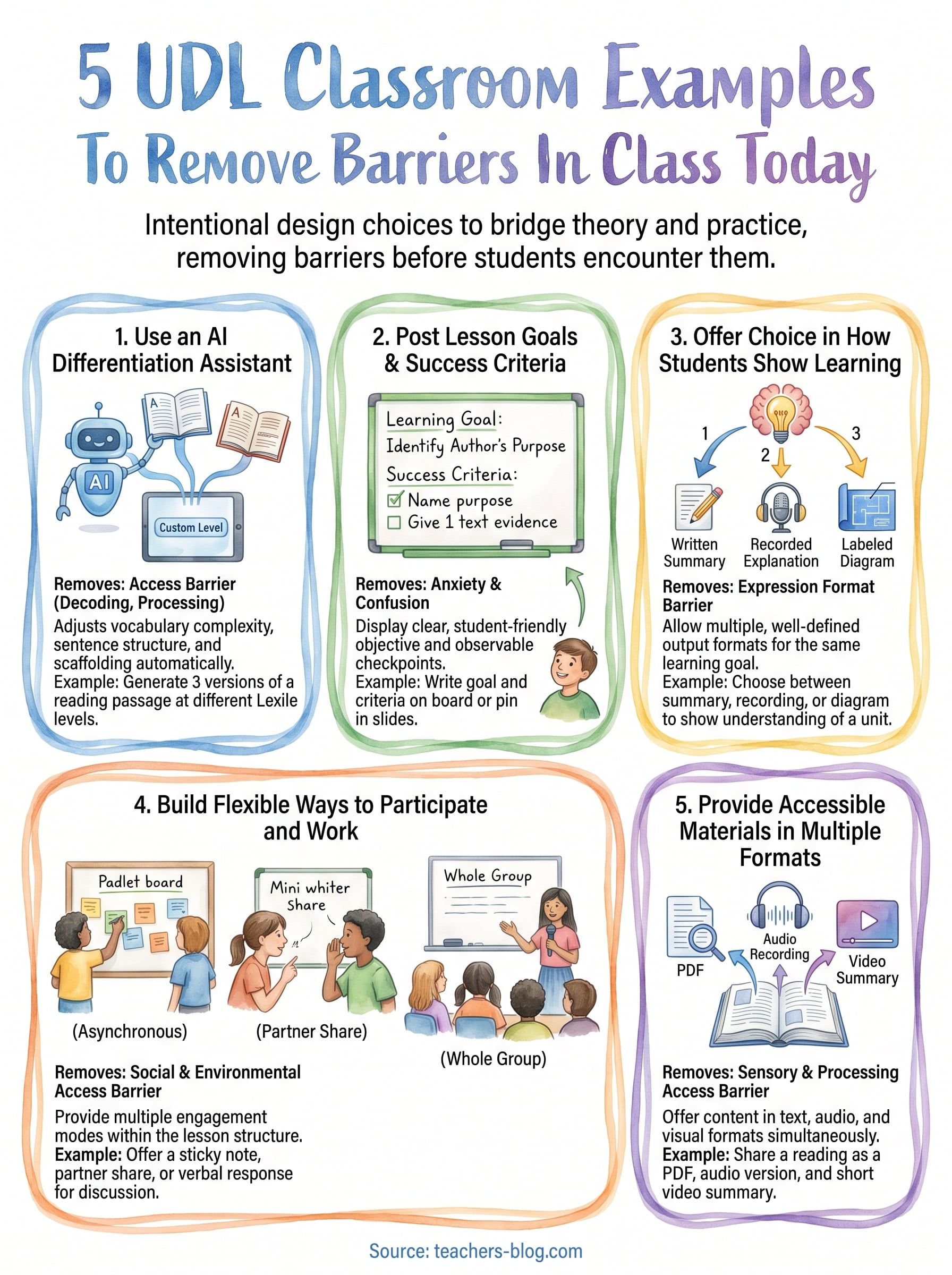
Differentiating a lesson for 30 students with varying reading levels, learning profiles, and language needs used to take hours. An AI differentiation assistant cuts that time dramatically and gives you one of the most scalable udl classroom examples you can put to use right now.
What barrier this removes
The biggest barrier here is access to grade-level content. When a student can’t decode the text or process the language, they never reach the actual thinking the lesson requires. An AI assistant removes that bottleneck by adjusting vocabulary complexity, sentence structure, and scaffolding without creating an entirely separate lesson.
Students don’t fail because the content is too hard; they fail because the entry point is too narrow.
What this looks like in a real lesson
You assign a passage about the American Revolution. Instead of giving every student the same dense text, you use an AI tool to generate three versions at different reading levels, each covering the same facts and concepts. Students work with the version that lets them access the ideas, not wrestle with the words.
How to set it up fast for today
Paste your existing text into an AI tool and prompt it to rewrite the material at a lower Lexile level or add sentence starters for struggling writers. This takes under five minutes per task, and you keep your original lesson structure intact.
Tools and materials
Two solid options to start with:
- Microsoft Copilot for flexible text rewriting and leveled summaries
- The Differentiated Instruction Helper on this site for classroom-ready output
Variations by grade level and subject
The approach adapts across contexts:
- Middle school science: Generate tiered lab report templates with varying levels of structure
- High school English: Create parallel close-reading prompts with different sentence stem supports built in
Common mistakes and quick fixes
The most common mistake is using AI output without reviewing it first. Always skim each version for accuracy, and check with a student or two to confirm the adjusted version actually lowered the barrier rather than just simplified the content.
2. Post lesson goals and success criteria
Posting clear goals and success criteria is one of the most underused udl classroom examples you can put in place today, and it costs you nothing but a few minutes of planning.
What barrier this removes
When students don’t know where they’re headed or what "done" looks like, anxiety and confusion fill that space. Posting explicit goals removes the guessing and gives every student a clear target to work toward, regardless of their starting point.
Clarity about the goal lets students focus their energy on learning rather than figuring out what you want.
What this looks like in a real lesson
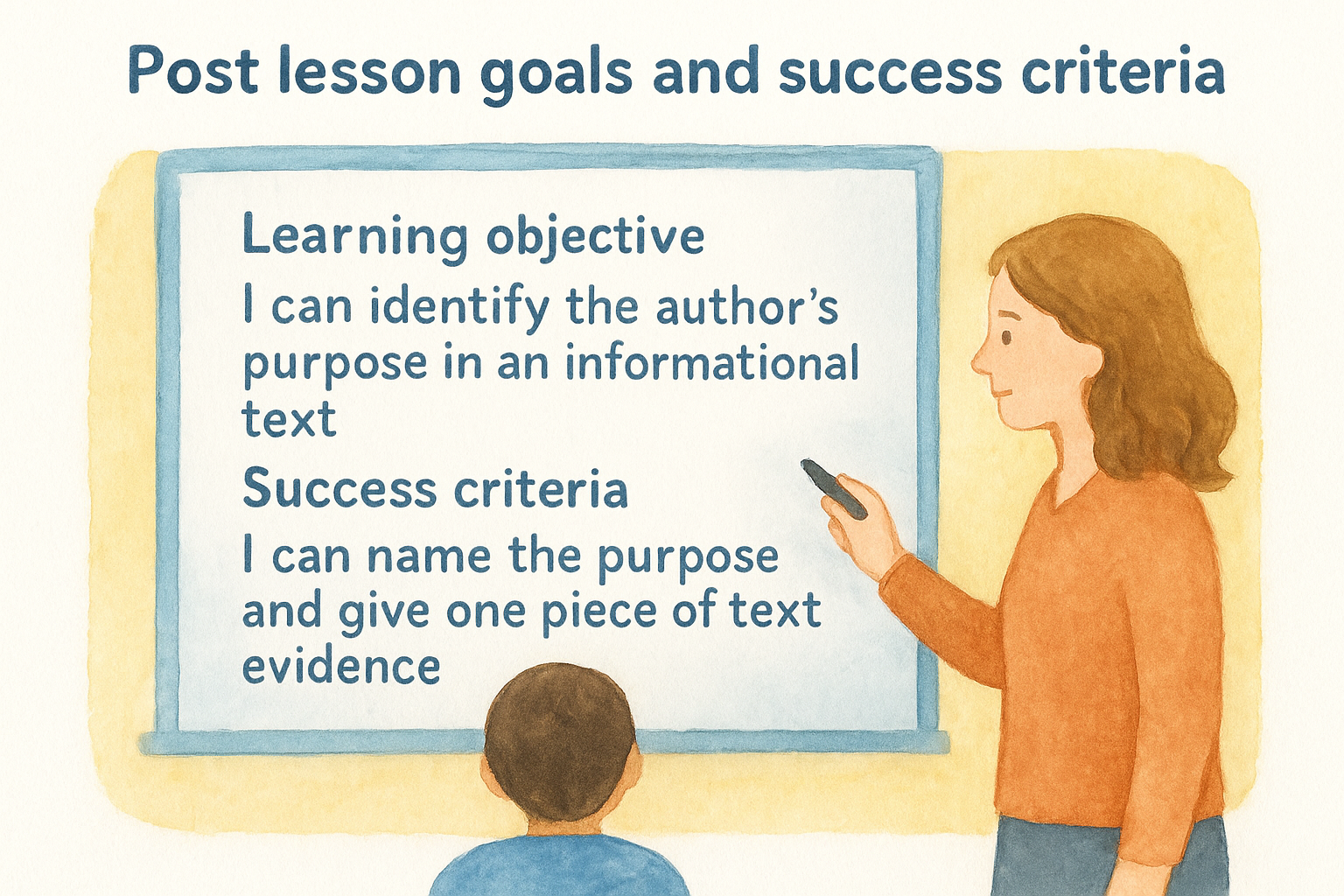
You write two things on the board before class starts: the learning objective ("I can identify the author’s purpose in an informational text") and the success criteria ("I can name the purpose and give one piece of text evidence"). Students reference both at the start and end of class.
How to set it up fast for today
Write your goal in student-friendly language, not teacher language. Then break it into two or three observable checkpoints students can check off as they work through the lesson.
Tools and materials
- A whiteboard or anchor chart for a low-tech option
- Google Slides with the goal pinned on every slide for digital lessons
Variations by grade level and subject
- Elementary: Pair the text goal with a simple icon or image
- High school: Add a self-rating scale (1-4) next to each criterion
Common mistakes and quick fixes
The most common mistake is writing the goal for yourself rather than your students. If they can’t read and interpret it independently, rewrite it in plainer terms before class starts.
3. Offer choice in how students show learning
Giving students options for how they demonstrate understanding is one of the most direct udl classroom examples you can implement. When the path to showing knowledge is fixed, students who struggle with that specific format get blocked before they even reach the actual thinking the lesson requires.
What barrier this removes
The barrier here is expression format. Some students freeze on written tests but can explain the same ideas verbally without hesitation. Forcing one output type filters for a specific skill, not actual understanding.
If your assessment method is the barrier, you’re measuring the wrong thing.
What this looks like in a real lesson
You wrap up a unit on ecosystems and offer three options: a written summary, a recorded explanation, or a labeled diagram. Students pick the format that lets them show what they actually learned, not the format that trips them up.
How to set it up fast for today
List two or three output options at the top of your assignment sheet. Keep the learning goal identical across all choices; only the format changes.
Tools and materials
- Google Slides or Docs for written and visual responses
- Flip for short video responses
Variations by grade level and subject
- Middle school: Written, drawn, or recorded options for a history summary
- High school: Essay, presentation, or annotated timeline for a literature unit
Common mistakes and quick fixes
Avoid offering so many choices that students spend more time deciding than working. Two or three well-defined options consistently outperform an open-ended menu.
4. Build flexible ways to participate and work
Participation structure is one of the most overlooked elements in udl classroom examples. When every student has to engage the same way at the same time, you create a gap that has nothing to do with understanding the content.
What barrier this removes
The barrier here is social and environmental access. Some students shut down in whole-class discussions but contribute freely in small groups or written formats. Flexible participation lets every student engage without the structure itself becoming the obstacle.
The student who never raises their hand may have the clearest thinking in the room.
What this looks like in a real lesson
You run a discussion and give students three entry points: a sticky note response, a partner share, or speaking to the whole group. The content and thinking stay identical, but the social exposure level changes based on what each student needs.
How to set it up fast for today
Pick one activity in your next lesson where everyone currently does the same thing at the same time. Add one alternative mode, such as a written response or partner check-in, before class starts.
Tools and materials
- Padlet for asynchronous written participation
- Mini whiteboards for low-stakes visible thinking
Variations by grade level and subject
- Middle school: Think-pair-share with a written option for quieter students
- High school: Station rotations mixing independent and collaborative work
Common mistakes and quick fixes
Most teachers treat flexible participation as an afterthought rather than a built-in structure. Plan the choices into your original lesson design so every student benefits from the start instead of waiting to be accommodated.
5. Provide accessible materials in multiple formats
When every student receives the exact same material in the exact same format, some students hit a wall before the lesson even begins. Offering materials in multiple formats is one of the most foundational udl classroom examples because it addresses access at the source, right where learning starts.
What barrier this removes
The barrier here is sensory and processing access. Students with dyslexia, visual impairments, or language processing differences often cannot extract meaning from a single-format resource, no matter how strong the content is.
Providing one format for all students doesn’t create equal access; it creates equal exposure to a barrier.
What this looks like in a real lesson
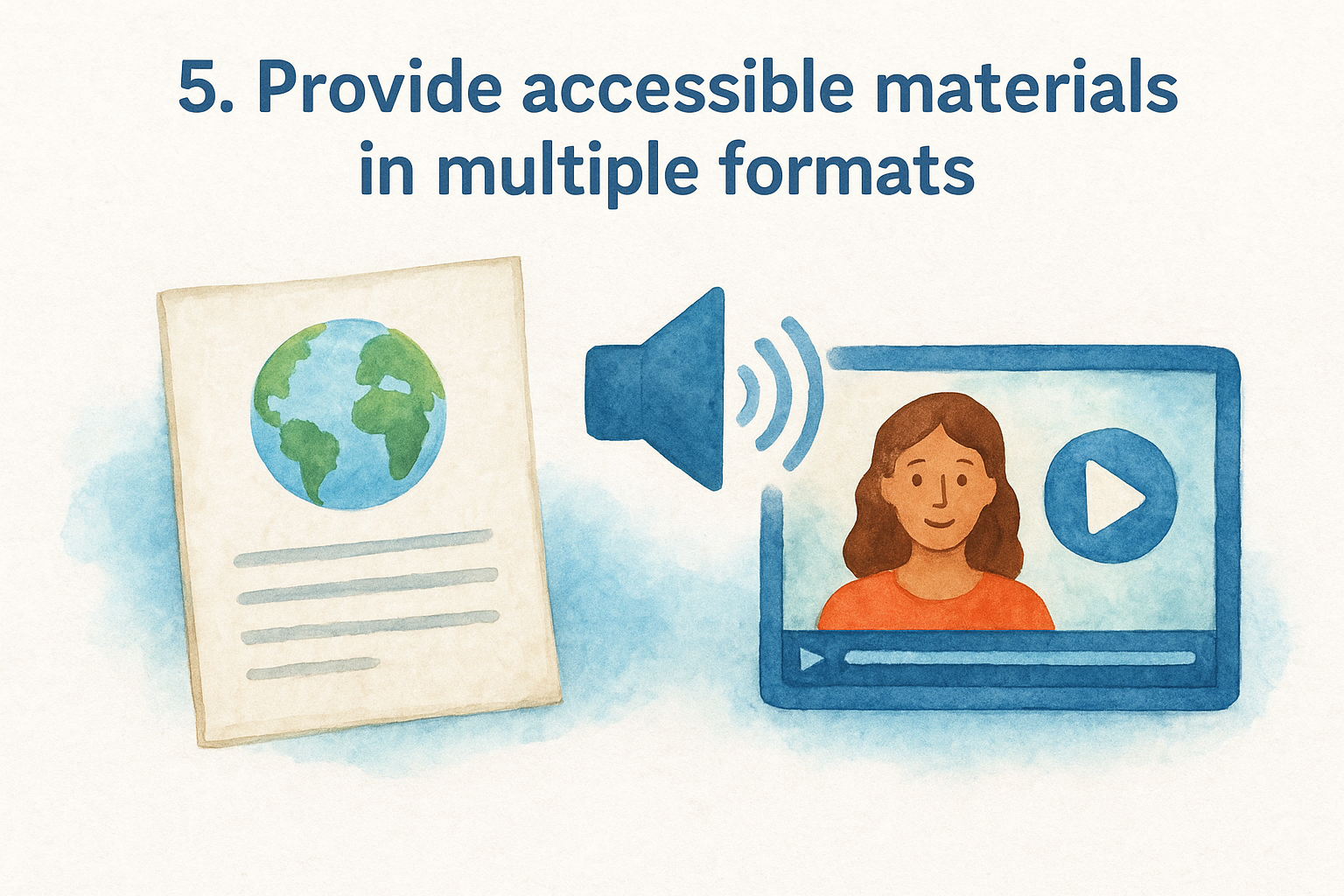
You share a reading on climate change as a PDF, an audio recording, and a short video summary. Students choose the format that gets them into the content fastest, and then they all complete the same discussion questions.
How to set it up fast for today
Start with your existing materials and add one alternative format. Convert a reading to audio using a text-to-speech tool, or find a short video that covers the same concept. You do not need to build everything from scratch.
Tools and materials
- Google Text-to-Speech for quick audio versions of written content
- YouTube for curriculum-aligned video alternatives
Variations by grade level and subject
- Middle school science: Provide a diagram, a written explanation, and a short video for the same concept
- High school history: Offer a primary source, a simplified summary, and a podcast episode covering the same event
Common mistakes and quick fixes
Teachers often add alternative formats only when a student requests them. Build two or three formats into your original lesson plan so no student has to ask, and no one feels singled out.
Next steps
You now have five concrete udl classroom examples you can pull into your planning today. Each one targets a real barrier, and none of them require you to rebuild your lessons from scratch. Start with one strategy, not all five. Pick the example that fits your next unit or your most pressing challenge, run it for two weeks, and see what shifts before adding another layer.
The goal was never to overwhelm you with a new framework. It was to show you that small, deliberate design choices make a real difference for the students who currently hit walls in your classroom. Remove one barrier this week, then another next month, and the cumulative effect will show up in how your students engage and perform.
If you want tools that do some of the heavy lifting for you, visit The Cautiously Optimistic Teacher for AI-powered resources built specifically to help you differentiate faster and teach smarter.