Teacher Portfolio Template: How to Build One That Gets You Hired
You have twenty minutes before your interview and a stack of lesson plans, certificates, and student work samples with no way to organize them. A teacher portfolio template solves that problem before it starts, giving you a ready structure to drop your best evidence into instead of building one from scratch at midnight. Search for a template and you’ll find dozens of generic options that don’t fit how hiring committees actually evaluate candidates.
What you need is a format that answers the real question every principal asks: can this person manage a classroom and improve outcomes? This guide shows you exactly what sections to include, how to organize artifacts and evidence so they tell a coherent story, and where to find editable templates in Canva, Google Slides, and Word that you can customize in an afternoon.
Below, you’ll get a section-by-section breakdown of what belongs in a hiring-ready portfolio, practical tips for choosing which lesson plans and student work to feature, and direct guidance on formatting for both digital and print interviews. By the end, you’ll have a portfolio template ready to fill in and a clear sense of why it works.
Why a strong teacher portfolio matters
Principals interview five or six candidates for every open position, and most of those candidates say the same things about being "passionate about student growth" and "committed to differentiated instruction." A well-built teacher portfolio cuts through that noise by showing, not telling. Instead of asking a hiring committee to trust your claims, you hand them evidence: a unit plan you wrote, a rubric you designed, a thank-you note from a parent whose kid finally passed algebra. That shift from claims to proof is what separates candidates who get called back from candidates who get a polite email.
Hiring committees also move fast. Most interviews run 30 to 45 minutes, and you might only get two or three minutes to reference specific materials. A teacher portfolio template keeps your best work organized and ready to flip to on demand, so you’re not digging through a folder while the interviewer waits. Committees remember candidates who can say "here’s exactly how I taught that standard" and immediately produce the document. That kind of preparedness signals classroom management skills before you’ve even stepped into a classroom with them watching.
A portfolio turns your interview answers from claims into proof, and proof is what gets you hired.
What a portfolio proves that a résumé can’t
Your résumé lists where you worked and what you’re certified to teach. It can’t show how you actually run a lesson, how you talk to students, or how you handle a rubric revision after test scores come back low. A portfolio fills that gap with concrete artifacts: annotated lesson plans, student work with your feedback attached, photos of a classroom management system in action. Districts increasingly ask for these materials directly, and the U.S. Department of Education’s teacher preparation resources reflect a broader push toward evidence-based hiring over credential-only screening.
The candidates who skip this step
Most teachers walk into interviews with a résumé, a cover letter, and maybe a folder of certificates. That’s the baseline, and it means you’re competing on the same ground as everyone else. Skipping a portfolio doesn’t disqualify you, but it does mean the committee has to take your word for things they’d rather see firsthand. Bringing one, even a simple one, immediately puts you in a smaller group of applicants who did the extra work.
What committees are actually scanning for
Interviewers aren’t reading your portfolio cover to cover. They’re scanning for specific signals in the first few pages, so structure matters as much as content.
- Evidence of planning, like a scope-and-sequence document or a differentiated lesson plan
- Evidence of impact, such as before-and-after student work or test score growth
- Evidence of reflection, shown through revised lessons or notes on what didn’t work
- Evidence of professionalism, including clean formatting and no typos
Think of your portfolio as a visual argument built section by section, not a scrapbook of everything you’ve ever made. Every artifact you include should answer one implicit question: does this person know how to teach and manage a room full of students? Once you frame it that way, the next steps in this guide, choosing a format and gathering documents, become a lot easier to execute with purpose instead of guesswork.
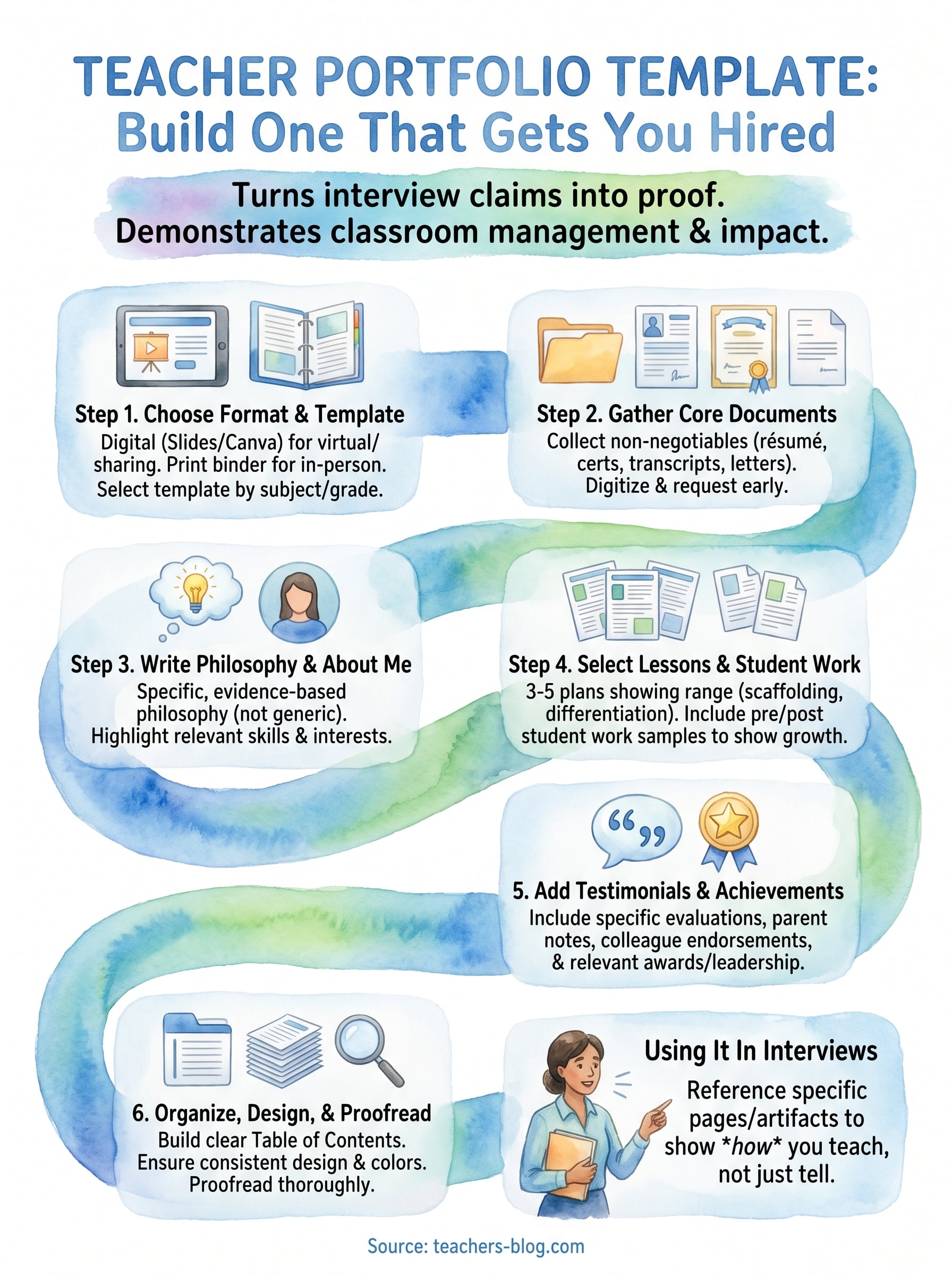
Step 1. Choose your format and template
Before you fill in a single page, decide whether your portfolio will live digitally, on paper, or both. This decision shapes every choice that follows, from which teacher portfolio template you download to how you organize files on your laptop. Most districts now accept digital portfolios, but some principals still expect a printed binder for in-person interviews, so building a version that works both ways saves you from scrambling the night before.
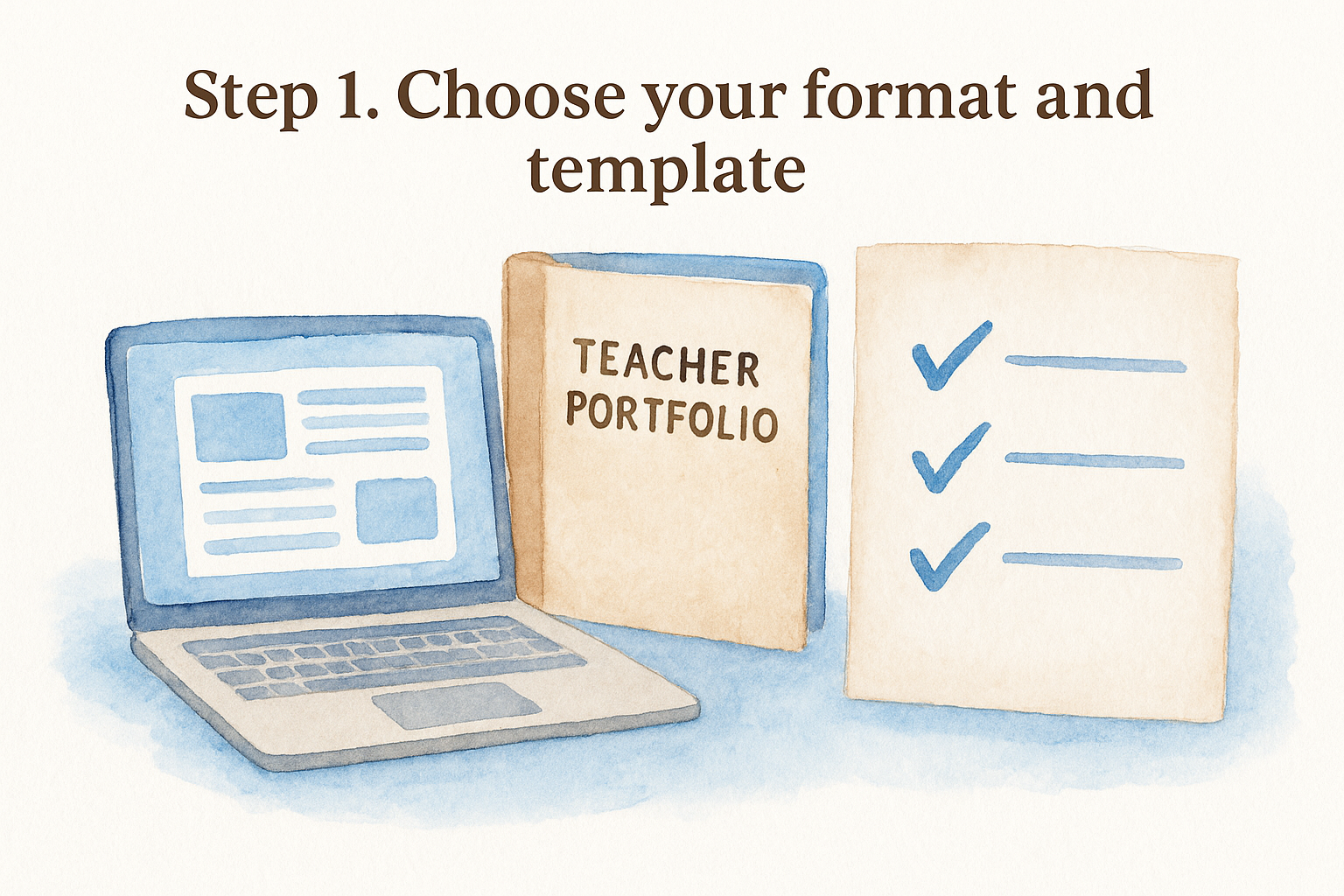
Pick your format first, because it decides which template actually fits your interview.
Digital vs. print: what to actually bring
A digital portfolio built in Google Slides or Canva works well for virtual interviews and lets you share a link before you even walk in the room. A printed portfolio in a simple binder still carries weight in person because interviewers can flip pages themselves without waiting on you to scroll. The safest move is building one master version digitally, then printing key pages for a physical folder you bring to every interview regardless of format.
| Format | Best for | Watch out for |
|---|---|---|
| Canva template | Visual polish, quick edits | Can look over-designed for conservative districts |
| Google Slides | Easy sharing via link, collaboration | Formatting shifts if fonts aren’t web-safe |
| Word document | Simple printing, easy editing | Less visually engaging without extra formatting work |
| PDF export | Consistent look across devices | Harder to update quickly before an interview |
Finding a template that fits your subject and grade level
Search Canva’s education templates, Google’s template gallery, or Microsoft’s Word template library for "teacher portfolio" and you’ll get dozens of options built for different grade levels. An elementary portfolio usually leans on colorful classroom photos and student work samples, while a secondary portfolio, especially for subjects like English or math, benefits from a cleaner, more document-heavy layout that highlights lesson plans and assessment data. Pick a template that matches how your subject actually gets evaluated, not just whatever looks nicest in the preview.
Once you’ve picked a platform, download or duplicate the template immediately so you’re editing your own copy, not someone else’s original file. Rename it clearly, something like "LastName_TeacherPortfolio_2026," and save a backup copy before you start adding content. That five-minute habit prevents the frustrating moment of losing hours of edits because you were working directly in a shared template file.
Step 2. Gather your core documents
Before you touch your template’s design, collect every document you might need in one folder on your desktop. This step feels tedious, but it saves you from opening your portfolio the night before an interview only to realize your teaching certificate expired or your best recommendation letter is buried in an old email account. Gathering documents first also lets you see gaps early, like a missing letter of reference, while you still have time to request one.
The non-negotiable documents
Every teacher portfolio needs a core set of credentials that hiring committees expect to see within the first few pages. Skipping any of these makes your portfolio look incomplete, even if the rest of your work is strong.
- Current résumé, updated for the specific position and district
- Teaching certification or license, including any endorsements
- Transcripts, at minimum an unofficial copy from your degree program
- Letters of recommendation, ideally from a mentor teacher, administrator, and cooperating teacher
- Background check clearance, if your state requires it before hiring
- Professional development certificates, especially anything tied to the subject you’re applying for
Gather every credential before you design a single page, because a missing document stalls the whole portfolio.
Digitizing paper records
If any of these documents only exist on paper, scan them now rather than waiting until you need to submit an application. A phone scanning app works fine for most certificates and transcripts, but aim for a clean, well-lit scan so the text stays legible when you resize it into a template. Save each file with a clear name, like "TeachingLicense_2026.pdf," so you’re not hunting through a folder of files labeled "scan001" the morning of your interview.
Requesting recommendation letters early
Recommendation letters take the longest to gather because you’re waiting on someone else’s schedule. Ask former supervisors or professors at least two weeks before you need the letter, and give them a short reminder of specific projects or classes you worked on together so they can write something concrete instead of generic praise. A letter that mentions your actual classroom management strategy or a specific lesson you co-planned carries far more weight than one that just says you’re "reliable and hardworking."
Once you’ve assembled these documents, organize them into a single folder with clear subfolders for credentials, letters, and certifications. This groundwork makes the next steps, writing your teaching philosophy and selecting artifacts, much faster because you’re not stopping mid-process to track down a missing file.
Step 3. Write your teaching philosophy and about me
With your documents gathered, you’re ready to write the two pages that shape every impression that follows: your teaching philosophy and your about me section. These pages come right after your credentials in most teacher portfolio templates, and they’re often the first thing a committee actually reads word for word instead of skimming. Treat them as your written interview answer, not a formality to fill space before the lesson plans start.
Writing a teaching philosophy that isn’t generic
Most teaching philosophies say the same three things: every student can learn, you believe in differentiated instruction, and you create a safe classroom environment. None of that is wrong, but none of it sets you apart either. Instead, anchor your philosophy in one or two specific beliefs you can back up with an actual classroom example. If you believe in student choice, describe the choice board you built for a unit and what changed when students used it. If you believe in restorative practices over punitive discipline, describe a specific conflict you resolved that way.
A teaching philosophy only works if it points to a real classroom moment, not a slogan.
Keep the whole philosophy under 400 words. Committees read dozens of these, and a tight, specific page beats three paragraphs of abstraction every time.
Structuring your about me page
Your about me page fills a different role: it introduces you as a person a hiring committee wants on their staff, not just in front of a class. Cover your background briefly, then spend most of the space on what makes you specifically useful to the grade level or subject you’re applying for.
About Me Template:
1. One sentence: who you are and what/where you teach
2. Two sentences: your path into teaching (brief, specific)
3. Two sentences: your strongest classroom skill, with an example
4. One sentence: what you're looking for in your next role
5. One line: a hobby or interest outside the classroom
That last line matters more than it seems. Hiring committees remember specifics, and a line about coaching a robotics club or running a school garden gives them something to ask about in the interview, which shifts the conversation toward you as a person instead of a stack of qualifications. Keep both pages scannable with short paragraphs and generous white space, since this section sets the tone for how carefully the rest of your portfolio gets read.
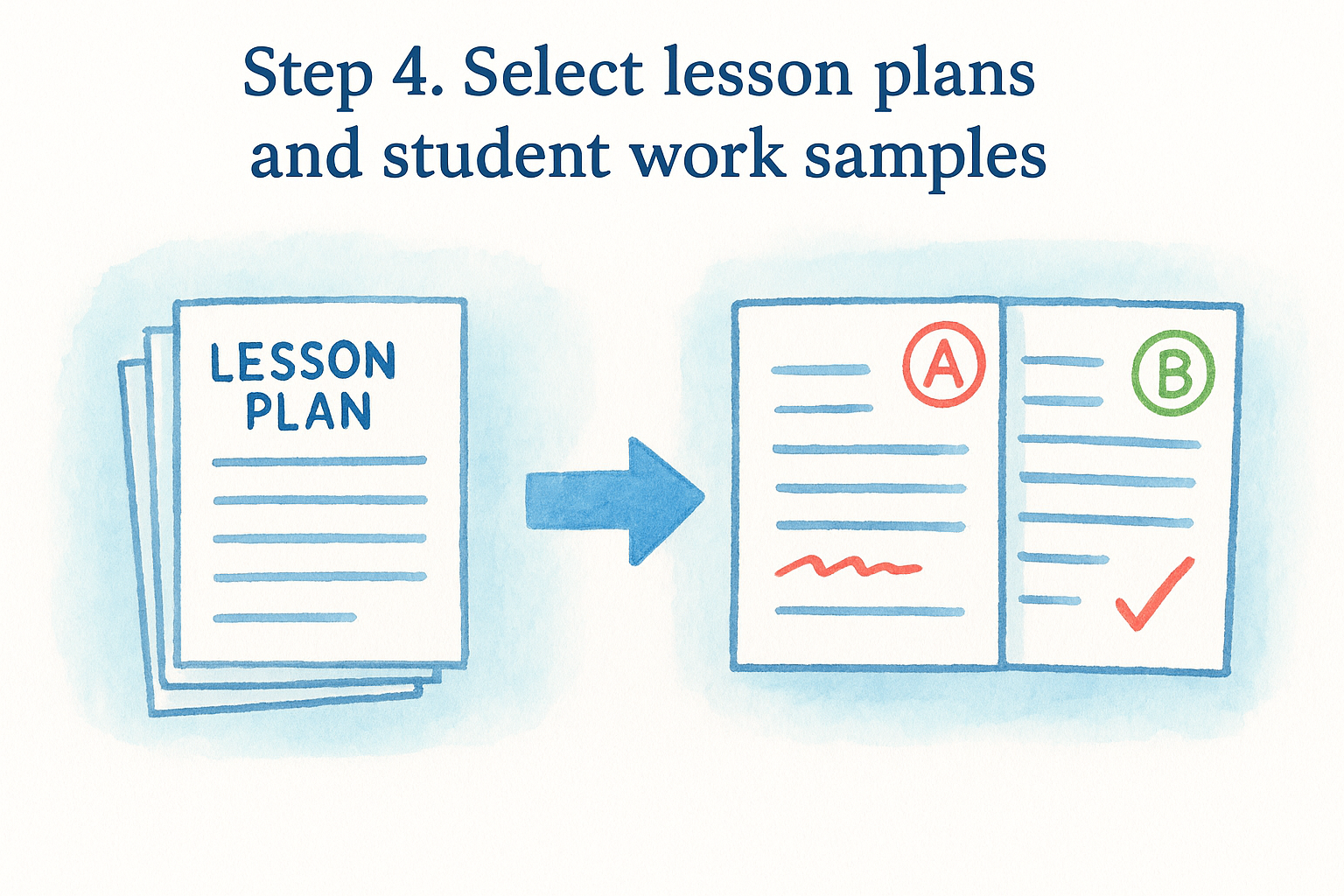
Step 4. Select lesson plans and student work samples
With your philosophy and about me pages written, move to the heart of the portfolio: the artifacts that prove you can actually plan and deliver instruction. This is where most candidates go wrong, either dumping in every worksheet they ever made or including nothing at all because they’re not sure what counts as strong evidence. Choose three to five lesson plans and matching student work samples that together show range, from a whole-class direct instruction lesson to something differentiated for mixed ability levels.
Choosing lesson plans that show range
Don’t pick your five favorite lessons just because they went well. Pick lessons that demonstrate different skills a hiring committee cares about: one that shows strong scaffolding, one that shows differentiation for an IEP or ELL student, and one that shows how you handle a difficult standard students typically struggle with. Include the actual lesson plan document alongside a short paragraph explaining your reasoning, since the plan alone doesn’t always make your thinking visible.
Choose lessons that prove range, not just lessons that happened to go well.
Picking student work that shows growth
Student work samples work best in pairs: an early draft alongside a revised one, or a pretest next to a posttest. That before-and-after format does more to prove instructional impact than a single polished essay ever could, because it shows the distance you helped a student travel, not just the finish line. Always redact last names and any other identifying student information before including work samples, and check your district’s policy on student privacy before you photograph or scan anything.
A simple checklist for each artifact you include
Before adding any lesson plan or work sample to your portfolio, run it through this quick check:
- Does it connect to a state standard or curriculum objective?
- Does it show your instructional reasoning, not just the final product?
- Does it include a rubric or clear grading criteria?
- Is any student information properly redacted?
- Does it add something the other artifacts don’t already show?
If an artifact fails more than one of these, swap it out rather than padding your portfolio with filler. A committee flipping through five sharp, well-chosen artifacts comes away more impressed than one wading through fifteen redundant worksheets. Quality here does more for your case than volume, and it keeps your teacher portfolio template focused on evidence a principal can actually use to picture you running their classroom.
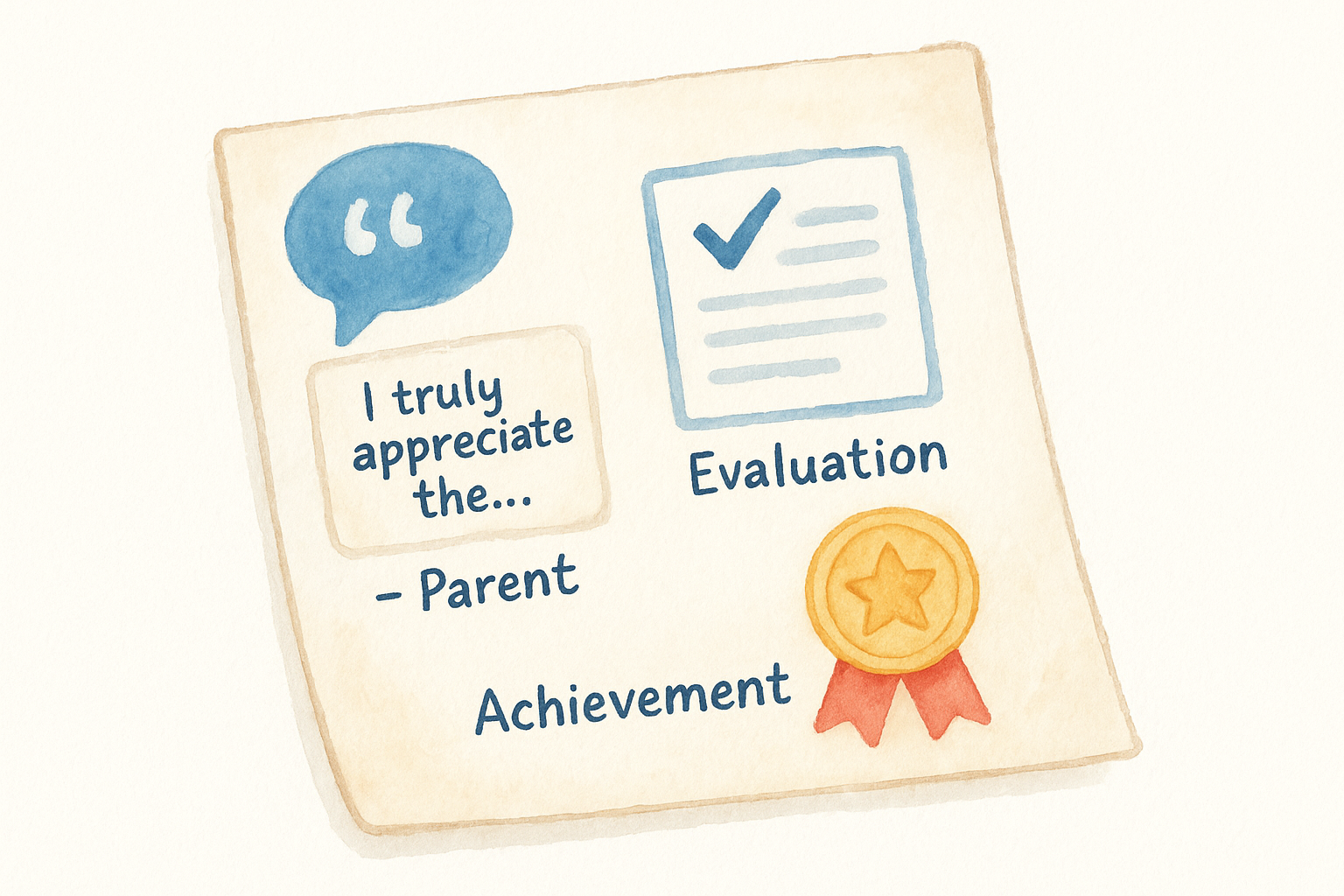
Step 5. Add testimonials, evaluations, and achievements
After your lesson plans and student work, add one section that backs up everything you’ve claimed so far with outside validation. Testimonials, formal evaluations, and achievements tell a hiring committee that someone other than you has already vouched for your teaching. This section usually runs shorter than your artifacts section, but it carries weight because it’s evidence you didn’t write yourself.
Choosing which evaluations to include
If you’ve completed student teaching or a full year in the classroom, you likely have at least one formal observation or evaluation from a supervising administrator. Include the strongest one, or the two strongest if they highlight different strengths, like classroom management in one and lesson delivery in the other. Skip evaluations that are purely satisfactory with no specific comments attached. A strong evaluation with detailed narrative feedback does more for you than three generic checklists marked "meets expectations."
A generic evaluation proves nothing; a specific one proves everything.
Pulling testimonials that say something specific
Parent notes, student thank-you cards, and colleague endorsements all belong here, but only the ones that mention something concrete. A parent writing "my son actually looks forward to math homework now" tells a committee far more than "great teacher, thank you." If you have testimonials sitting in old emails, pull the strongest lines and format them as short quotes rather than pasting full messages, which keeps the page scannable.
Testimonial format:
"[Specific quote about your teaching or impact]"
- Name, Role (Parent, Student, Colleague), Year
Listing achievements that matter to this job
Your achievements section should stay focused, not a running list of every certificate you’ve earned. Prioritize items a hiring committee for this specific role would care about:
- Awards or recognitions tied to teaching, coaching, or student outcomes
- Grants you wrote and secured for classroom materials or programs
- Committee or leadership roles, like department lead or new-teacher mentor
- Published work, conference presentations, or workshops you’ve led
Leave off unrelated academic honors from years ago unless they still speak to your professional strengths today. A tight list of five relevant achievements reads as focused; a long list of everything you’ve ever done reads as padding, and it dilutes the stronger items sitting next to it. Once this section is set, you’re ready to move from gathering content to actually building the polished document a committee will hold in their hands.
Step 6. Organize, design, and proofread your portfolio
With every document, artifact, and testimonial collected, you’re ready to assemble the final version of your teacher portfolio template. Order matters here more than most candidates realize. Committees form their first impression from the first three pages, so lead with your résumé and credentials, follow with your teaching philosophy and about me page, then move into lesson plans, student work, and finally testimonials and achievements. That sequence mirrors how a hiring committee actually wants to evaluate you: qualifications first, philosophy second, proof third.
Building a table of contents that works
Add a clickable table of contents if you’re building digitally, or a tabbed divider system if you’re printing a binder. A committee member skimming during a fast-paced interview should be able to jump straight to "Lesson Plans" or "Evaluations" without flipping through twenty pages first.
Sample Table of Contents:
1. Résumé
2. Certifications & Transcripts
3. Teaching Philosophy
4. About Me
5. Lesson Plans & Student Work
6. Evaluations & Testimonials
7. Achievements
Keeping the design consistent
Stick to one font family, two colors at most, and consistent headers across every page. A consistent design signals attention to detail the same way a well-organized classroom does, and it keeps the reader’s focus on your content instead of distracting them with mismatched fonts pulled from three different downloaded templates.
A cluttered portfolio makes a committee doubt your organizational skills before they’ve read a single lesson plan.
Proofreading like a hiring committee would
Never submit or bring a portfolio you haven’t proofread twice, once on screen and once on a printed copy, since typos hide differently on paper than on a monitor. Ask a colleague or former professor to read through it cold, without context, and flag anything confusing or unclear. Committees notice small errors fast, and a portfolio with a spelling mistake on page one undercuts every strong artifact that follows it.
A final pre-interview check
Run through this list the night before any interview:
- Every link works and every file opens
- Student information is fully redacted
- Fonts and colors are consistent throughout
- Page numbers or a table of contents are in place
- A printed backup copy is ready, even for a virtual interview
Finishing this checklist means your teacher portfolio template is genuinely interview-ready, not just filled in.
Bringing your portfolio to your next interview
A finished teacher portfolio template only pays off if you actually use it in the room. Bring a printed copy even to a virtual interview, and reference specific pages by name: "I built a choice board for this unit, it’s on page six." That kind of specificity is exactly what separates you from candidates reciting the same three claims about differentiation and passion.
Building this took real work: gathering credentials, writing a sharp philosophy, choosing artifacts that show range, and proofreading until it’s clean. That effort shows on every page, and committees notice candidates who did it. Now put it to work. Practice flipping to your strongest lesson plan in under ten seconds, rehearse the story behind two artifacts, and walk in ready to prove what your résumé can only claim.
For more tools to strengthen your classroom practice before your next interview, visit The Cautiously Optimistic Teacher.