Quizizz for Teachers: The Complete Wayground Guide (2026)
If you’ve tried logging into Quizizz recently and found yourself staring at something called "Wayground," you’re not alone. The popular assessment platform rebranded in late 2025, leaving many educators confused about what changed and whether their favorite features still exist. Understanding Quizizz for teachers, now operating under its new identity, is essential for anyone who relied on it for classroom engagement and formative assessment.
Here at The Cautiously Optimistic Teacher, we believe the right tools can transform your teaching without adding hours to your workload. That’s why we’ve put together this complete guide to help you navigate Wayground’s interface, explore its updated features, and decide if the free version meets your needs or if a paid plan makes sense for your classroom.
Whether you’re a longtime Quizizz user adapting to the rebrand or a teacher discovering the platform for the first time, this guide covers everything from creating your first quiz to leveraging advanced reporting features. Let’s break down what actually matters for your day-to-day teaching.
Quizizz is now Wayground: what changed
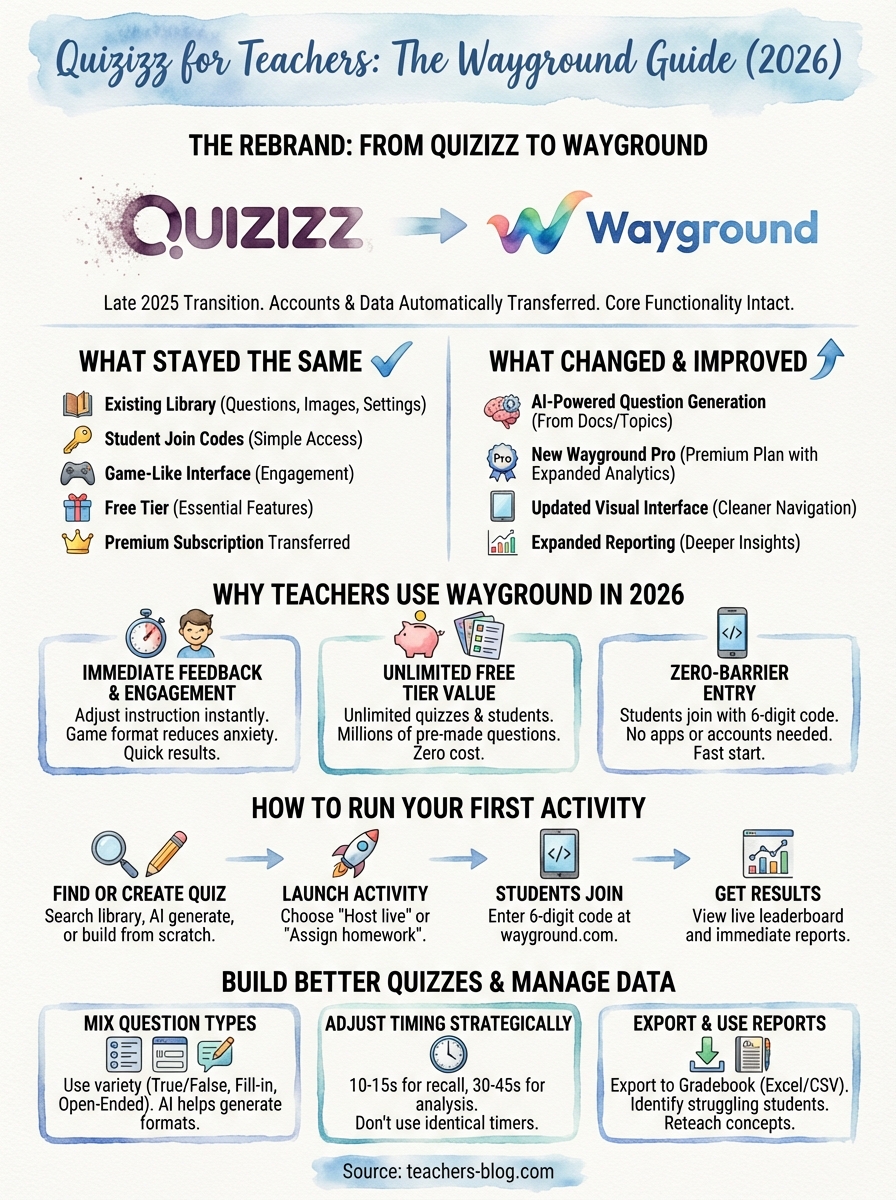
In October 2025, Quizizz announced its transition to Wayground, a rebrand that reflected the platform’s evolution beyond simple quizzes. Your existing account, quizzes, and student data automatically transferred to the new system without requiring any migration steps. The company kept the core functionality intact while introducing a broader vision for classroom engagement tools that extend beyond traditional assessments.
The rebrand timeline
The shift from Quizizz to Wayground happened gradually between October 2025 and January 2026. You received email notifications about the change, and the platform displayed banners explaining the transition when you logged in. By February 2026, all references to Quizizz disappeared from the interface, though many teachers still search for "quizizz for teachers" out of habit.
"The rebrand didn’t erase your work. Everything you built over the years remains accessible under your Wayground account."
What stayed the same
Your quiz library remained untouched, including all the questions, images, and settings you configured over the years. Students can still join sessions using simple join codes, and the familiar game-like interface that made Quizizz popular continues to drive engagement. The free tier still exists with most essential features available at no cost, and your premium subscription transferred automatically if you had one.
What’s actually different
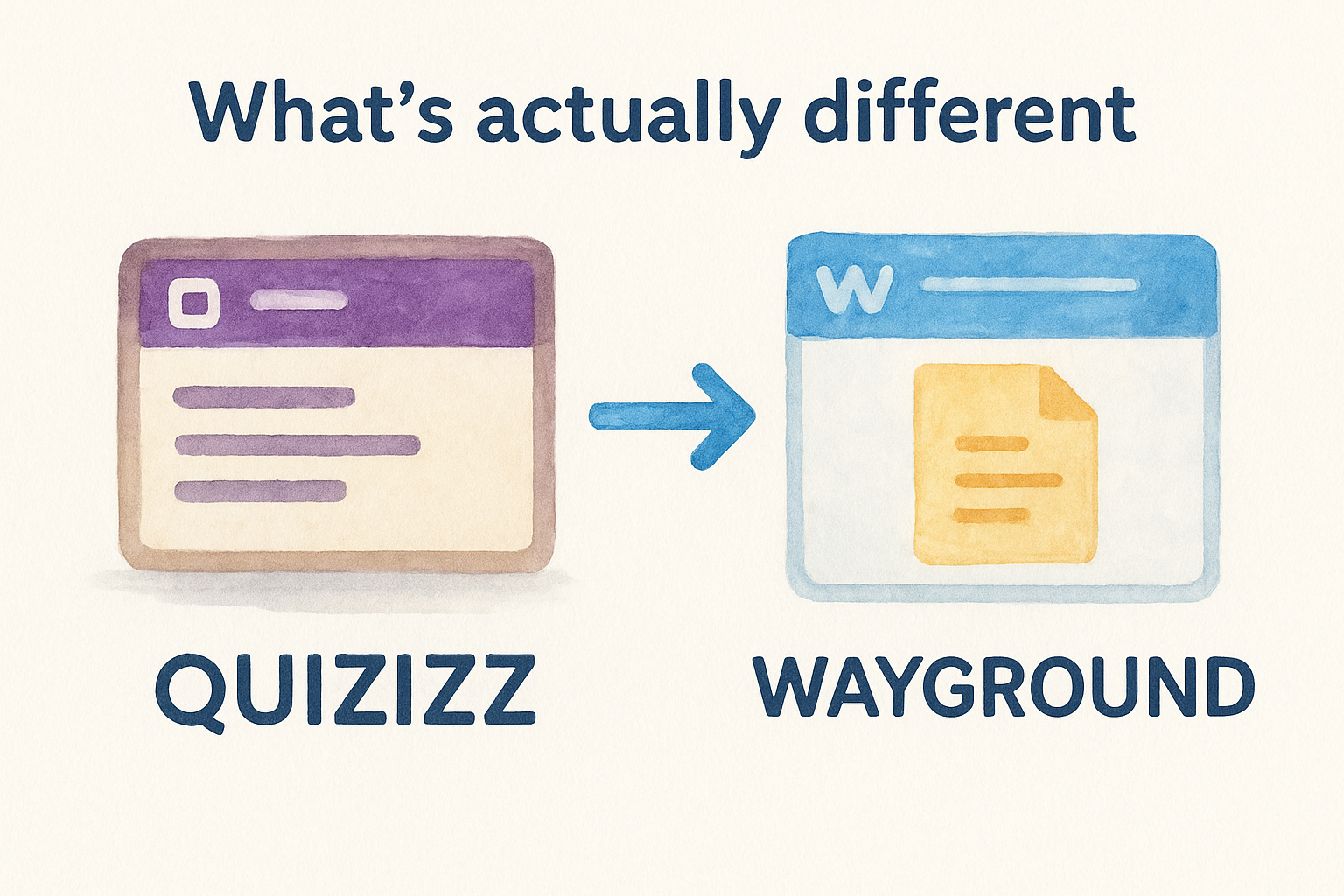
Wayground introduced AI-powered question generation as a standard feature, allowing you to create quizzes from uploaded documents or topics. The interface received a visual refresh with cleaner navigation and better organization of your content library. Pricing tiers changed slightly, with the premium plan now called Wayground Pro and offering expanded analytics tools that weren’t available in the original Quizizz platform.
Why teachers use Wayground in 2026
Wayground continues to attract teachers because it solves a fundamental classroom problem: getting quick feedback on student understanding without drowning in paperwork. The platform delivers immediate results that help you adjust instruction while the topic still matters, not days later when you’ve already moved on. Unlike traditional quizzes that feel like tests, the game format reduces anxiety and keeps students engaged even during review sessions.
The free version delivers real value
You get access to unlimited quizzes and students without paying a cent, which matters when you’re working within tight school budgets. The question bank contains millions of teacher-created assessments across every subject and grade level, saving you hours of prep time. Most teachers searching for "quizizz for teachers" today find that Wayground’s free tier handles their daily assessment needs without requiring an upgrade.
"You don’t need a premium subscription to create effective formative assessments that students actually enjoy completing."
Students join without accounts or apps
Your students simply enter a six-digit code on any device with a browser, eliminating the friction of downloading apps or remembering passwords. This zero-barrier entry means you can run an assessment in the first five minutes of class without technical hiccups eating into your teaching time.
How to set up and run your first activity
Getting started with Wayground takes less than five minutes from login to launching your first quiz. The platform walks you through a straightforward process that doesn’t require technical expertise or lengthy tutorials. You can search existing content, create something new, or use the AI generator to build a quiz that matches your lesson objectives.
Finding or creating your quiz
Start by clicking the "Create" button on your dashboard, which presents three options: browse the library, build from scratch, or generate with AI. The library search function lets you filter by subject, grade level, and standards alignment to find ready-made quizzes that match your curriculum. Most teachers searching for "quizizz for teachers" discover that someone already created an assessment covering their topic, saving valuable prep time.
"The fastest path to your first activity is searching the existing library before building something new."
Launching the activity
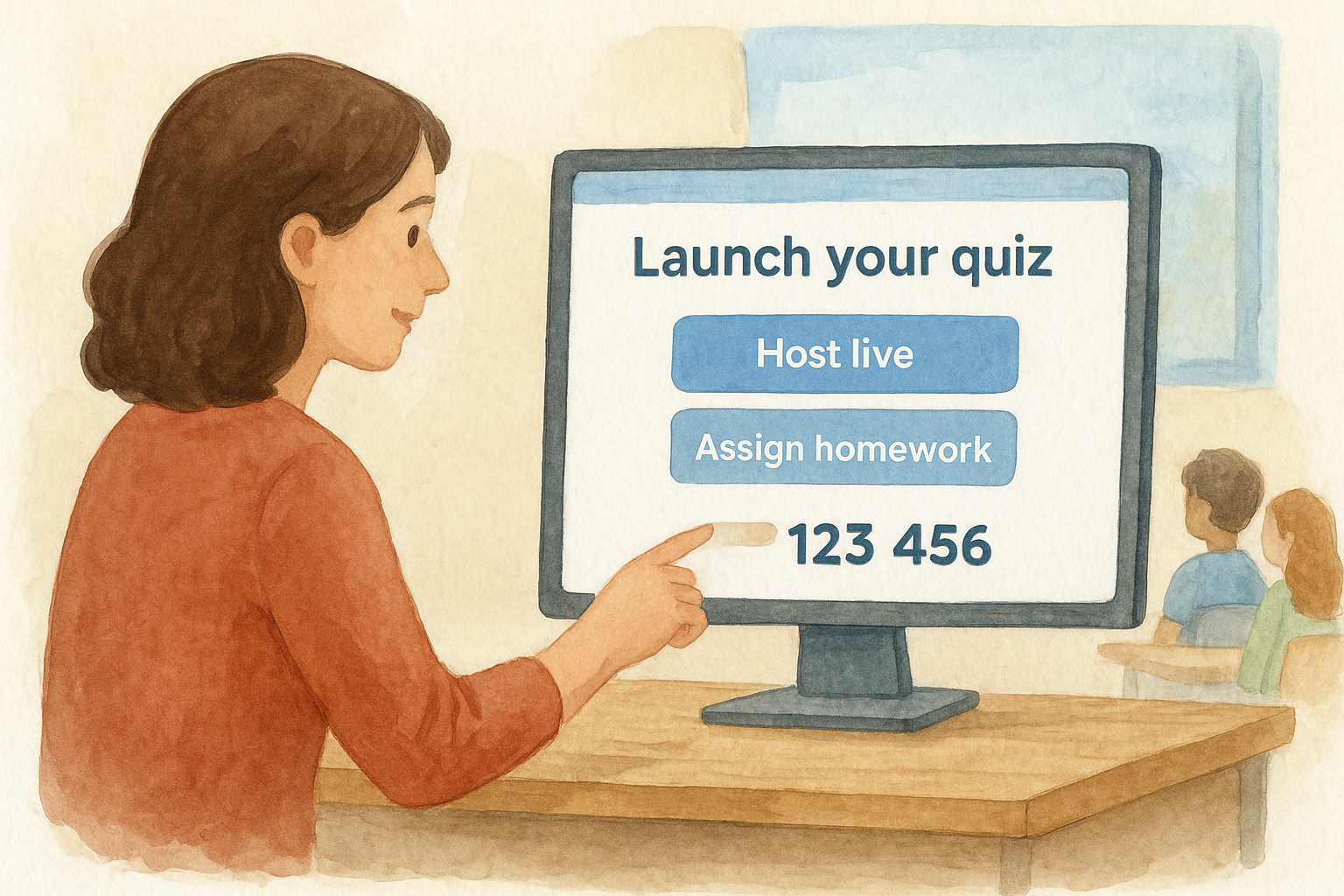
Click "Host live" to start a game-style session where students answer together, or choose "Assign homework" for self-paced completion. Your screen displays a unique join code that students enter at wayground.com to access the quiz. You control the pacing by advancing questions manually or setting timers, and the live leaderboard updates automatically as students submit answers.
How to build better quizzes and lessons
Creating effective Wayground activities requires more than just entering questions into the system. You need to consider question variety, timing, and alignment with your actual learning goals to keep students engaged while gathering useful data. The platform gives you enough flexibility to design assessments that match your teaching style without overwhelming you with unnecessary options.
Mix question types strategically
Your quiz performs better when you include multiple question formats instead of relying solely on multiple choice. Wayground supports true/false, fill-in-the-blank, and open-ended responses that challenge students differently and reveal gaps you might miss with simple selection questions. The AI generator can help you create this variety by suggesting different formats for the same concept, making it easier to design comprehensive assessments.
"Varying your question types keeps students alert and provides a more complete picture of their understanding."
Set appropriate time limits
You should assign 10 to 15 seconds for basic recall questions and 30 to 45 seconds for questions requiring analysis or calculation. Teachers who formerly searched for "quizizz for teachers" often made the mistake of using identical timers for every question, which either rushed thoughtful responses or dragged out simple ones. Adjusting these settings individually takes seconds but significantly improves the assessment experience for your students.
Data, grading, and classroom management tips
Wayground collects detailed performance data during every activity, but the real value comes from knowing which reports matter and how to act on them quickly. You can export results to your gradebook system, identify struggling students before they fall behind, and adjust your instruction based on actual evidence instead of guesswork. The platform automatically generates insights that would take hours to calculate manually, freeing you to focus on teaching rather than spreadsheet management.
Export and use your reports
Your reports tab displays class averages, individual scores, and question-level analysis that reveal exactly where students struggled. You can download this data as Excel or CSV files that import directly into most learning management systems without manual entry. Teachers who previously relied on "quizizz for teachers" for assessment appreciate that Wayground maintains this streamlined export functionality while adding filters to isolate specific student groups or time periods.
"The question analysis report shows you which items confused your entire class, signaling concepts that need reteaching."
Grade smarter, not harder
Wayground automatically grades multiple choice, true/false, and many fill-in-the-blank responses, leaving you to review only the open-ended questions that require judgment. You can set point values per question and apply partial credit rules that reward partial understanding rather than marking answers completely wrong.
Where to go from here
You now understand how Wayground functions as the evolved version of the platform teachers originally searched for as "quizizz for teachers," and you have the practical knowledge to create engaging assessments that students actually complete. The rebrand changed the name but kept the functionality that made millions of educators adopt it in the first place, giving you a proven tool for gathering formative assessment data without adding hours to your grading load.
Start by running one quiz this week with your most challenging class to test the platform’s engagement power in real conditions. Watch how students respond to the game format compared to traditional worksheets, then adjust your question types and timing based on what the data reveals. Your next step involves building a small library of assessments aligned to your curriculum so you always have a ready option when you need quick feedback.
Looking for more ways to streamline your teaching workflow? Check out our AI tools for teachers that help you create differentiated lessons, generate worksheets, and write report card comments in minutes instead of hours.