Best Parent Communication App for Schools: 5 Picks (2026)
Let’s be honest, sending home a paper newsletter in 2026 and hoping parents actually read it is about as effective as assigning homework and hoping every student does it. Parent-school communication matters, and the tools you use to manage it can either save you hours each week or add to your already overflowing plate. Finding the right parent communication app for schools shouldn’t require a second teaching degree.
Here at The Cautiously Optimistic Teacher, we spend a lot of time looking for tools that make teachers’ lives easier without adding unnecessary complexity. We’ve tested, compared, and talked to educators about the apps they actually use, not just the ones with the flashiest marketing pages. Two-way messaging, translation features, announcement tools, the feature lists can blur together fast.
This article breaks down five parent communication apps worth your attention in 2026. Each pick includes a honest look at what it does well, what it doesn’t, and which type of school or teacher it fits best. Whether you’re a solo classroom teacher picking your own tool or part of a team evaluating options for your building, you’ll walk away with a clear picture of what’s out there and what actually works.
1. TalkingPoints
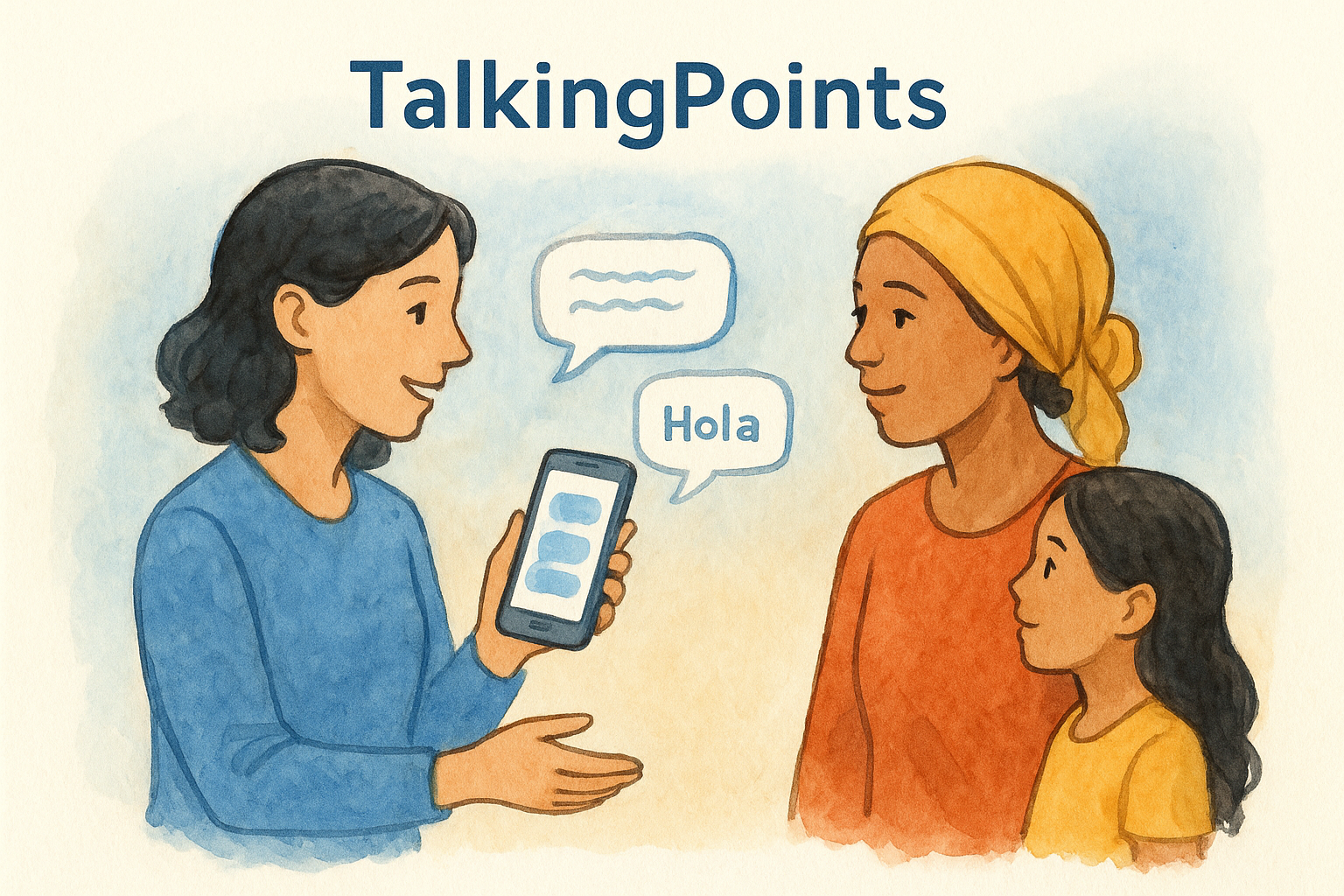
TalkingPoints focuses on one problem that most other apps only partially solve: language barriers between schools and families. The platform uses AI-powered translation to support over 100 languages, which means you can send a message in English and a parent receives it in their home language automatically. No third-party translation app is required, and no waiting for an interpreter to be available.
What it does well
TalkingPoints handles two-way translated messaging smoothly, and it keeps the interface simple enough that parents with limited smartphone experience can still navigate it. The platform also gives you a dashboard to track which families have read messages and which haven’t, so you know exactly where follow-up is needed rather than guessing.
TalkingPoints is the only major parent communication app for schools built specifically around multilingual family engagement, which gives it a clear edge in diverse communities.
Best fit for
This app works best for Title I schools and teachers who serve families where English is a second language. If your building has a large population of families who speak Spanish, Somali, Arabic, or other languages, TalkingPoints removes a real daily obstacle for you and your colleagues.
Watch-outs
The platform is not a full school management tool. It handles messaging well, but you won’t find behavior tracking, portfolio tools, or classroom management features here. If your school needs one app that covers everything, this isn’t it.
Pricing and plan notes
The free teacher plan covers basic two-way messaging with translation included. School and district plans unlock group messaging, data reporting, and admin-level tools. Pricing for school-wide accounts is quote-based, so you’ll need to contact TalkingPoints directly for exact numbers.
Implementation checklist
Getting started takes less time than you might expect. Work through these steps before your first message goes out:
- Create your free teacher account on the TalkingPoints website
- Add your class roster or import it via CSV
- Send a welcome message to families with clear instructions for downloading the app
- Ask a bilingual family to verify that translated messages are landing correctly
2. Bloomz
Bloomz positions itself as an all-in-one parent communication app for schools, combining messaging, scheduling, and volunteer coordination in a single platform. It gives you a broader feature set that covers announcements, event sign-ups, and behavior tracking in one place.
What it does well
Bloomz makes it easy to send group messages and individual notes to parents without switching between multiple tools. You can also schedule conferences, set up volunteer slots, and share photos and class updates from the same dashboard.
Bloomz stands out for combining communication and coordination features that most teachers typically manage across two or three separate tools.
Best fit for
This platform fits elementary and middle school teachers who want a single hub for communication and event management. If your school runs frequent volunteer activities or parent events, Bloomz cuts coordination time significantly.
Watch-outs
The free plan has real limits. Group messaging and scheduling features are locked behind paid tiers, which can frustrate teachers who want full functionality without a budget approval process.
Pricing and plan notes
Bloomz offers a free basic tier for individual teachers. School and district plans use quote-based pricing, so contact Bloomz directly for current rates.
Implementation checklist
- Set up your class profile and invite families via email or class code
- Enable notification preferences so parents receive alerts on their phones
- Add your first event or sign-up sheet to test the scheduling features
3. Remind
Remind built its reputation as a text-based messaging tool that keeps teacher and parent phone numbers private. Many parents already have it installed, which cuts setup time significantly before you send your first message.
What it does well
The platform delivers real-time messaging directly to parents’ phones without exposing your personal number. You can broadcast announcements to your whole class or send individual messages, and parents can reply without you ever sharing your contact information.
Remind’s phone number masking makes it one of the most privacy-conscious parent communication app for schools options available.
Best fit for
This app fits middle and high school teachers who want fast, direct communication without a heavy setup process. If your families are already comfortable with text messaging, Remind connects with them on familiar ground.
Watch-outs
Remind keeps things simple, which means it lacks portfolio tools and behavior tracking, along with deeper family engagement features some schools need. If your district wants one platform that handles everything, Remind will feel limiting.
Pricing and plan notes
The free plan covers core messaging for individual teachers. School-wide features require a paid Hub plan, and pricing is quote-based through Remind directly.
Implementation checklist
Getting families connected takes just a few steps once your class code is set up and notification preferences are configured:
- Share your class code via email or a printed handout
- Send a test message to confirm delivery is working
- Set your notification hours to prevent after-hours alerts
4. ClassDojo
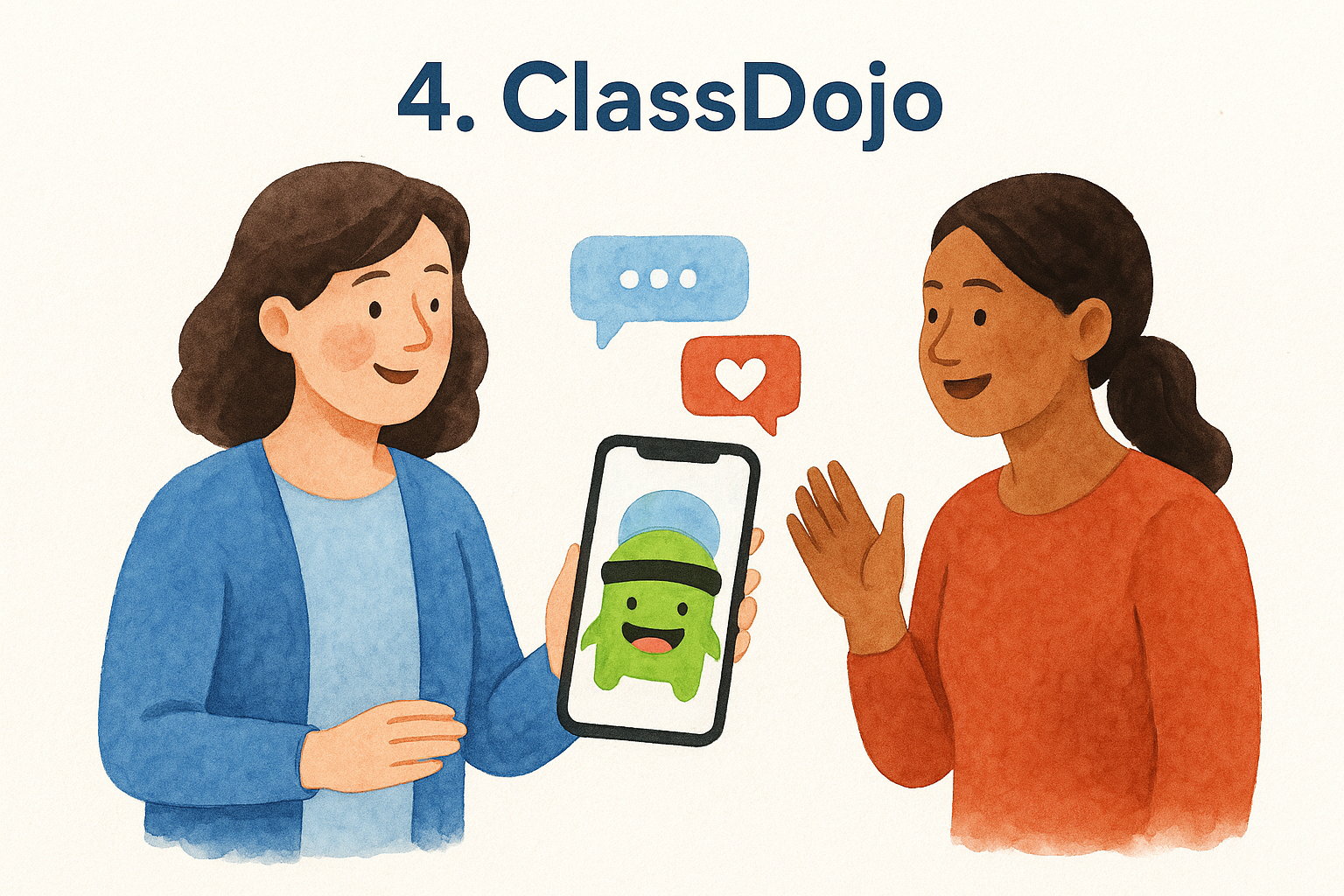
ClassDojo is one of the most widely recognized parent communication app for schools options available, with over 50 million users across classrooms globally. The platform blends behavior tracking, portfolio sharing, and direct messaging into a single app that families can access from their phones.
What it does well
The app lets you post real-time classroom updates through its Story feature, where you share photos and videos that parents can view and react to. A built-in behavior tracker also lets you log positive and constructive feedback during the school day, keeping parents informed without requiring a separate message.
ClassDojo’s combination of behavior tracking and family messaging in one place gives elementary teachers a level of parent visibility that few other platforms match.
Best fit for
This app works best for elementary school teachers who want parents actively engaged in daily classroom life. If your school prioritizes continuous family involvement beyond announcements, ClassDojo delivers exactly that.
Watch-outs
ClassDojo stores student data, and privacy advocates have flagged concerns about this over the years. Review your district’s data privacy policies carefully before committing to a school-wide rollout.
Pricing and plan notes
The core plan is free for individual teachers. ClassDojo Plus unlocks additional portfolio and messaging features for a small monthly fee, and school-wide plans use quote-based pricing.
Implementation checklist
Follow these steps before sending your first update to families:
- Share your class QR code with parents at orientation or back-to-school night
- Enable Story posting and publish your first classroom update within the first week
5. Seesaw
Seesaw is a student portfolio and family engagement platform that doubles as a reliable parent communication app for schools. Teachers use it to share student work samples, voice recordings, and videos directly with families, making learning visible beyond the classroom walls.
What it does well
The platform lets students document and share their learning in real time through a journal-style portfolio. Parents receive notifications when their child adds new work, which creates natural conversation starters at home without any extra effort from you.
Seesaw’s portfolio approach gives parents a window into actual student work, not just behavior scores or school-wide announcements.
Best fit for
Seesaw fits elementary teachers who want families connected to student learning rather than just school logistics. If you prioritize authentic family engagement tied to academic growth, this platform delivers that better than most tools in this category.
Watch-outs
The messaging features are less robust than dedicated communication tools like Remind. The focus on portfolios means you get strong student documentation but lighter two-way conversation capabilities for quick back-and-forth with parents.
Pricing and plan notes
Seesaw offers a free plan for individual teachers. The Seesaw for Schools plan unlocks district-level management and reporting and is quote-based through Seesaw directly.
Implementation checklist
Work through these steps before your first family update goes live:
- Set up your class portfolio and invite families using the parent access QR code
- Post your first student activity within opening week to show families how the feed works
- Enable comment settings so parents can respond to student posts
Final thoughts
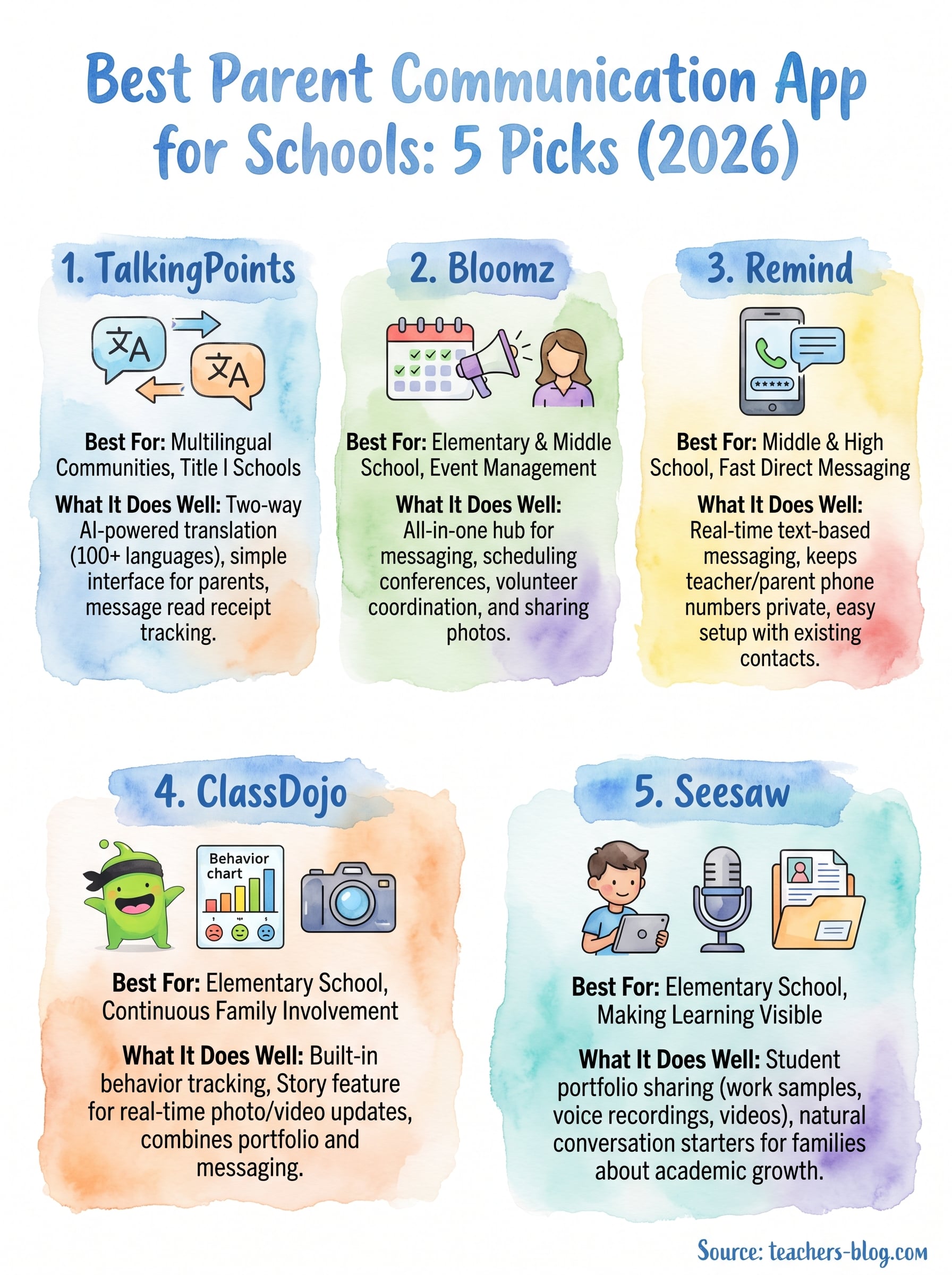
Every school community is different, which means the right parent communication app for schools depends heavily on your specific classroom context. If your families speak multiple languages, TalkingPoints is the clear starting point. If you want a portfolio-driven approach that ties communication to student work, Seesaw earns a serious look. Bloomz and ClassDojo both cover more ground, while Remind keeps things fast and private.
Start by picking one tool that solves your biggest pain point right now, not the app with the longest feature list. A tool you actually use consistently will always outperform a sophisticated platform you abandon by November. Test it with a small group of families first, gather feedback, and expand from there.
For more practical strategies on saving time and building better classroom systems, visit The Cautiously Optimistic Teacher and explore the full library of teacher resources and tools.