Newsela For Teachers: Features, Pricing, And How To Use It
Getting every student to read at a level that actually challenges them, without overwhelming them, is one of teaching’s trickiest balancing acts. That’s exactly the problem Newsela for teachers was built to solve. The platform takes real news articles and adjusts them to multiple reading levels, letting you assign the same topic to your entire class while meeting each student where they are.
But here’s the thing: Newsela has changed quite a bit over the years. What used to be a straightforward free tool now operates on a tiered pricing model, and figuring out what you actually get without paying can be confusing. At The Cautiously Optimistic Teacher, we’re all about helping educators find the right tools without the runaround, whether that’s our own AI-powered resources or platforms like Newsela that genuinely support differentiated instruction.
This guide breaks down Newsela’s core features, explains what’s free versus paid, and walks you through how to actually use it in your classroom. If you’ve been curious about the platform or wondering whether it’s worth the investment, you’ll have a clear answer by the end.
Why teachers use Newsela
Newsela for teachers fills a specific gap that most reading tools miss: every student reads a different version of the same article, so class discussions stay unified while the reading level stays appropriate for each individual. You don’t have to hunt for five separate versions of a text or build different assignments for your struggling readers and your advanced ones.
Reading levels that work in a mixed classroom
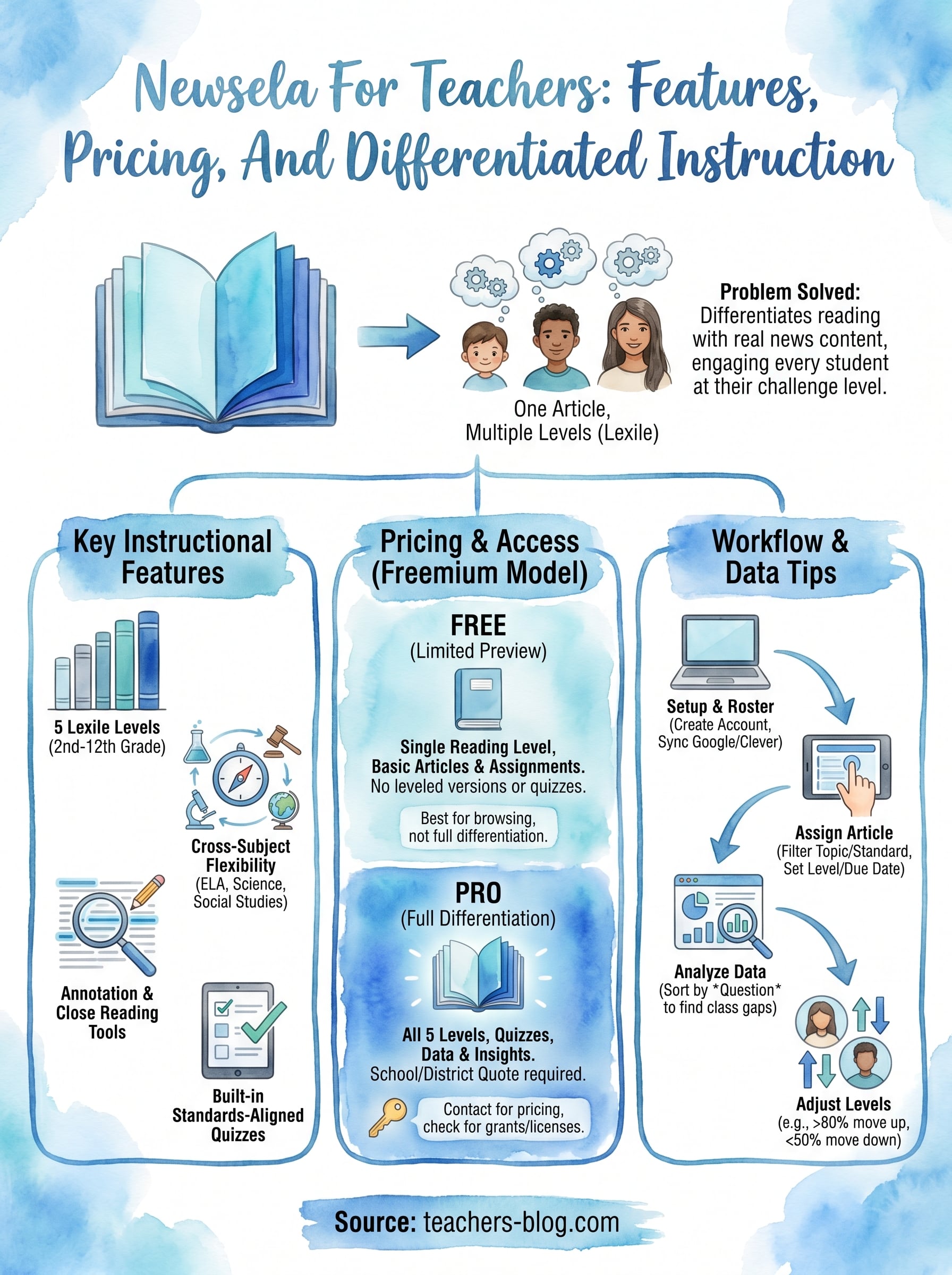
Articles on the platform adjust across five Lexile levels, ranging roughly from 2nd-grade to 12th-grade reading difficulty. You pick one article, and students get assigned a specific level or the platform adjusts based on their reading data. The levels are labeled with actual Lexile scores, so if your students have been assessed and you already know their ranges, matching them to the right version takes about ten seconds.
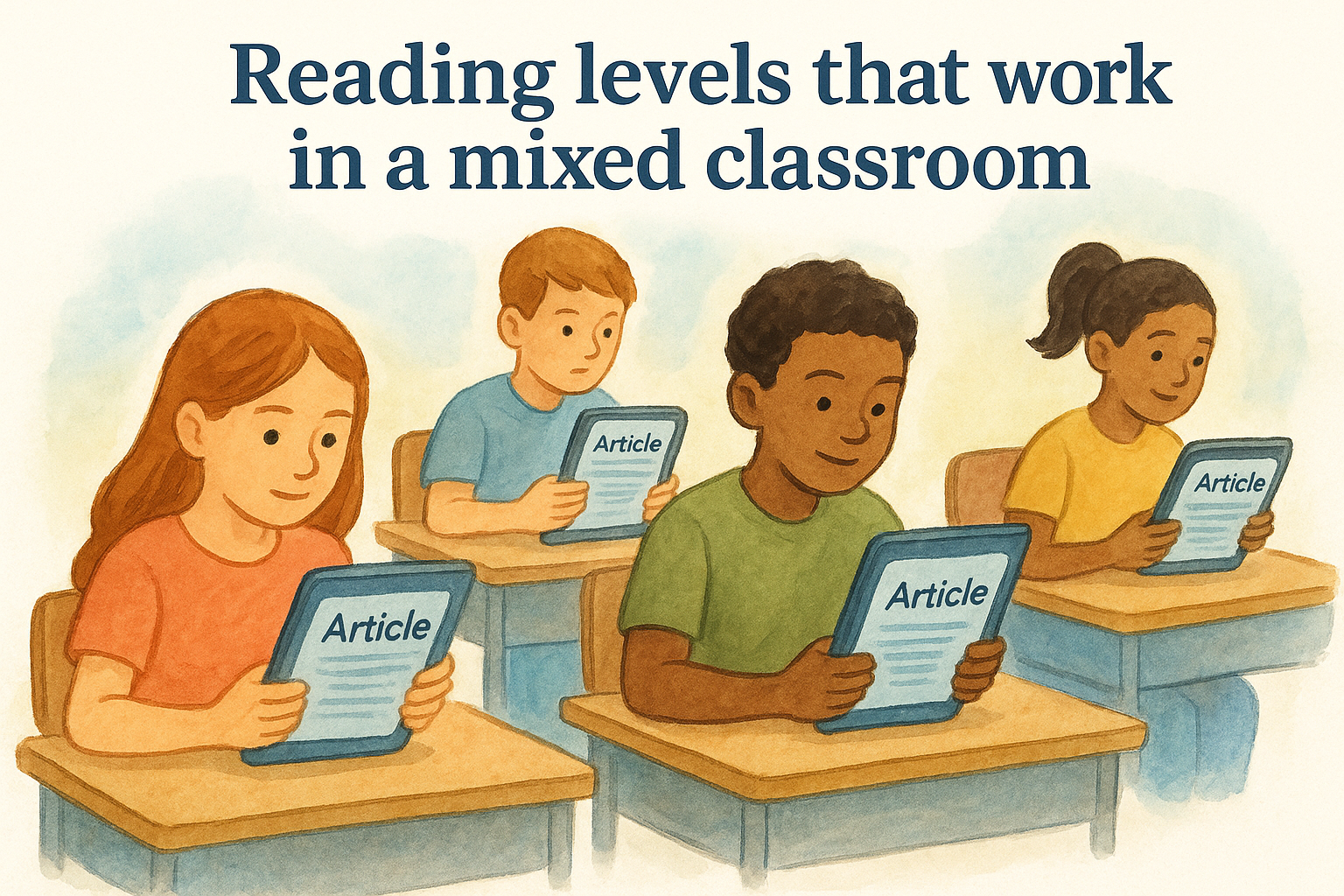
Students engage more readily with a text when it challenges them without shutting them down, and Newsela’s leveled articles make that easier to deliver consistently.
Real news content also helps. Because Newsela pulls from current events and actual news sources, students read about things that matter right now, not fabricated passages built to hit a vocabulary list. That authenticity pushes engagement up, especially with middle and high school students who spot artificial texts quickly.
Cross-subject flexibility
Science, social studies, and history teachers use Newsela regularly because the platform covers a wide range of topics, from climate science to government policy to public health. You can filter articles by subject, grade level, and standard, which makes it a practical fit well beyond the ELA classroom.
Here are some of the subject areas where teachers commonly pull Newsela articles:
- ELA: current events paired with argumentative writing practice
- Social studies: government, civics, and historical analysis
- Science: environmental issues, health, and technology
- History: primary source comparison and context-building
What Newsela does best for reading instruction
Newsela stands out from generic reading tools because it builds reading skills directly into the assignment workflow. Rather than asking students to read and move on, the platform layers in structured comprehension checks and annotation tools that push students to engage with the text at a deeper level. That keeps newsela for teachers from being just a content library and turns it into a genuine instructional tool.
Annotation and close reading
Students can highlight text and leave written annotations directly on the article, which supports close reading habits without requiring extra worksheets. You can see exactly which passages students flagged and what they wrote, giving you insight into where comprehension breaks down before you even grade anything.
Seeing a student’s annotations in real time lets you catch misunderstandings early, before they compound into bigger gaps.
Built-in quizzes
Each article comes with a four-question quiz tied to reading standards, such as identifying main idea or analyzing text structure. The questions adjust to match the reading level assigned, so your advanced readers and struggling readers face appropriately challenging questions on the same article.
Results show up as percentages per question and per student, helping you spot which standards need more whole-class attention without digging through individual responses manually.
Pricing and what teachers can use for free
Newsela runs on a freemium model, which means you can create a free account and access a limited set of features without a credit card. The free tier gets you some articles and basic assignment tools, but most of the differentiation features, including the full five-level text sets and standards-aligned quizzes, sit behind the paid Newsela Pro plan.
What the free plan includes
With a free account, you can browse articles and assign them to students at a single reading level. You won’t get the leveled versions or built-in quizzes that make newsela for teachers genuinely useful for differentiated instruction. The free tier works as a preview, not a complete instructional tool.
If differentiation is your primary goal, the free plan will leave you short of what you actually need in the classroom.
What Newsela Pro costs
Newsela Pro is priced at the school or district level, which means individual teachers typically can’t purchase it independently. Pricing is quote-based, so you’ll need to contact Newsela directly to get an actual number for your school.
Some schools receive grant funding or district licenses, so check with your administration before assuming the cost is yours to cover. You may simply need to request access from your department head or tech coordinator.
How to set up Newsela and run assignments
Setting up Newsela for teachers takes about five minutes. Go to newsela.com, create a free educator account using your school email address, and then build your first class. You’ll receive a class code that students enter to join, which works similarly to how Google Classroom handles enrollment.
Creating your class and adding students
Once your class is live, students join with the class code directly, or you can import a roster through Google Classroom or Clever if your school already uses either platform. Both integrations connect automatically, which means you skip the step of entering student names by hand.
If your school already uses Google Classroom, linking it to Newsela cuts setup time down to under two minutes.
Assigning an article
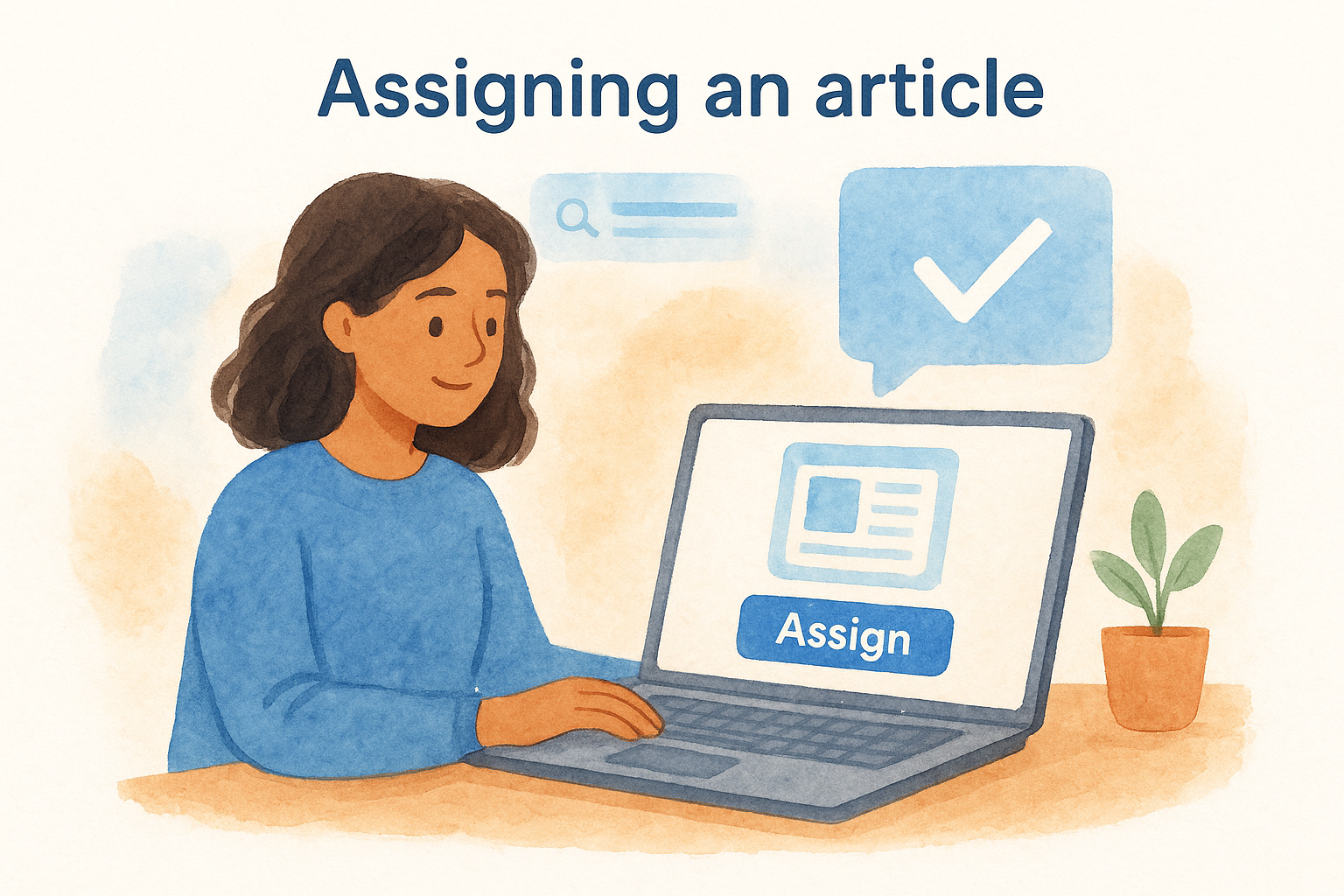
Search for an article using the topic, subject, or standard filter, then select it and click Assign. You pick the reading level and due date, and the assignment appears in each student’s dashboard right away. You can also set a specific Lexile level per individual student if you want tighter control over differentiation rather than letting the platform adjust automatically. After students complete the reading, their quiz results and annotations appear in your teacher dashboard without any extra steps from you.
Tips to get more value from quizzes and data
The quiz and annotation data inside Newsela for teachers becomes genuinely useful when you treat it as a planning tool, not just a grading mechanism. Most teachers glance at the score percentage and move on. If you dig one level deeper, the data tells you exactly which standards need reteaching and which students need a different reading level on the next assignment.
Sort by question, not by student
Instead of reviewing results student by student, filter your dashboard by individual quiz question to see how the whole class performed on each one. If question three, which often targets text structure or author’s purpose, shows a class average below 60%, that’s your signal to revisit that standard whole-class before moving forward.
Sorting by question rather than by student turns quiz data into a targeted lesson plan in about two minutes.
Adjust reading levels based on quiz performance
If a student scores above 80% consistently, move them up one Lexile level on the next article. If they score below 50%, drop them down. Newsela lets you change individual student levels before each new assignment, so you can fine-tune differentiation based on real performance data rather than a placement test from months ago.
Next steps
Newsela for teachers works best when you treat it as a core reading tool rather than an occasional supplement. Start with one class, run two or three article assignments, and then pull the quiz data to see where students actually struggle with specific standards. That hands-on experience with real performance data will show you quickly whether Newsela Pro is worth pushing your administration to prioritize. You can also share what you learn with a colleague and build a case together for district-level access.
If differentiated reading instruction is something you want to strengthen beyond Newsela, The Cautiously Optimistic Teacher has AI-powered tools and practical resources built specifically for educators. From worksheet generation to differentiated lesson planning, you’ll find support that works alongside platforms like Newsela rather than replacing them. The goal is a classroom where every student reads at the right level and you spend less time building materials from scratch.