Kahoot Formative Assessment: Best Practices For Your Class
You hit "Play" on your Kahoot quiz, the music kicks in, and suddenly every student is locked in. But here’s the question worth asking: once the excitement fades, are you actually using that data to inform your teaching? If you’ve only been running Kahoot as a fun review game, you’re leaving one of its most powerful features on the table. Kahoot formative assessment turns those colorful quizzes into real-time diagnostic tools that show you exactly where students stand, before the unit test, not after.
Formative assessment works best when it’s low-stakes, frequent, and gives you actionable information while there’s still time to adjust. Kahoot checks all three boxes, but only if you design your quizzes with intention and actually dig into the analytics afterward. Too many teachers skip that second part, and the learning data just sits there unused.
At The Cautiously Optimistic Teacher, we’re always looking for ways to help educators work smarter with the tools they already have. This article breaks down exactly how to use Kahoot as a formative assessment tool, from building effective questions to reading the post-game reports that tell you which concepts need reteaching. You’ll walk away with practical strategies you can use in your next class, not just theory.
Why Kahoot formative assessment works
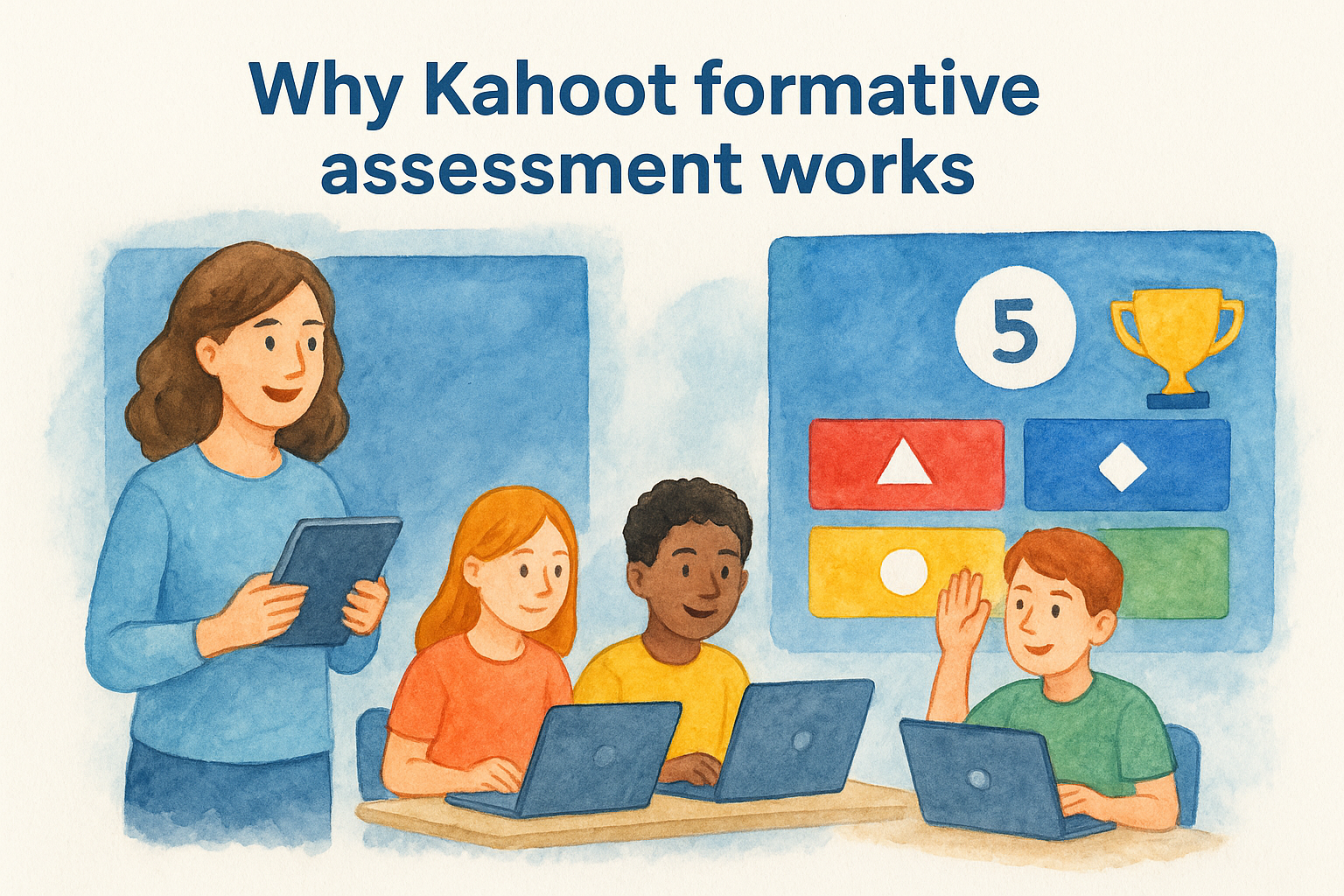
Kahoot taps into something teachers have known for a long time: students pay closer attention when there’s a game involved. But the reason kahoot formative assessment works goes deeper than the music and the leaderboard. When you design a Kahoot quiz with specific learning objectives in mind, you get a snapshot of student understanding that’s hard to replicate with a hand-raise or a whiteboard check.
The engagement factor isn’t just noise
The game mechanics in Kahoot, including the countdown timer and competitive scoring, push students to actively retrieve information rather than passively recognize it. Active retrieval is one of the most well-researched strategies in cognitive science. When students pull an answer from memory under a little pressure, they’re strengthening the connections tied to that concept, not just guessing at multiple choice options.
Retrieval practice consistently outperforms re-reading and passive review as a study strategy, which is why timed response formats like Kahoot naturally support deeper retention.
The competitive element also raises the stakes just enough to keep students focused without creating the anxiety that comes with a graded test. That balance is exactly what makes Kahoot a strong fit for formative purposes. Students try their best, and you get data that actually reflects what they know rather than how well they manage test pressure.
Real-time data closes the feedback loop
Most formative assessment tools require you to wait. You collect exit tickets, grade them after school, and adjust your lesson plan the next day. Kahoot shows you the results the moment each question closes. You can see, right there on your screen, that 60% of your students picked the wrong answer on question four, and you can pivot immediately instead of moving forward on a shaky foundation.
That real-time visibility is the core of what makes Kahoot useful as a diagnostic classroom tool. You don’t need to run a full quiz and analyze a spreadsheet later. A five-question Kahoot at the start of class can tell you whether students retained yesterday’s lesson before you build on it, and that’s formative assessment working exactly as it should.
Low stakes encourage honest responses
When students know a Kahoot isn’t going in the gradebook, they’re more likely to answer based on what they actually think rather than what they believe you want to hear. That honesty is valuable. If you grade every assessment, students learn to freeze under pressure or second-guess themselves, and neither response gives you accurate data about their understanding.
A low-stakes format also helps quieter students participate in a way they might avoid during whole-class discussion. A student who never raises their hand will still tap an answer on a Kahoot, and that single data point tells you something a classroom discussion never would. You end up with a fuller picture of where the entire class stands, not just the students who are comfortable being vocal about what they know.
Formative vs summative: where Kahoot fits
Understanding the difference between these two assessment types helps you use each tool correctly. Formative assessment happens during the learning process, while summative assessment evaluates what students learned after the fact. These two types serve completely different purposes, and treating them as interchangeable leads to misused data and missed opportunities to adjust your instruction before it’s too late.
What formative assessment actually means
Formative assessment is any check you run while students are still in the middle of learning a concept. The goal is not to assign a grade. It’s to gather information that helps you decide what to teach next, which students need more support, and whether the class is ready to move on. Exit tickets, quick polls, classroom discussions, and quizzes like Kahoot all qualify as formative tools when you use them without high-stakes grading attached.
Formative assessment works best when the feedback loop is short enough that you can actually adjust instruction before the window to reteach has closed.
The word "actionable" matters here. A formative check gives you information you can use right now, not a record of what students knew at the end of a unit. When you run a kahoot formative assessment mid-lesson or at the start of class, you’re using it correctly: as a diagnostic tool to guide your next move, not as a final judgment on student performance.
Where summative assessment differs
Summative assessments, including unit tests, final essays, and standardized exams, are designed to measure learning at a defined endpoint. They carry grades and accountability. The data they produce is useful for reporting purposes, but by the time you have those results, the instructional window for that unit has already closed. There’s very little you can do with a struggling test score other than plan better for the next unit.
Kahoot does not belong in summative territory. Attaching a grade to a Kahoot score changes how students interact with the quiz entirely. They stop focusing on what the question is actually asking and start fixating on the points, which corrupts the honest response data that makes low-stakes formative checks so valuable. Keep Kahoot in your formative toolkit, use it to inform instruction, and leave the gradebook column for assessments designed to live there.
What to assess with Kahoot: skills and standards
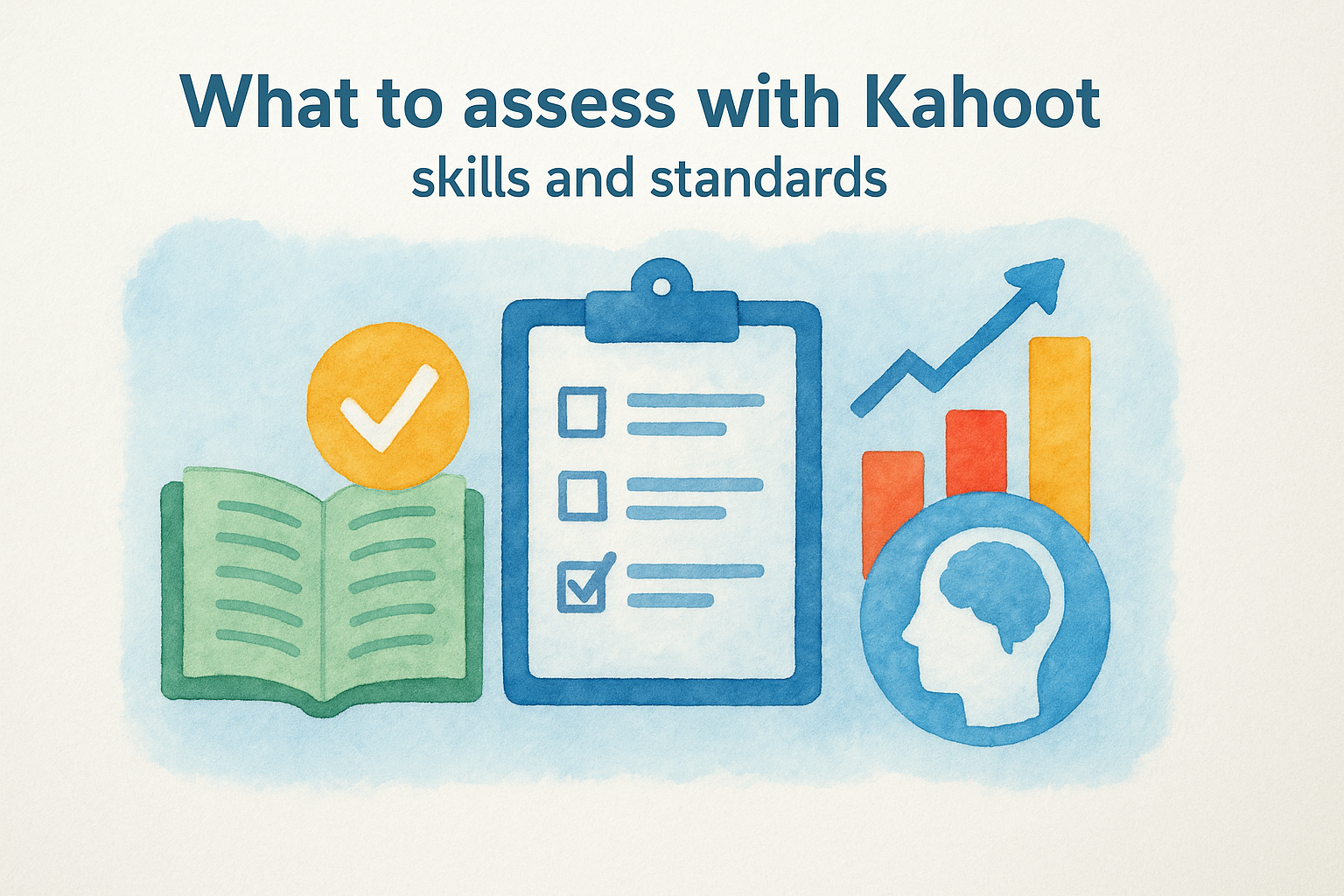
Before you build a single question, you need to know what you’re actually trying to measure. Kahoot formative assessment works best when every question ties directly to a specific learning target or standard. Without that anchor, you end up with a fun quiz that tells you very little about where the gaps in understanding actually are.
Content knowledge checks
Content knowledge is the most straightforward thing to assess with Kahoot, and it’s where most teachers start. You’re checking whether students recall key facts, definitions, or concepts from recent instruction. A question asking students to identify the cause of a historical event or select the correct definition of a vocabulary word fits cleanly into this category.
The more precisely your question maps to a single learning standard, the more directly useful the results will be when you need to decide what to reteach.
Keep these questions specific and unambiguous. Vague questions produce vague data. If a question could reasonably be answered in multiple ways depending on interpretation, students won’t all be working from the same understanding, and your results will reflect confusion in the question design rather than genuine gaps in student knowledge.
Skills and process understanding
Kahoot is not limited to fact recall. You can also use it to assess procedural skills and multi-step thinking when you frame your questions carefully. In a math class, you can present a worked problem and ask students to identify the step where an error occurred. In an English class, you can show a paragraph and ask students to select which sentence contains a structural issue.
This approach moves Kahoot beyond rote memorization and into evaluating whether students can apply what they know. It also gives you better diagnostic information because a wrong answer on a process question points to a specific breakdown in reasoning rather than a simple gap in recall. When you see that most students chose the wrong step in a math problem, you know exactly which part of the procedure to revisit before moving forward.
A quick checklist can help you decide what type of question to write for each standard you’re assessing:
- Recall: definitions, dates, key terms, formulas
- Comprehension: identifying examples, explaining concepts in context
- Application: spotting errors in worked problems, selecting correct procedures
- Analysis: comparing ideas, identifying relationships between concepts
Set up a Kahoot for accurate feedback
The quality of your results depends on how you build the quiz, not just how you run it. A poorly designed kahoot formative assessment gives you noisy data that’s difficult to act on. Before you hit publish, think carefully about question structure, answer choices, and timer settings, because each of those decisions directly affects whether the results tell you something genuinely useful or just reflect confusion in the design itself.
Write questions that point to a single gap
Every question should connect to one specific learning target and nothing else. If a question tests two ideas at once, a wrong answer won’t tell you which idea the student missed. Keep each question tight and focused so that when you pull up the results screen, a pattern of wrong answers maps directly back to one concept you can address the next day.
Your answer choices matter just as much as the question itself. Use plausible distractors based on the actual mistakes you’ve seen students make in previous assignments or discussions. Random wrong answers generate random wrong responses. When your incorrect options reflect real misconceptions, the answers students choose become diagnostic information rather than noise.
The most effective distractor options come from looking at previous student work and identifying the specific errors that show up repeatedly across the class.
Set the timer based on question complexity
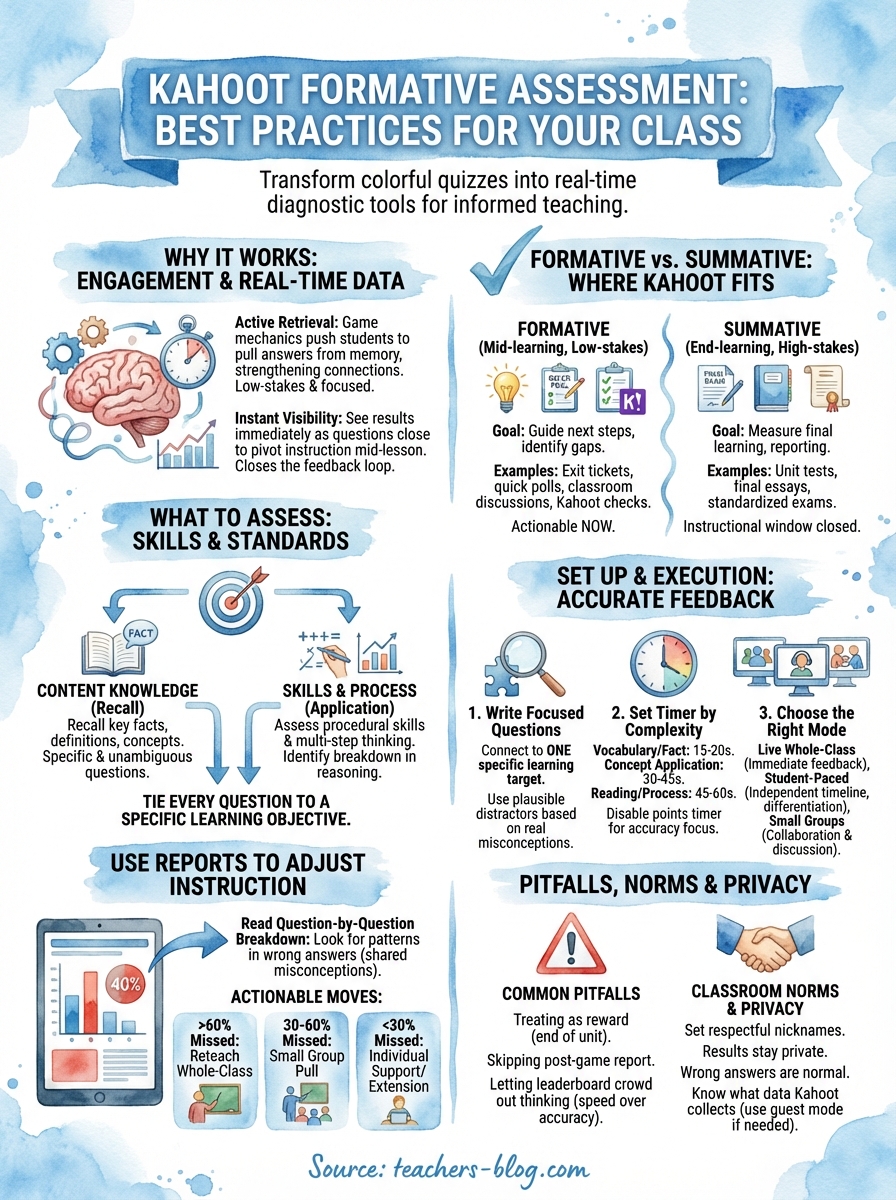
The default timer in Kahoot is 20 seconds, which works fine for straightforward recall questions. For questions that require students to read a short passage, interpret a chart, or work through a multi-step process, you need to push the timer to at least 45 to 60 seconds. Rushing students on complex questions produces guesses, not genuine responses, and guesses hand you inaccurate data that can push your instruction in the wrong direction.
You can also disable the points timer in Kahoot’s settings, which removes the score bonus students earn for answering quickly. That one adjustment shifts focus away from speed and toward accuracy, which is exactly what formative data requires. When students chase points instead of thinking through the question, the leaderboard reflects reflexes rather than understanding.
Here’s a quick reference for matching timer length to question type:
| Question type | Recommended timer |
|---|---|
| Vocabulary or fact recall | 15 to 20 seconds |
| Concept application | 30 to 45 seconds |
| Reading or process-based | 45 to 60 seconds |
Run the activity: live, small group, or solo
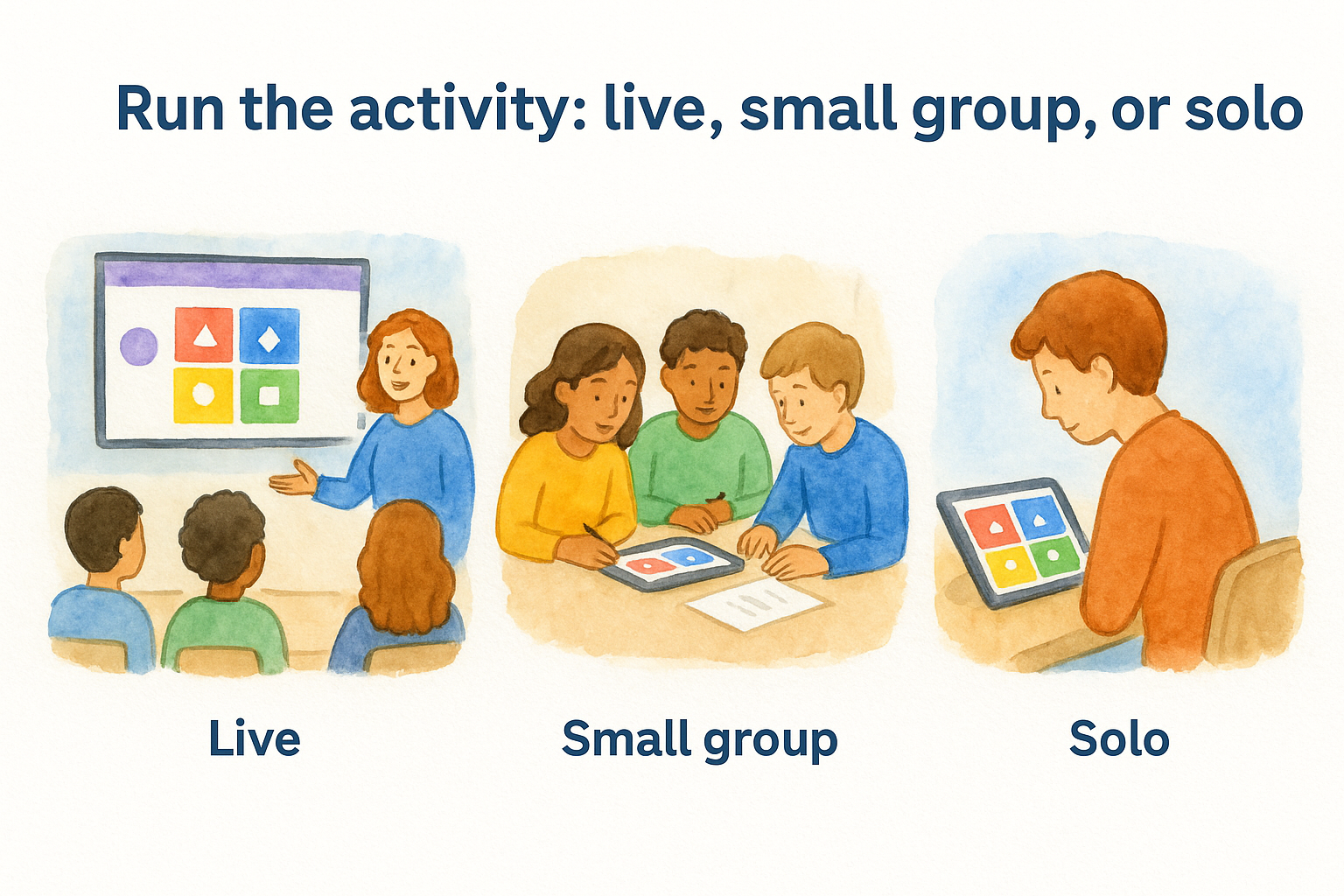
How you run your kahoot formative assessment matters as much as how you build it. Kahoot gives you three distinct modes to work with, and each one serves a different instructional context. Picking the right format for the moment helps you collect cleaner data and keeps the activity from feeling repetitive to students who see Kahoot multiple times a week.
Live whole-class mode
Live mode is the format most teachers default to, and it works well when you want immediate whole-class feedback at a specific moment in a lesson. You control the pace, everyone responds at the same time, and the results screen after each question gives you an instant read on where the class stands. That visible breakdown is useful because you can pause right there and address a misconception before moving forward.
Running a quick live Kahoot at the start of class is one of the most efficient ways to check whether students retained the previous lesson before you build on it.
Keep live sessions short. A five-to-eight-question quiz takes about five to ten minutes, leaves you with specific data to act on, and doesn’t eat into your core instruction time. When you see a question where most of the class missed the mark, name it out loud, spend two minutes clarifying, and then move on.
Small groups and student-paced mode
Student-paced mode, sometimes called "assign" mode in Kahoot, lets students work through the quiz on their own timeline rather than racing against a shared countdown. This format works well in small group rotations, where different groups are working on different tasks and you need an independent activity that still generates useful data for you to review later.
Small groups also change the social dynamic in a useful way. When students work through a Kahoot in pairs or trios, they talk through the answers, which surfaces reasoning that the click data alone won’t capture. You can circulate and listen to those conversations while the groups work, adding a qualitative layer on top of the report you’ll review afterward. Both pieces together give you a more complete picture of where understanding breaks down than either one provides on its own.
Use Kahoot reports to adjust instruction
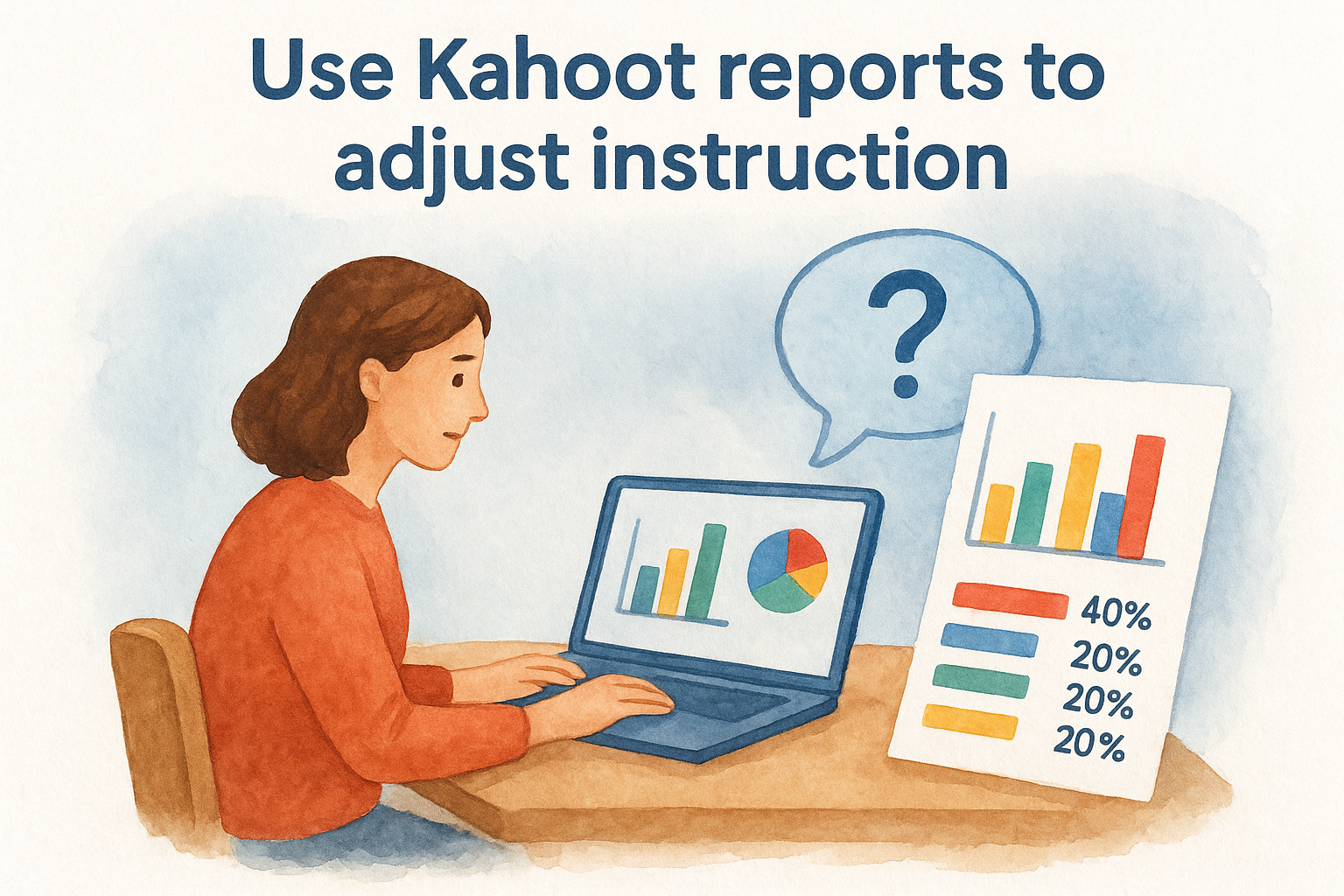
Running the quiz is only half the work. The real value of a kahoot formative assessment shows up when you open the post-game report and start reading what students actually got right and wrong. Kahoot automatically generates a question-by-question breakdown the moment a game ends, and that report is where your instructional decisions should start.
Read the question-by-question breakdown
Each report shows you the percentage of students who selected each answer choice, not just whether the class got it right or wrong overall. That level of detail is what makes the data usable. When you see that 40% of your students all chose the same wrong answer, that’s not random guessing, that’s a shared misconception pointing directly at something specific in your instruction.
The most actionable data in a Kahoot report isn’t the overall score, it’s the pattern of wrong answers clustering around a single distractor option.
Look at which distractors attracted the most responses. If students are consistently drawn to a particular wrong answer, it usually means they partially understand the concept but have a specific gap in how they’re applying it. That’s much easier to address than a situation where wrong answers are scattered randomly across all three incorrect options, which signals broader confusion rather than one fixable misunderstanding.
Turn the data into a teaching decision
Once you’ve identified the questions where the class struggled, you have three practical moves available. First, you can address the misconception directly at the start of the next class with a short reteach before moving on. Second, you can pull the students who missed a specific question into a brief small-group session while the rest of the class works independently. Third, you can revise your upcoming lesson to spend more time on the concept before building onto it.
Here’s a simple framework for deciding which move to make based on the report data:
| Percentage who missed the question | Recommended action |
|---|---|
| More than 60% | Reteach the concept whole-class |
| 30% to 60% | Small-group pull during independent work |
| Fewer than 30% | Individual follow-up or differentiated task |
Checking your reports consistently after every quiz also helps you notice patterns across time. If the same standard keeps showing weak results over multiple weeks, that tells you the issue is bigger than a single lesson gap.
Differentiate and support all learners
A kahoot formative assessment only gives you the full picture when every student in your room can genuinely access the questions. If the quiz language is too complex, if the timer is too short, or if the format doesn’t account for different readiness levels, you’re collecting data with gaps in it. Differentiation at the quiz-building stage, not just after you see the results, is what makes your formative data representative of the whole class.
Adjust the quiz for different readiness levels
You don’t need to build three separate quizzes to differentiate a Kahoot. Small adjustments inside a single quiz can make a significant difference for students who need more processing time or who are still building foundational understanding. Extending the timer for all students helps learners who need more time to read and process without singling anyone out in front of the class.
Kahoot’s student-paced mode is especially useful for differentiation because it removes the social pressure of the class leaderboard entirely, letting students respond based on their own thinking.
For students with IEPs or 504 plans that include extended time accommodations, student-paced mode is a straightforward way to honor those accommodations without creating a separate activity. You can also simplify question language when the goal is assessing content understanding rather than vocabulary. If the wording of a question trips students up, the wrong answers you collect reflect a language barrier, not a knowledge gap, and that difference matters when you’re deciding what to reteach.
Use results to support students who need it most
Once you’ve run your quiz, the individual student report in Kahoot shows you exactly which students missed which questions, not just how the class performed on average. That breakdown lets you target your follow-up support precisely instead of reteaching content that half the class already understands.
Pull students who missed multiple questions in the same standard into a small group session the next day while other students move forward or work on an extension task. This avoids the trap of pacing your whole class to the lowest result. Students who already demonstrated mastery stay engaged with new material, and students who need more support get focused attention rather than another whole-class explanation they may already be tuning out.
Common pitfalls and how to avoid them
Even well-designed quizzes fall flat when teachers skip the steps that make a kahoot formative assessment actually work. Most of the mistakes that undermine Kahoot’s usefulness aren’t about the tool itself. They’re about how teachers approach the activity before, during, and after the game ends. Knowing where things typically go wrong gives you a clear path to avoid those same mistakes in your own classroom.
Treating Kahoot as a reward instead of a diagnostic tool
When you only run Kahoot at the end of a unit or on a Friday as a fun wrap-up, you lose the instructional timing that makes formative data useful. At that point, there’s no room to adjust your teaching based on what the results show. The window to reteach has already closed.
Kahoot belongs at the beginning or middle of a learning sequence, not at the end, because that’s when the data can still change what you do next.
Shift your default by placing a short Kahoot check early in a lesson or at the start of a new topic. That positioning gives you room to respond to the results while there’s still time to fill the gaps you find.
Skipping the post-game report
Running the quiz and then closing the tab means you’ve collected data you never looked at. The post-game report is not optional if you’re using Kahoot as a formative tool. It’s the entire point. Many teachers skip it because analyzing results feels like extra work after the lesson ends, but the report only takes a few minutes to scan.
After each quiz, open the breakdown and identify the one or two questions where the most students chose the wrong answer. Write those concepts down and address them at the start of your next class. That small habit closes the feedback loop that formative assessment depends on.
Letting the leaderboard crowd out honest thinking
When students focus entirely on finishing first to earn more points, the speed pressure can push them to guess rather than think. Guesses produce inaccurate data, which leads you to make the wrong instructional call.
Turn off the timer-based point bonus in your Kahoot settings before you run a formative quiz. Students can still see a results screen, but the shift away from speed scoring nudges them to engage with each question more carefully, which gives you responses that actually reflect their understanding rather than their reaction time.
Student data, privacy, and classroom norms
Before you run a kahoot formative assessment with your class, you need to understand what data Kahoot collects, who can see it, and how your school’s privacy policies apply. Skipping this step isn’t just a compliance issue. It directly affects whether students and families can trust the tool you’re using in your classroom.
Know what Kahoot collects and stores
Kahoot collects response data, usernames, and device information during a game session. When students create accounts, Kahoot also stores profile information tied to those accounts. For students under 13, the platform falls under the protections of the Children’s Online Privacy Protection Act (COPPA), which means you need to confirm your school or district has a data privacy agreement in place with Kahoot before students log in with personal accounts.
If your district has not signed a data processing agreement with Kahoot, the safest option is to run games in guest mode so no personal student data is linked to the session.
Guest mode lets students join with a nickname rather than an account, which limits what gets stored. You lose some of the individual tracking features, but you still get question-level response data at the class level, which is often enough for day-to-day formative purposes.
Set classroom norms before you play
The social dynamics of Kahoot can create problems if you don’t set clear expectations from the start. Students who choose inappropriate nicknames or who use the leaderboard to mock lower-scoring classmates undermine the safe environment that good formative data requires. Address this directly the first time you run a Kahoot, not after an incident occurs.
A few norms worth establishing with your class:
- Nicknames must follow the same rules as any other classroom communication
- Results on the leaderboard stay in the room and are not discussed publicly after class
- Wrong answers are normal and expected, because the point of the quiz is to find gaps, not to perform for an audience
- Students who finish quickly should review their answers rather than watch the timer
Holding students to these norms consistently makes Kahoot feel like a low-pressure learning tool rather than a public performance, which is exactly the environment your formative data needs to be accurate.
Final thoughts
Kahoot formative assessment is most powerful when you treat it as a diagnostic habit rather than an occasional event. Every quiz you run gives you a window into what your students actually understand, but only if you build questions with clear targets, adjust the settings to prioritize accuracy over speed, and review the report before your next lesson. Those three steps together are what separate a meaningful check for understanding from a game that simply fills time.
You already have the tool. The difference between using it well and using it as background noise comes down to intentional design and consistent follow-through on the data it hands you. Start small, run a five-question check this week, and look at the results before you plan tomorrow’s lesson. If you want more strategies for making your classroom work smarter, explore what The Cautiously Optimistic Teacher has to offer.