How to Use a Visible Timer Without Rushing Your Lesson
A classroom activity can have a clear starting point and still end awkwardly. One group finishes early, another is halfway through a discussion, and the teacher has to decide whether to extend the task or move on. A visible timer gives everyone a shared reference, but the number on the screen is only useful when students know what they are trying to complete.
The most useful question is therefore not “How many minutes should I give them?” It is “What should students have ready when this part of the lesson ends?” Start there, and the countdown becomes part of the instructions rather than an extra source of pressure.
Give the countdown a specific job
Before setting a duration, define a small, observable outcome. For a warm-up, students might write one question about yesterday’s lesson. During paired reading, they could identify a claim and one supporting detail. A group discussion might end with a shared answer and a reason for choosing it.
These outcomes are more useful than asking students to “work until the timer ends.” They give early finishers a way to check their work and help you decide whether a group needs more time. Put the task beside the timer, on the board or in a short instruction slide, so students can see both the purpose and the remaining time.
Choose a display the room can actually read
A small clock in the corner of a laptop does little for students at the back. Test the display from their seats before the lesson. Check the size of the digits, the contrast and whether menus or other windows cover the countdown.
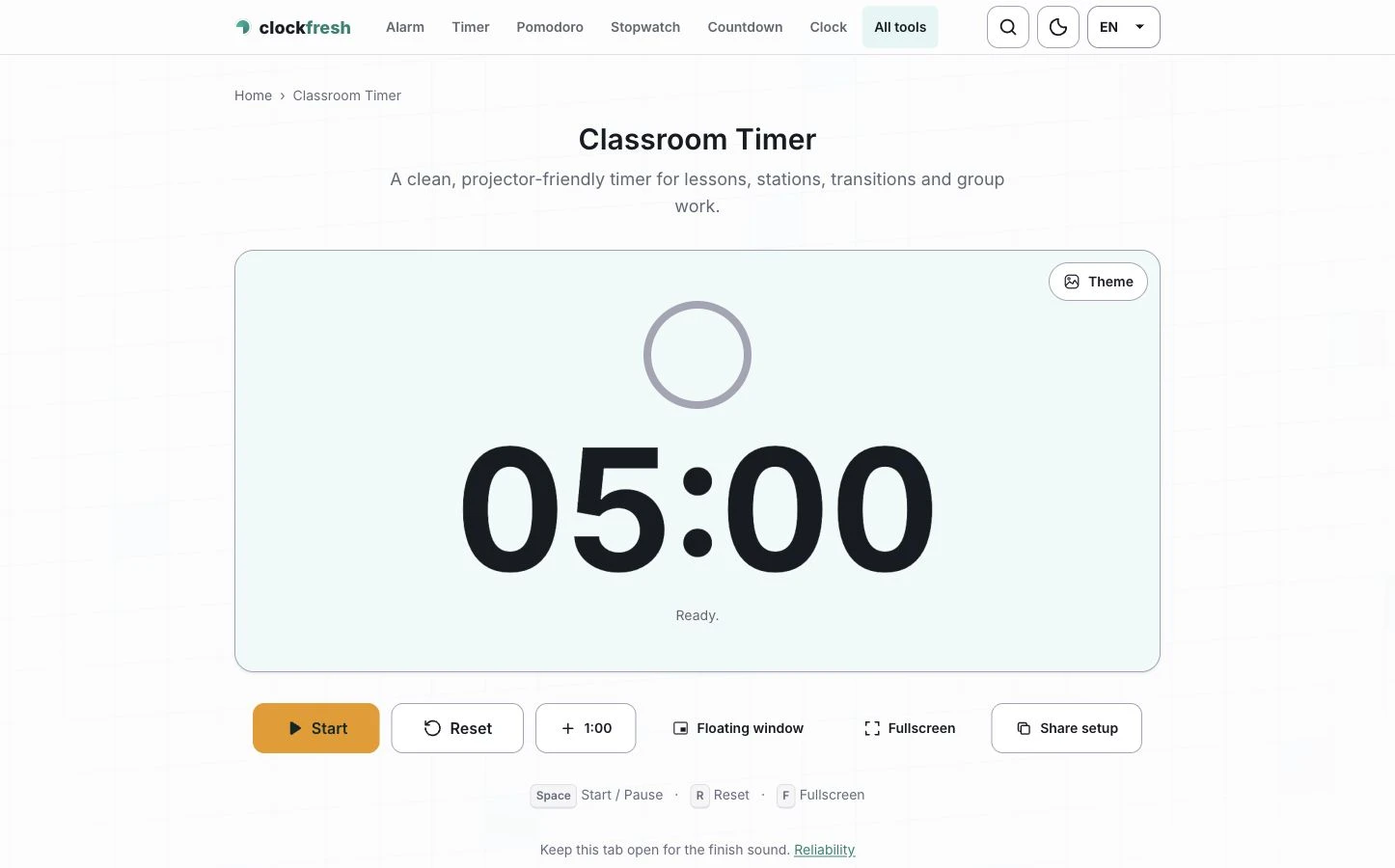
ClockFresh is one option for browser-based time tools without an account or advertising around the timer. Its fullscreen timer provides a large countdown that can be shown on a classroom display. Open it on the device connected to the projector and use the fullscreen control when the browser supports it.
The classroom timer is another useful starting point for lesson activities. Whichever view you choose, keep the same simple layout during the task. Students should not have to interpret a different screen every time the lesson moves to a new stage.
Build a transition into the activity
Consider a short group task with a ten-minute working period. Explain the question, ask each group to choose someone who will share its answer, and tell students what to do when time is nearly up. A final minute might be reserved for agreeing on the answer rather than beginning a new discussion.
When the countdown ends, use a familiar instruction: finish the sentence you are writing, save your work, or turn towards the board. A timer cannot make that decision for the class. It simply makes the transition predictable.
Station rotations need a similar distinction. Time for the activity and time for moving are separate parts of the lesson. If students need to tidy equipment or change tables, allow that time explicitly instead of treating movement as unfinished work.
Adjust the plan when the task needs it
The duration is a planning choice, not a measure of ability. A reading task may need more time than expected because the text is unfamiliar. A discussion may reach an interesting question that deserves another minute. Pause or extend the countdown when there is a clear reason, and explain the change briefly.
For students who find visible time distracting, consider showing the countdown during transitions rather than throughout demanding work. You can also announce a finishing window and provide a clear minimum outcome, followed by an optional extension task.
Keep the setup practical
Check the sound before students arrive and choose whether a quiet visual finish or an audible alert suits the activity. ClockFresh’s browser timer needs the page to remain open for its finish sound. Offline reopening also depends on the page having been cached on that device beforehand.
After the lesson, note whether the duration matched the task. Did students understand the finishing instruction? Was there enough time to share an answer? Did the transition interrupt useful work? Those observations will help with the next lesson more than choosing a different countdown colour.
A visible timer works best as a shared classroom cue: a clear task, a readable display and a sensible finishing routine. The teacher still sets the pace. The timer helps everyone follow it.