7 Nearpod Formative Assessment Activities for Any Lesson
You just taught what you thought was a solid lesson. The examples landed, the discussion had energy, and heads were nodding. Then you look at the exit tickets and realize half the class missed the point entirely. Sound familiar? That gap between what we think students understood and what they actually understood is exactly why nearpod formative assessment tools have become a go-to for teachers who want real-time insight into student thinking, not just a hopeful guess.
Nearpod gives you more than a slideshow. Its interactive features let you check for understanding while the lesson is still happening, which means you can adjust on the fly instead of discovering problems after the fact. Whether you’re using polls, open-ended questions, or collaborative boards, each tool serves a specific purpose in gauging where students are.
Here at The Cautiously Optimistic Teacher, we’re always looking for practical strategies and tools that make teaching more effective without adding more to your plate. This list breaks down seven Nearpod formative assessment activities you can drop into any lesson, along with how and when to use each one for maximum impact.
1. Nearpod Quiz
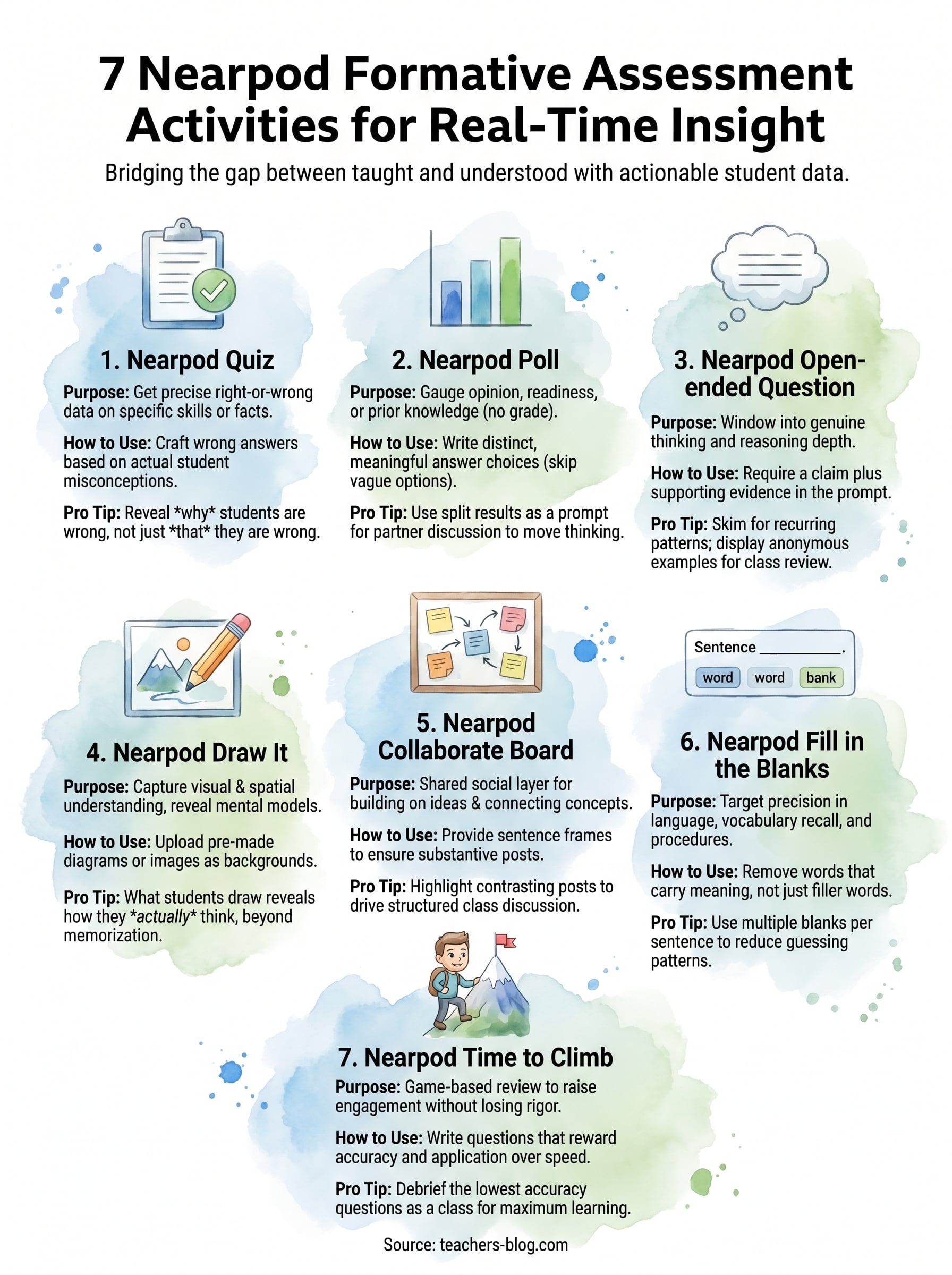
The Nearpod Quiz is the most direct nearpod formative assessment tool in the platform. You assign multiple-choice questions, students answer on their devices, and you see every response in real time before moving on. That immediate visibility is what makes it so useful mid-lesson.
What this activity measures best
Quizzes work best when you need clear right-or-wrong data on a specific skill or concept. Use them to check whether students can identify a vocabulary term, apply a procedure, or recall a key fact from the reading. They are less useful for measuring depth of reasoning, but they give you precise accuracy data fast, which is exactly what you need when you’re deciding whether to move on or loop back.
How to build a quiz that reveals misconceptions
The value is in your wrong answer choices. Instead of using random distractors, write answers that reflect actual student errors you have seen before. If a student picks a specific wrong answer, that choice tells you exactly what misconception is driving the mistake rather than just confirming they got it wrong.
A question that reveals why students are wrong is worth ten questions that only tell you they are wrong.
How to use the results to reteach fast
Nearpod shows you response distribution by answer choice, so you can see at a glance whether one wrong answer pulled most of the class. If more than 30% of students selected the same incorrect option, that is your signal to stop and address that specific gap before continuing. You do not need to reteach the full concept, just target the exact point of confusion. This keeps your lesson moving without leaving students behind.
How to write better questions in less time
Writing quality questions is the most time-consuming part of building a quiz. One practical move is to use an AI question generator to draft questions from your lesson content, then revise the distractors based on what you already know about your students’ common errors. This approach cuts your question-writing time significantly while keeping the diagnostic value intact.
2. Nearpod Poll
The Nearpod Poll is the fastest nearpod formative assessment option when you need a quick temperature check without the pressure of a grade. Students pick from a set of options, and you see the full class distribution instantly on your screen before moving forward.
When a poll beats a quiz
Use a poll when your goal is gauging opinion or readiness, not measuring right-or-wrong accuracy. Polls work especially well at the start of a lesson to surface prior knowledge or right after a reading to capture initial reactions before you open class discussion.
How to write poll answers that give you useful data
Skip vague options like "agree" or "disagree." Write specific, distinct answer choices that represent meaningfully different thinking positions. The more precise your options, the more actionable the data you get back from your class.
A poll with lazy answer choices tells you nothing useful about where your students actually are.
How to respond to results in the moment
When you see a split in results, use it as a discussion prompt rather than a problem to fix immediately. Ask students to defend their choice to a partner, then re-poll. Watching the distribution shift tells you whether that conversation actually moved thinking.
How to use polls for the 70/30 classroom balance
Polls help you keep the student-to-teacher talk ratio in check. When results show strong class confidence, you can hand the discussion over to students faster instead of continuing to explain something they already understand.
3. Nearpod Open-ended Question
The Nearpod open-ended question gives students a text field to respond in their own words, and it gives you a window into actual thinking rather than a selection from a predetermined list. This makes it one of the most powerful nearpod formative assessment tools on the platform when you need depth over speed.
When you need thinking, not guessing
Multiple-choice questions let students eliminate and guess. An open-ended prompt removes that option entirely, which means every response reflects genuine understanding or a genuine gap. Use this activity after introducing a new concept, when you need to know whether students can explain an idea in their own words rather than simply recognize a correct answer.
How to prompt for evidence and reasoning
Weak prompts get weak responses. Write prompts that require a claim plus support, such as "What caused X and what is your evidence from the text?" This structure forces students to move past surface-level recall and push into actual reasoning.
A prompt that asks "why" or "how do you know" will always produce more useful data than one that only asks "what."
How to scan responses quickly without missing patterns
Nearpod displays all student responses on your teacher dashboard at once. Skim for recurring phrases or shared errors rather than reading every response in full. Those patterns tell you where the class is collectively struggling.
How to give feedback that moves learning forward
Select two or three student responses that represent different levels of understanding and display them anonymously for the class to discuss. This turns individual answers into a shared learning moment without putting any single student on the spot.
4. Nearpod Draw It
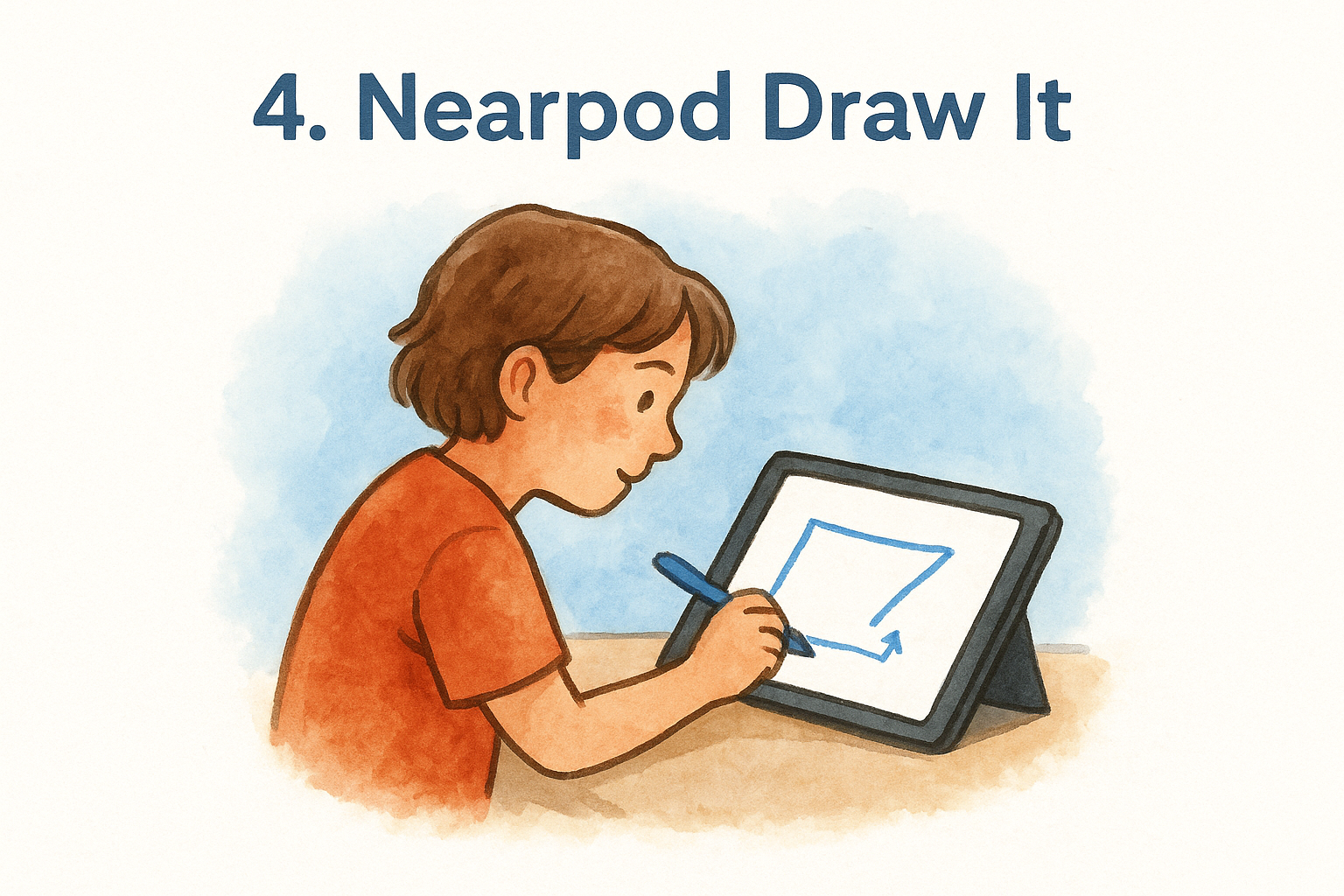
Draw It gives students a blank canvas to annotate, sketch, or label directly on their devices. This nearpod formative assessment tool captures what students understand visually, which is something typed answers simply cannot do. When you look at a class set of drawings, patterns in misunderstanding show up fast.
What Draw It reveals that text answers miss
A student can write the correct term and still have a completely wrong mental model of the concept. Draw It forces them to show their thinking spatially, which exposes confusion that multiple-choice and short-answer formats never surface. A mislabeled diagram or a backwards process flow tells you far more than a blank text box.
What students draw reveals how they actually think, not just what they have memorized.
How to set up a clear canvas and directions
Upload a pre-made image or diagram as the background so students are not starting from scratch. Write the directions directly on the slide, not just in your verbal instructions, so every student has a clear reference while working.
Best uses by subject area
Draw It works especially well in science for labeling diagrams, in math for showing problem-solving steps, and in ELA for mapping story structure or plot arcs. Any concept with a visual or spatial component is a strong candidate.
How to sort responses into quick reteach groups
Scan the student submissions on your teacher dashboard and sort them mentally into three groups: on track, partially correct, and significantly off. Pull one example from each group to display anonymously, then address the gaps together before moving on.
5. Nearpod Collaborate Board
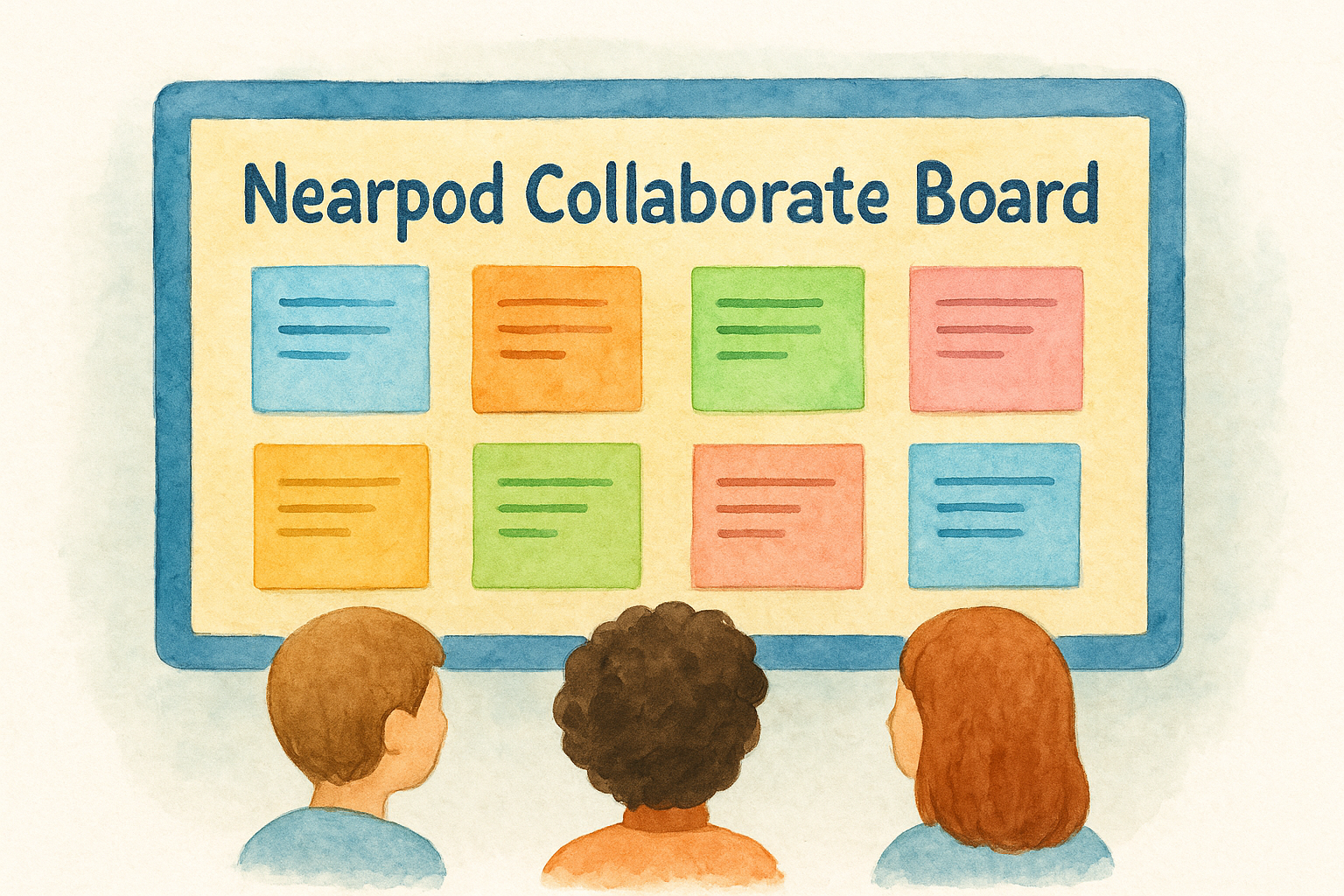
The Collaborate Board is a shared space where every student posts a response visible to the whole class at once. As a nearpod formative assessment tool, it works differently from a quiz or poll because students build on each other’s thinking rather than responding in isolation. That social layer makes it useful for capturing how students connect ideas and react to thinking they did not generate themselves.
How to turn responses into a class discussion
Once students post, do not let the board sit there. Highlight two or three posts that represent contrasting viewpoints, then ask the class to explain which one they find most convincing and why. This turns individual responses into a structured discussion prompt without you carrying the conversation.
The Collaborate Board is most valuable when you use student posts to drive discussion, not just collect them.
How to set norms that keep posts useful
Before students open the board, give them one specific sentence frame, such as "I think ___ because ___." This prevents one-word posts and keeps every contribution substantive from the start.
Ways to use anonymity without losing accountability
Nearpod lets you display posts without student names visible to the class, which lowers the social risk of sharing a half-formed idea. Keep names visible on your own dashboard so you can still track who contributed and follow up privately if needed.
How to capture takeaways for your next lesson
After the board fills, take a screenshot before the session ends. Reviewing it later helps you spot recurring reasoning gaps that slipped past during live discussion, giving you a ready-made starting point for your next lesson.
6. Nearpod Fill in the Blanks
Nearpod Fill in the Blanks gives students a sentence or passage with key terms removed, and they type their answers directly into the gaps. As a nearpod formative assessment tool, it targets precision in language and recall, which makes it different from open-ended questions that accept any reasonable response.
Best use cases for vocabulary and procedures
This activity works best when exact terminology matters. Use it to check whether your students can recall specific vocabulary, name steps in a procedure, or complete a definition without any hints. Science and math benefit especially when students need to reproduce process language accurately.
How to design blanks that check understanding
Remove words that carry meaning, not filler words. Blanking out a subject-specific term forces students to retrieve it actively, while blanking out "the" tests nothing. Write sentences where the missing word is the concept itself, so every blank demands real knowledge.
A well-placed blank reveals whether students own the vocabulary or just recognize it when they see it.
How to prevent students from guessing patterns
Vary blank placement and sentence length across your questions so students cannot predict where answers fall. Using multiple blanks per sentence also reduces guessing because each gap depends on the others being correct.
How to follow up when accuracy looks high but mastery is low
High scores do not always mean deep understanding. If your students filled in the blanks correctly but then struggled on a follow-up open-ended question, that gap signals surface-level recall without real comprehension. Ask students to explain the term in their own words before you move on.
7. Nearpod Time to Climb
Time to Climb is Nearpod’s game-based quiz format where students answer multiple-choice questions and watch their avatar advance up a mountain based on accuracy. As a nearpod formative assessment tool, it works differently from a standard quiz because the competitive element raises engagement without changing the underlying diagnostic purpose.
When to use games without losing rigor
Use Time to Climb for review sessions and end-of-unit checks when you want high participation without more lecturing. The game format pulls in students who disengage during traditional quizzes, which means you get more honest response data from a wider portion of your class.
How to write questions that reward accuracy over speed
Time to Climb awards points based on correct answers, not response time, so every question should demand real thinking rather than fast recall. Write questions that require applying a concept, not just naming one.
Questions that reward thinking over speed give you data that actually reflects understanding.
How to debrief results so learning sticks
After the game ends, pull up the results dashboard and address the two or three questions with the lowest accuracy rates as a class. This debrief is where the real learning happens, so do not skip it.
How to keep competition inclusive for all learners
Display the leaderboard selectively and remind students that each correct answer advances their avatar regardless of where they rank. Frame the goal as beating their own previous score, which keeps lower-performing students invested rather than discouraged by where they land on the board.
Next Steps
You now have seven nearpod formative assessment activities that fit almost any lesson, any subject, and any grade level. The key is not using all of them at once. Pick one or two that match your current learning objectives and build from there. A well-placed poll or open-ended question mid-lesson will give you more usable data than a dozen activities you rushed through.
Start small. Run a quiz or a Collaborate Board in your next lesson and pay close attention to what the results actually tell you about student thinking. Let that data drive your next instructional move rather than your original plan. Over time, mixing these tools will help you build a clearer picture of where your students are before, during, and after each lesson.
For more practical strategies and tools like these, visit The Cautiously Optimistic Teacher and explore resources built specifically for educators who want to teach smarter.